Feedbacks
Updated: September 22, 2026
The Feedback feature allows you to collect instant and valuable feedback from your guests, which you can use to improve your service and business.
Start creating one right now!
To access the Feedbacks tab, you would need to go to Guests & Engagement > Feedbacks as seen below:
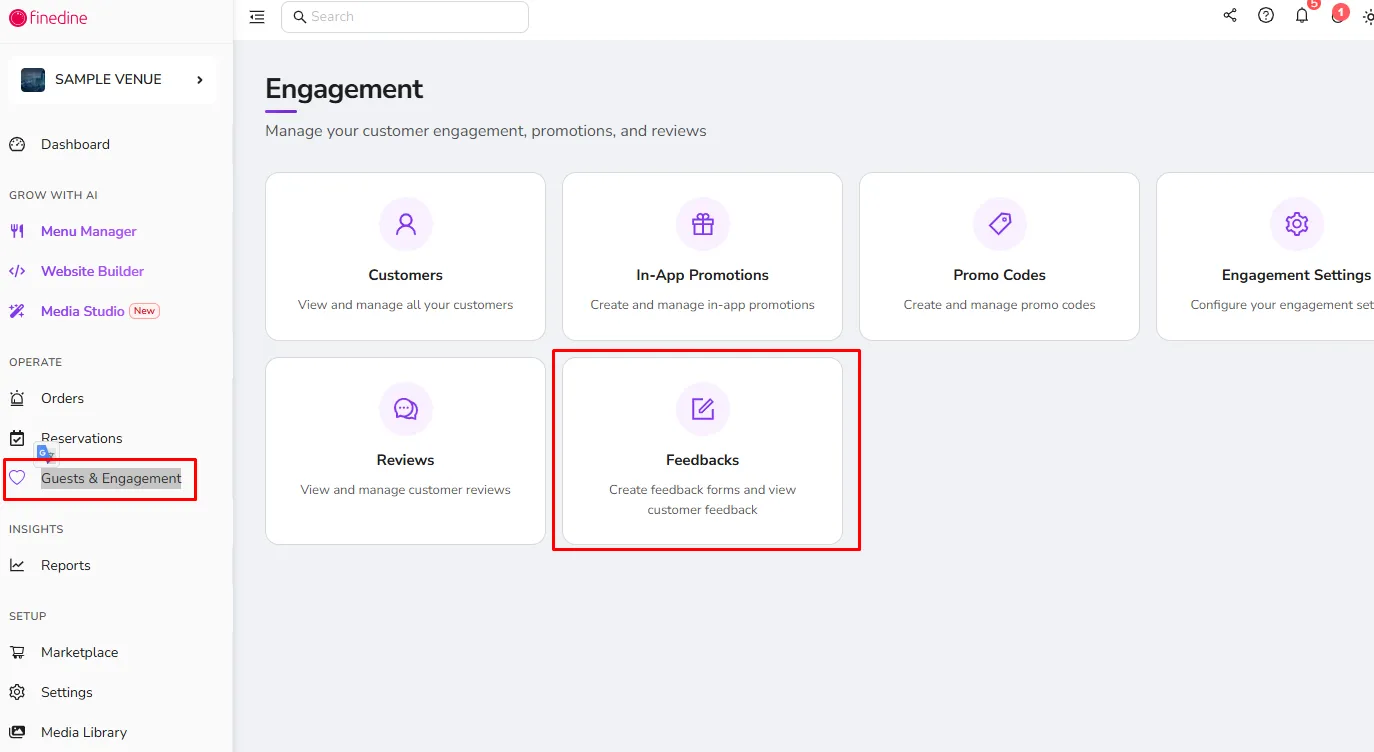
HEAR FROM YOUR GUESTS!
To collect feedback from your guests on the system:
- Switch to Feedbacks tab on the Dashboard
- Go to the Forms tab
- Click to "Create a Form" button to assemble your own survey!
*The four question types you can use are: Text, Smiley, Rating and Yes/No questions.
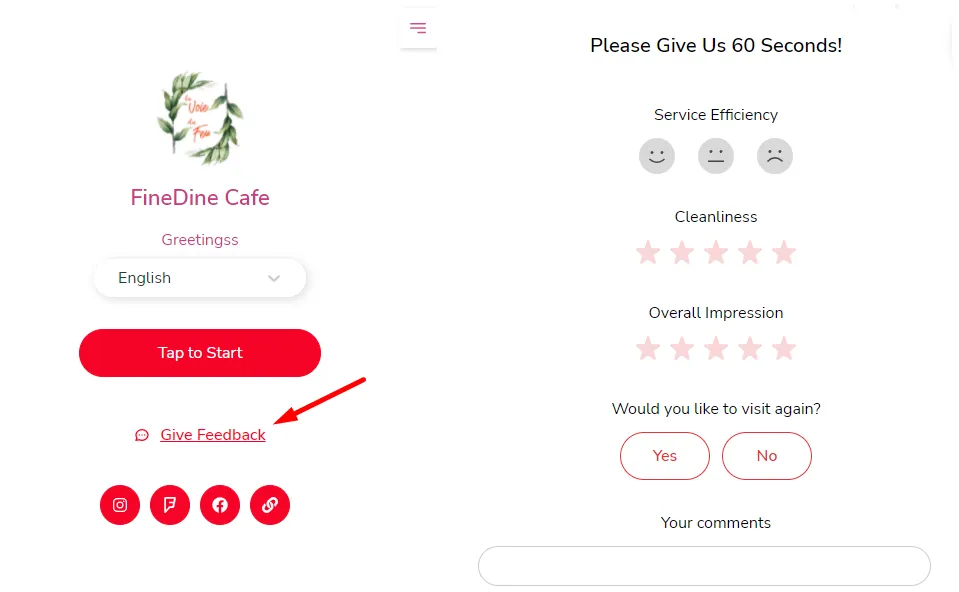
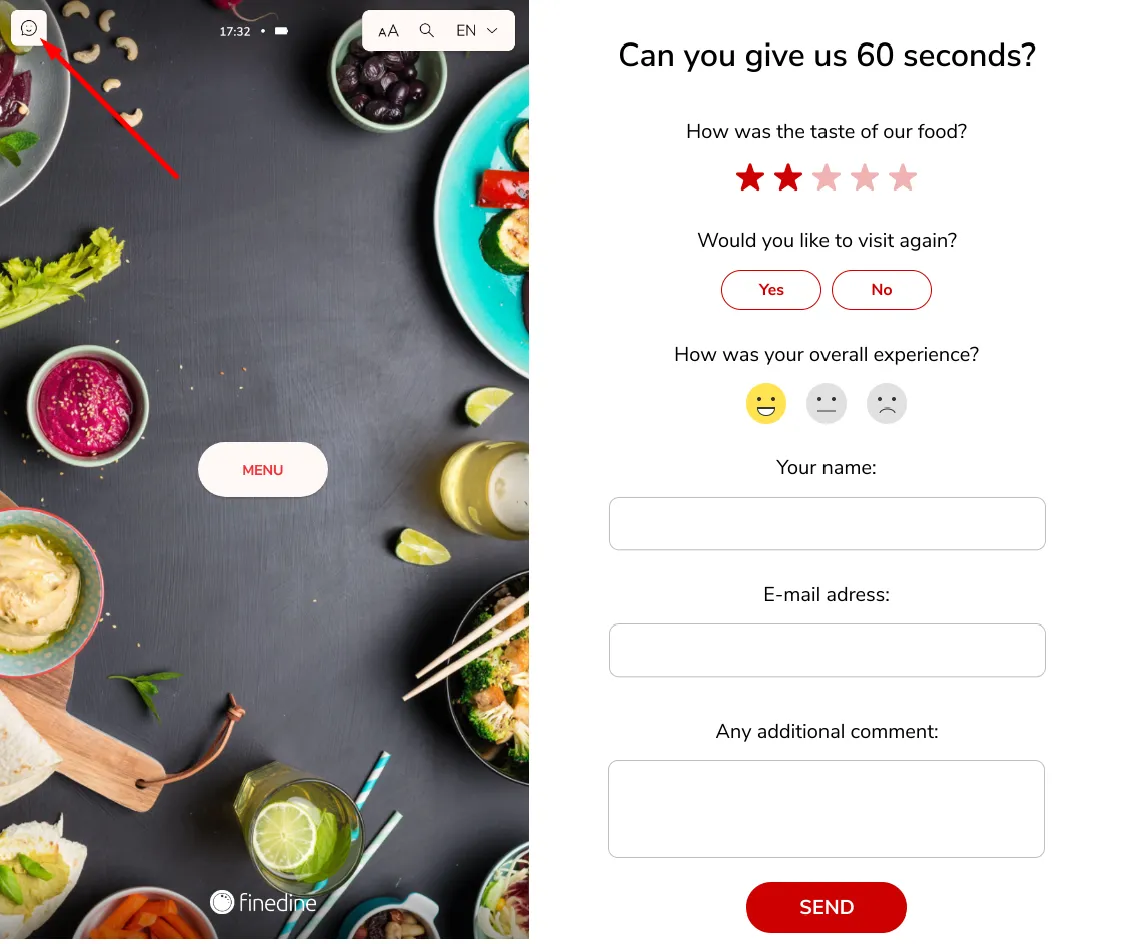
Feedback form can easily be reached by your customers:
- for Dine-In QR and Delivery & Pick-Up Menus
- for Tablet Menu
VIEW AND MANAGE FEEDBACK
All received forms can be seen and even can be imported as a CSV file under the "Feedback" tab.
You may easily edit an existing form from the Forms tab.
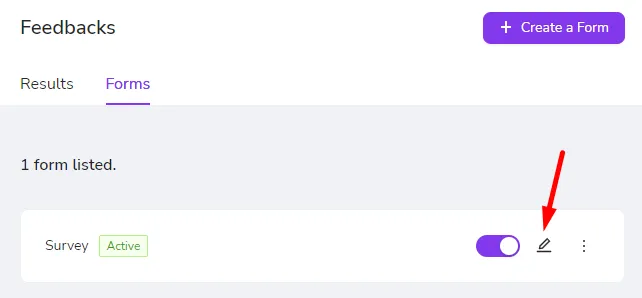
Where you can edit your questions and change the name of your form by the Settings button.
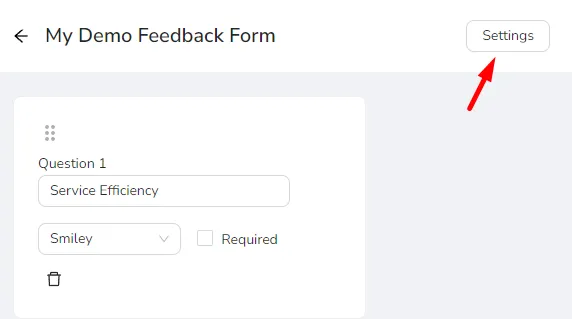
You can also enter the email addresses that will receive the feedback results from here
Was this article helpful?
Related articles
- What is on the Dashboard?
- Menu ManagementAll you need to know on how to manage your Menu information
- Creating an AI-Generated Website for Your BusinessGenerate and publish a business website using an AI-powered website builder, customize its content and design, and enable reservations and online ordering.
- AI Brand Kit
Still need help?
Our support team is here for you. Start a chat and we'll get you an answer.