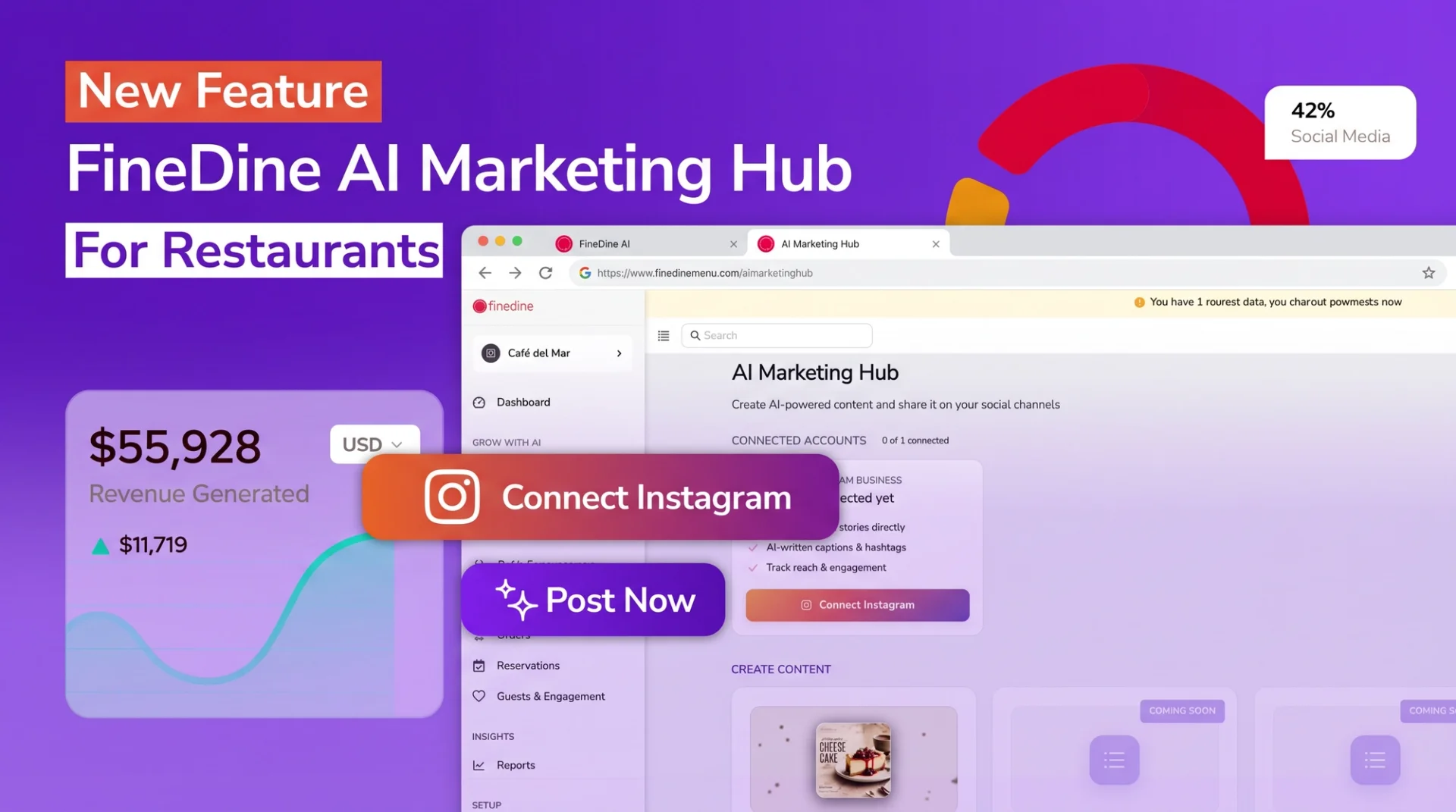
FineDine AI Marketing Hub is live. Our new restaurant marketing tool lets restaurant owners produce Instagram posts from a single panel, generate captions and hashtags with FineDine AI, and publish directly to their Instagram Business account.
This article walks through the features and the workflow that bring your restaurant marketing into one place.
1. What is FineDine AI Marketing Hub?
FineDine AI Marketing Hub is a restaurant marketing tool that lets restaurant owners produce, edit, and publish Instagram content from a single panel. It combines a template library, FineDine AI–powered content generation, multi-format support, and direct Instagram publishing in one workflow.
Upload a menu image, pick a template, and you have a publish-ready Instagram post.
2. What features does this restaurant marketing tool include?
AI Marketing Hub brings the core restaurant marketing workflow into one place. It includes:
- Template library: Restaurant-specific designs organized by use case — new item announcements, promotions, seasonal themes, brand stories.
- FineDine AI caption and hashtag suggestions: Automatically generated from the image you upload and the template category you select.
- Multi-format support: Feed posts at 1:1, 4:3, 16:9, and 3:4; stories at 9:16 vertical.
- Optional logo placement: Your business logo positioned on the template with automatic corner alignment.
- Direct Instagram Business publishing: Publish immediately or schedule for later.
- Single-panel management: The entire workflow runs inside your FineDine panel — no additional apps or accounts needed.
3. How does AI Marketing Hub work?
The workflow runs in three steps:
Pick a template. Choose from a library of restaurant-specific designs.
Upload your image. Select an existing menu visual from your FineDine catalog or upload a new one. FineDine AI places it inside the chosen template, sized and aligned automatically.
Edit and publish. Review the caption and hashtags FineDine AI suggests. Edit anything that doesn't match your voice. When you're ready, publish directly to your Instagram Business account or schedule it for later.
End-to-end, this averages two to three minutes.
4. Which content formats are supported?
AI Marketing Hub supports separate aspect ratios for Instagram's feed and stories:
- Feed posts: 1:1, 4:3, 16:9, and 3:4
- Stories: 9:16
Food shots perform best at 1:1 or 3:4. Event and campaign announcements often work better at 16:9. The story format works for daily menu updates, limited-time offers, or event announcements.
5. How does FineDine AI generate captions and hashtags?
Caption and hashtag suggestions take their context from the menu image you upload and the template category you select. Upload a pizza image with a "new item announcement" template, and FineDine AI recognizes the dish, drafts a product-focused caption, and suggests a hashtag set appropriate for the restaurant industry.
Every suggestion is fully editable. Rewrite sentences to fit your brand voice, remove hashtags that don't apply, or add your own.
6. How are logos and brand identity placed on templates?
You can optionally place your business logo on any template. The logo's corner position adapts automatically to the template layout, so no manual alignment is required.
This matters most for multi-location restaurants or operators managing several Instagram accounts. Even when different templates are used across posts, the logo appears in the same position at the same size.
7. How do you connect your Instagram Business account?
AI Marketing Hub requires an Instagram Business account. Personal Instagram accounts aren't supported — this is an Instagram developer policy, not a FineDine choice.
Connection runs through standard Meta OAuth and takes about a minute:
Click "Connect Instagram" from your FineDine panel
The Meta authorization screen opens
Select your account and approve the requested permissions
If you don't yet have a Business account, you can convert your existing personal account from the Instagram app's settings — no follower loss, no data loss.
8. How do you start using AI Marketing Hub?
AI Marketing Hub is included in your existing FineDine plan — no separate subscription. Once you log in, you'll find "AI Marketing Hub" in the left-side panel navigation.
The only setup step required before your first post is connecting your Instagram Business account. When you create a post, you can pick an image from your FineDine menu catalog or upload a new photo directly.
Once your Instagram Business account is connected, your first post takes about two to three minutes.
FineDine AI Marketing Hub is now live in your panel — a complete social media marketing solution for restaurants. Try it free for 14 days and publish your first post today.