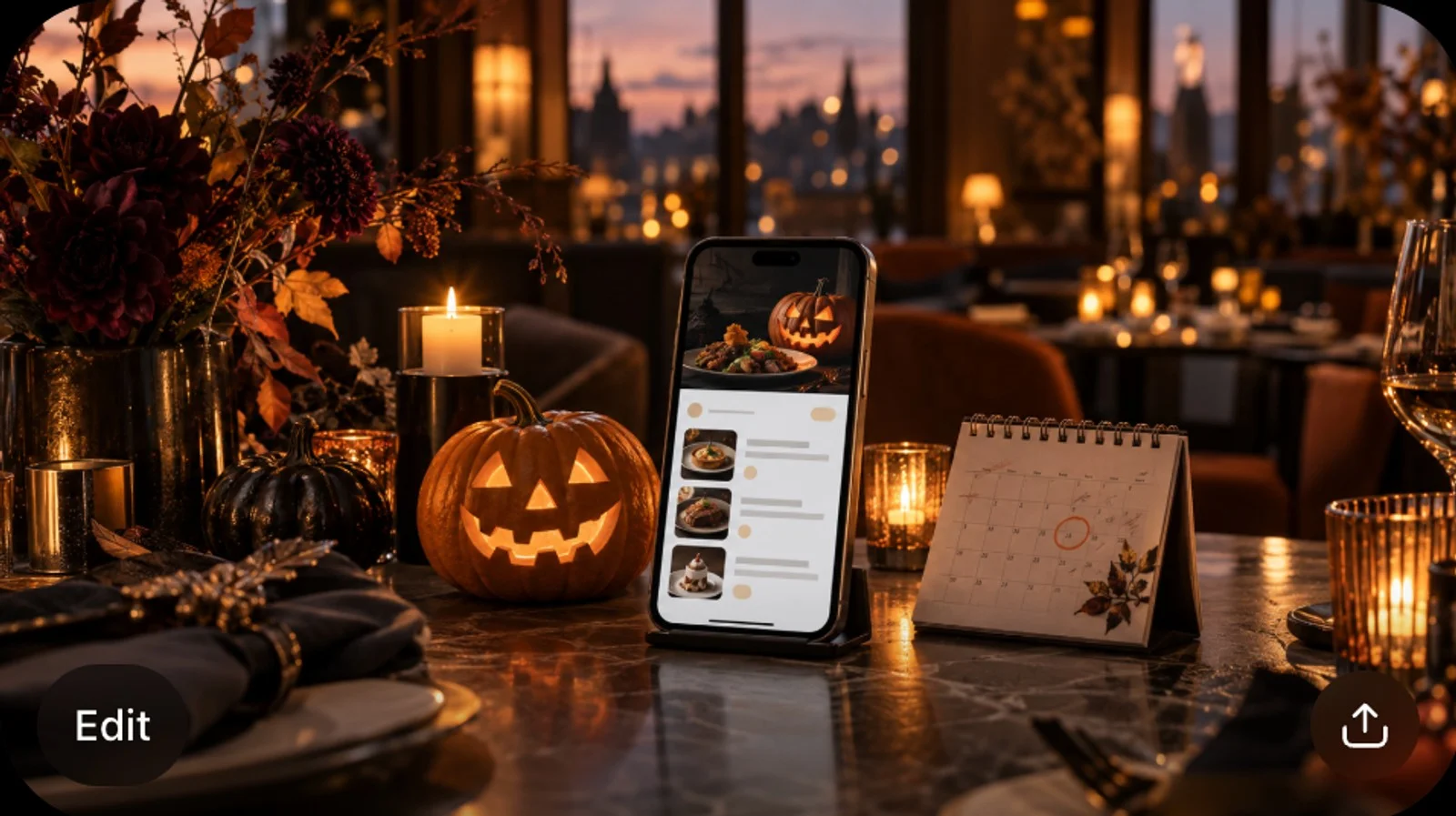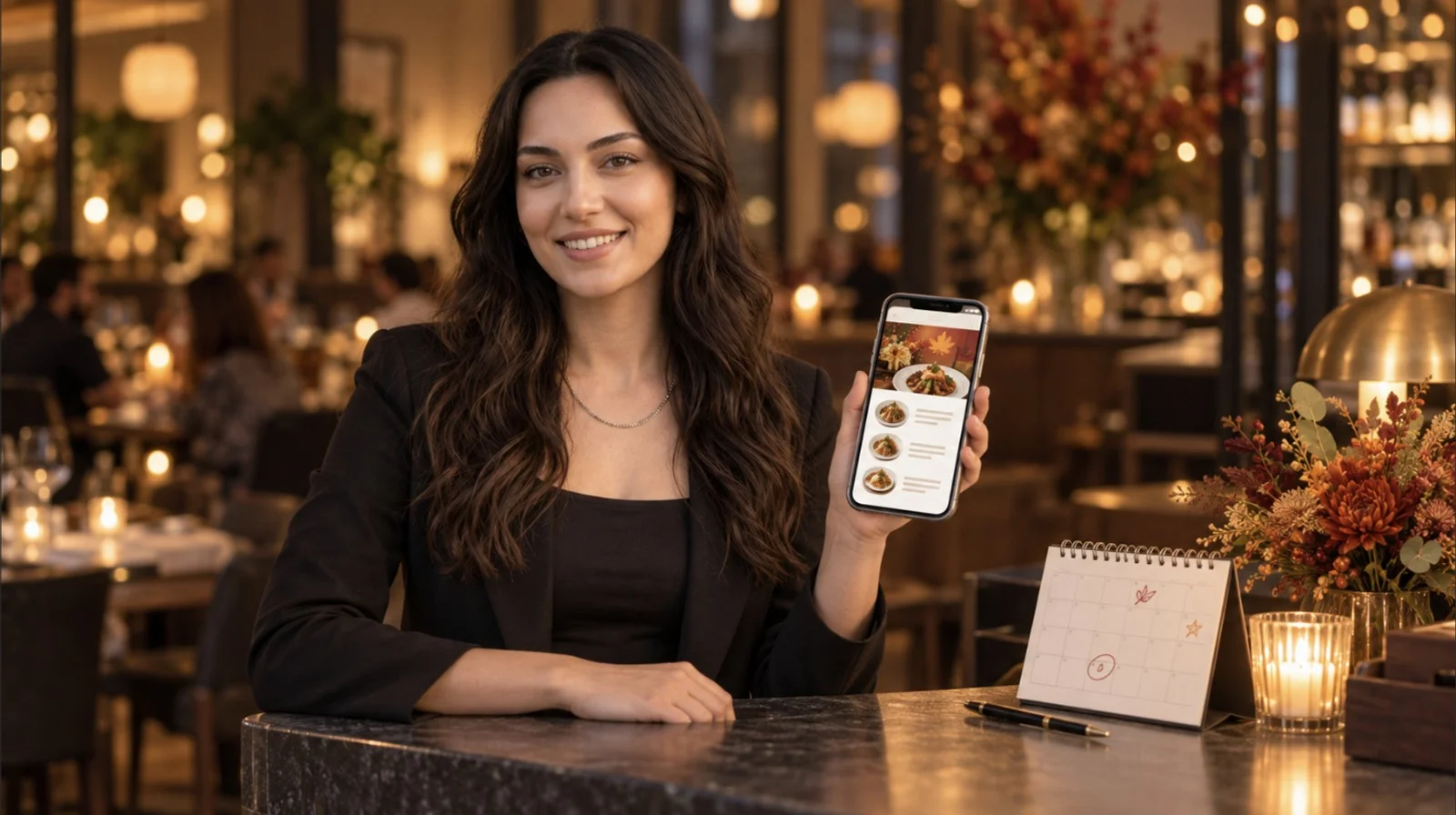

The card is on the table, the guest picks up their phone, and a minute later they're looking around for a server anyway. If you've just switched ordering on, the first weekend is where you'll probably see it. The question behind it is usually simpler than the software: is anyone still coming to this table? Digital ordering means the guest enters the order themselves on a screen. That screen can be their phone at the table, a tablet, a kiosk or a link you sent, and the order reaches your system without anyone writing it down and typing it in again. The definition isn't what decides whether it works in your room. What decides it is the first few taps the guest sees, and what your floor team says while the card is still going down.
Digital Ordering, Online Ordering, Contactless: What the Names Cover
The three names get used interchangeably. The mix-up causes more trouble inside a team than it ever does with guests. Digital ordering is the broad one. Online ordering usually means the off-premises half of it, pickup and delivery through a link. Contactless is the 2020 signage word, and it mostly stayed on the signs.
None of the three answers the question a guest actually has, which is whether there's a basket. A QR code in FineDine is set to one of two modes. In display mode the menu opens and there's no way to place an order. In ordering mode a basket appears. Printed on a table card, the two look identical. If a server says "you can order from the code" while the code is in display mode, that table is likely to tap around for a while and then wave. The guest can leave thinking your system is broken, when the setting was simply never changed.
The Forms Your Guests Have Already Used
Guests arrive with habits. Plenty of them have ordered from an airport kiosk or from an app at home, and the habits that came with all that scanning are what you're working with. What's new is doing it in a dining room with a server standing three metres away. That part is a social question more than a technical one.
A marketplace app counts as digital ordering too, even though there's nothing for your team to explain there. What it costs you per order and what it does to your guest list is a separate decision from anything you say at the table.
What the Guest Sees After They Scan
A script is easier to write once you know what the guest is looking at. The first screen isn't the menu.
1. **A welcome page.** Your brand name, a language picker, and buttons for feedback, venue details and signing in. The guest taps through this to reach the menu. It's an easy place for a first scan to stall.
2. **The menu.** Category tabs along the top, a search box, and item cards carrying the name, the description, the price options and whatever allergen or diet icons you filled in. Each card has a heart for saving favorites.
3. **The item page.** A larger photo, the size or portion options as buttons the guest chooses between, a calorie badge where you entered nutrition data, and room for the guest to leave a rating and a comment.
4. **The basket and checkout**, if ordering is switched on. Card, Apple Pay and Google Pay, plus a tip step at the rates you set. Where you've switched on age verification, the alcohol confirmation happens here.
5. **A service request button**, where you have it switched on. It's how a guest calls someone over without standing up or waving. Tell your staff it's there before you tell a single guest.
Notice the order. Language before menu, menu before item, item before basket. A guest stuck on the welcome page hasn't seen a price yet. From across the floor that looks exactly like someone reading the menu.
What to Say at the Table
The explanation that works answers the question the guest hasn't asked out loud. Somebody is still coming to their table. Say it while you're putting the card down. After they've picked up the phone is late, because by then they've started deciding whether to be annoyed.
Two more pieces of information, and neither is about technology. First, whether they pay now or at the end. That's a setup choice you made, and the guest has no way to guess it. Settling the bill from the same code they ordered from changes what the last ten minutes of the meal look like. Second, if the table isn't local, point at the language picker. It sits on the very first screen, so it costs you two seconds and saves them scrolling a menu they only half-read. How many languages you can publish depends on your plan, so check the pricing page before you promise a table anything.
Skip the walkthrough. A hungry table rarely wants a tutorial. The menu is the screen most guests get through without help.
When the Explanation Fails, Check the Setup First
Most of these are setup states rather than scripts. That's why a better script doesn't fix them.
A menu still saved as a draft shows the guest a line saying the menu is being prepared. At a table that was handed a card thirty seconds ago, that reads as a dead link.
Print one code for the whole room instead of one per table, and the table number has to be collected some other way. "Which table are you on?" is a reasonable question in a room with numbers on the tables. In a room without them it's an impossible one.
Language goes wrong more quietly. The picker is on the first screen, so guests find it easily. Then they find that only part of the menu came across with them. The panel shows a completion percentage for each language, and a half-translated menu tends to read as broken rather than as partly done.
Items with no photo and no description are the last of them. The guest is choosing from a name alone. That's fine for a flat white and useless for a dish you named yourself.
Checking Whether Guests Got Past the First Screen
The tables that give up tell you about it. The ones that quietly ordered less than they meant to don't.
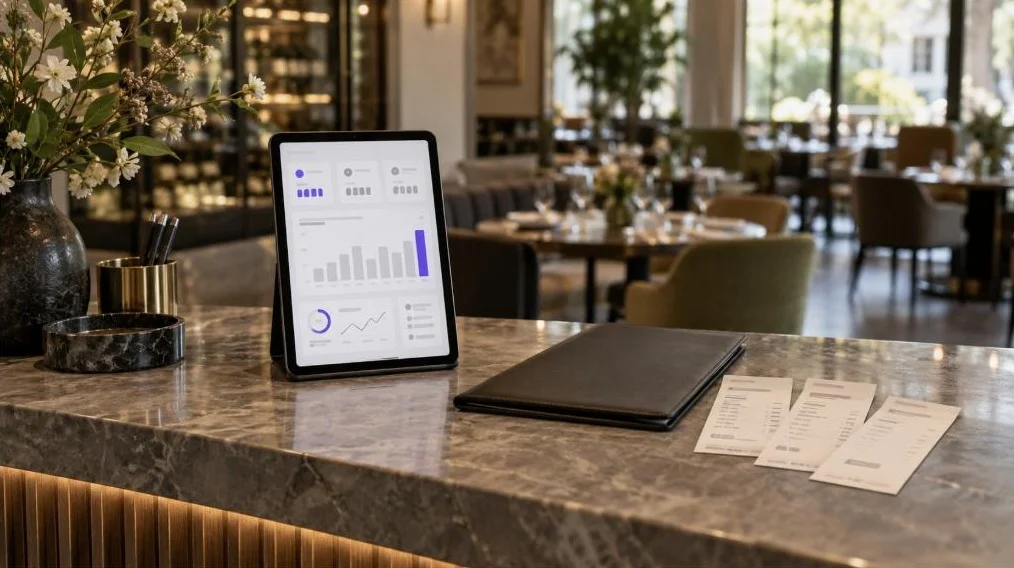
The FineDine reports tab counts sessions, menu views, section views and item views as separate numbers, updated hourly, and compares a 7, 14, 28 or 90 day window against the period before it. Read them down the guest's screens rather than as a single total. Sessions well ahead of menu views points at the welcome page. Menu views well ahead of item views points at the first category you open on, or at tabs that aren't reading as tabs on the phones your guests actually carry.
What the numbers won't tell you is why. Two questions on a Friday, one to a table that just ordered and one to a table that just waved, will usually get you further than a week of charts. How far back the history goes depends on your plan.
| Form | What the guest is holding | What the server says |
|---|---|---|
| Dine-in QR | Their own phone, sitting at the table | Order whenever you're ready, and press the service button if you need me |
| Tablet on the table | A device that stays with the table | The menu's on here, and you can send the order yourself |
| Kiosk at the counter | A fixed screen, standing up | Order here and we'll call your number |
| Waiter tablet | Nothing; the server carries it | I'll put it in as you tell me |
| Your own pickup or delivery link | Their phone, off premises | Nothing at the table; the link and the code do the work |
| A marketplace app | Their phone, inside somebody else's app | Nothing; the app explains itself and keeps the guest record |
Frequently Asked Questions
- Do guests need to download an app?
- No. The menu opens in the phone's browser straight from the code, and there's nothing to install. A guest can sign in to keep their favorites, but ordering works without an account.
- Is there a free online ordering system?
- Marketplace apps are free to join and take a cut of every order instead, so the cost moves from a monthly fee to a per-order one. Tools that run ordering on your own channel are subscriptions, FineDine included, and there's a free trial. What sits in each plan changes, so the pricing page is the place to check.
- What is DoorDash digital ordering?
- It's the marketplace kind. The guest orders inside the app, the app handles the payment and takes a commission, and the guest relationship stays with the app. For the guest it's the same act as scanning your own code. For you it's a different arrangement, and the terms of any one app are on the statement it sends you.
- What are ghost kitchens?
- A kitchen that cooks for delivery and pickup with no dining room attached. Every order there is a digital one, so there's no server to explain anything. The explaining has to live on the item page: the photo, the description and the options are all the guest gets.
- What about guests who won't use their phone?
- Keep a way to order that doesn't need one. A server with a tablet enters the order once and the kitchen receives the same ticket, so nothing downstream changes. A few printed menus cost less than pushing a guest who has already said no.