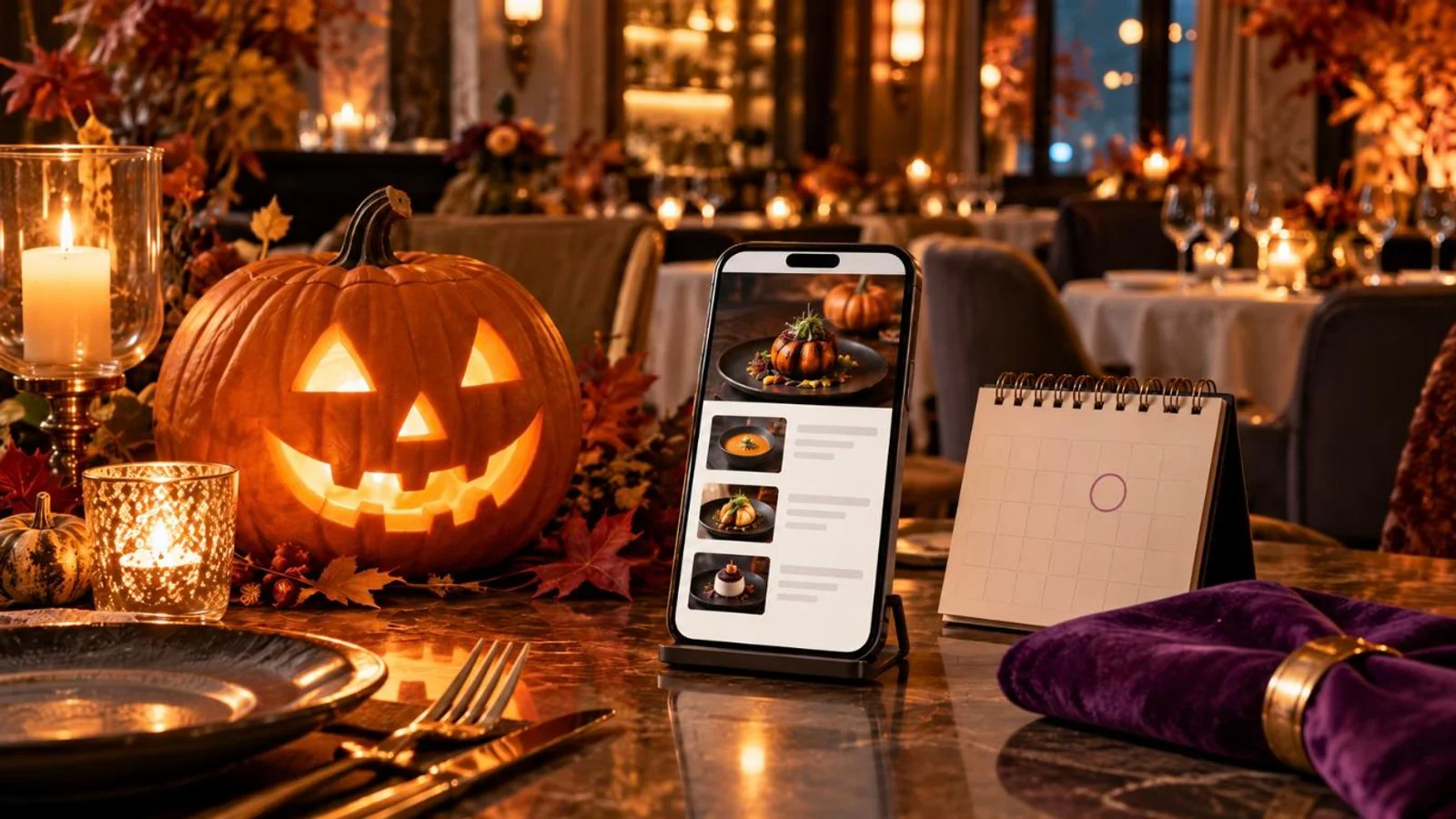
Halloween 2026 falls on Saturday, October 31, which leaves about six weeks. Whether it earns a menu promotion depends on your room. Tourist and expat traffic helps, and so does a bar crowd that turns up for themed nights. In FineDine the work sits in two places. The banner goes in Menu Manager > In-App Promotions. Themed dishes go into the menu hidden, then get switched on for the weekend. There is no separate page to build and no code to write. What takes planning is the order: what the kitchen settles before anyone opens the panel, and which day each change goes live. Working back from the 31st, every step lands on a date.
Start from the calendar: Saturday, October 31
Six weeks is enough time, and a good part of it goes on work that never touches the panel. The dish or drink has to be chosen. It needs a price, a photo, and a yes from the kitchen that the prep holds up on a full Saturday service. All of that comes first.
These countdown dates are our working rule for a one-weekend promotion, not a measured benchmark. If your kitchen needs longer to test a dish, pull the October 3 decision earlier and leave the rest where it is.
October 17 is the date to protect. That is when the banner goes live. By then the Halloween items are built, translated and hidden. What comes after is checking. A second read of the menu on October 24, then switching the items on before Friday service. Halloween lands on a Saturday this year, so the promotion really starts on Friday the 30th. Everything comes down on Sunday, November 1.
Banner or menu change? Decide before you open the panel
Whatever offer you have in mind, it falls into one of two piles, and the second one costs a lot more of your week.
A banner-only promotion announces something that already exists: a costume night, a pumpkin dessert you serve anyway, a push to fill Friday and Saturday bookings. You add one banner. Nothing else on the menu moves, and on November 1 there is a single thing to take down.
A menu change means a new item, a renamed item or a new price. Each one is its own Edit Item screen. On a multilingual menu, every new item needs a name and a description in each language. One dessert on a three-language menu is six fields.
Two moves is a sensible ceiling. One banner plus one themed item works, and so does one banner plus a discount on something you already sell. If you take orders through FineDine, that discount can be a promo code under Guests & Engagement > Promo Codes.
One thing to know before you plan around the banner: In-App Promotions is locked during the free trial. The pricing page shows which subscriptions include it.
Build it in Menu Manager, then In-App Promotions
The order matters more than it looks. The banner goes last, because it announces items that should already be built and translated by the time a guest reads it.
- Open the menu guests will scan that weekend. Menu Manager lists sections and items down the left, with a live mobile preview on the right. You see what the guest sees while you edit.
- Add the Halloween item. Name, description and photo go on the General tab of Edit Item. The price goes on Price Options. If the menu is already published, switch the item's visibility off in the item list. It stays built and out of sight until October 30.
- Photograph it, or let AI Media Studio do the finishing. A test plate shot in the kitchen can be enhanced in AI Media Studio. AI generations draw on credits, so check what you have left before you start.
- Translate by October 14. In Translation Center, the Untranslated filter shows the new item in each language. AI auto-translate can fill the gaps. A pun name still wants a person to read it in every language.
- Add the banner in In-App Promotions on October 17. The banner sits inside the digital menu. Write it the way you would brief a server: what is on, which nights, and what the guest does next. That last part is either book ahead or ask at the table.
- Check it the same day. Start with the preview. Then scan your own QR code and read the menu on your phone the way a guest would, banner and all. On a multilingual menu, switch languages and read each one. We have not checked how the banner text behaves across languages, so that reading is where you would find out.
- Switch the items on for Friday service. On October 30, turn the Halloween items' visibility back on before the first table sits down.
We have not verified automatic start and end dates for banners. This guide treats going live and coming down as manual steps. Put both in the staff calendar with a name next to each.
Take it down on November 1 and write down what happened
Sunday morning, take the banner down and switch the Halloween items' visibility off. Don't delete them. A hidden item keeps its place in the item list with its photo, price and translations, so next October it should only need a review.
While the weekend is still fresh, write down three things. QR Scans from the dashboard, for Halloween week and for an ordinary week in mid-October. Item Views and Menu Views from FineDine IQ, where the date range can be set against the previous period. And from the kitchen, what sold out and what nobody ordered.
Scans and views tell you guests opened the menu and looked at the item. They don't tell you the banner brought anyone through the door, and we won't claim they do.
The same backward count works for the next date on the calendar. New Year's Eve 2026 is Thursday, December 31, so the October 17 checkpoint becomes December 17. Christmas comes before it, and our guide to setting up a Christmas promotion counts back from the 24th and 25th in the same way.
| Date | Step | Where | Can you undo it? |
|---|---|---|---|
| By Sat, Oct 3 | Decide the offer: one themed item or drink, or a banner only | Kitchen and bar, off the panel | Yes |
| By Sat, Oct 10 | Build Halloween items with visibility off; add photo and price | Menu Manager > Edit Item (General, Price Options) | Yes, items stay hidden |
| By Wed, Oct 14 | Finish translating the new items in every menu language | Translation Center | Yes |
| Sat, Oct 17 | Banner goes on the menu announcing the weekend; same day, check the preview and scan the QR on your phone in each menu language | Menu Manager > In-App Promotions; menu editor preview | Yes, remove the banner |
| Sat, Oct 24 | Second read of the menu on your phone; fix the banner wording if needed | QR code on your phone; In-App Promotions | Yes |
| Fri, Oct 30 | Switch Halloween items on before service | Menu Manager item list | Yes |
| Sun, Nov 1 | Remove banner, hide items, note QR Scans and item views | In-App Promotions; dashboard; FineDine IQ | Yes, items are kept for next year |
Frequently Asked Questions
- What are some spooky Halloween slogans for restaurants?
- Whatever you pick has to read in one glance on a phone, so put the night and the offer in it. Two examples in that shape: "Halloween weekend, Fri 30 and Sat 31 Oct: our pumpkin dessert is back. Book ahead." and "Costume night, Saturday 31 October: come dressed up and ask your server about the Halloween drink." If a dish gets a pun name, say what it actually is in the description so guests know what they are ordering.
- Will guests reading a printed menu see the Halloween banner?
- No. The banner lives inside the digital menu guests open from the QR code. If you hand out paper menus too, the offer has to come from the server at the table.
- Should Halloween items replace regular dishes for the weekend?
- We would put them next to the regular dishes rather than in place of them. A regular who comes in on October 31 for their usual order should still find it on the menu.
- Is it too late to set this up in the last week of October?
- A banner-only promotion can still go up in the last week, since nothing else on the menu moves. A new dish is harder. The kitchen still has to test it, and on a multilingual menu the translations still have to be done.