If you're planning Christmas now, the idea is rarely the problem. The details are. A set menu that's still live on the 27th. A pickup discount that changes nothing, because its threshold sits below the order minimum you already had. So don't run Christmas as one campaign. Run it as four jobs: a set menu that shows only on the 24th and 25th, festive takeaway sold on pre-order with a hard cut-off, one discount per channel with its own minimum spend, and decor that stays out of the way of service. Each job breaks in a different place, which is why each one gets set up on its own.
Work back from two fixed dates
You don't get to pick two of the dates: the 24th and the 25th. Everything else counts back from them. When does the set menu go live so guests can browse it? When do takeaway pre-orders open, and when do they close?
Start with the close date. Once pre-orders shut, you order turkey, trays and dessert stock against orders you actually hold, not against last year's guess. Your suppliers' last delivery before the 24th decides that cut-off, and the other dates fall in behind it.
The Christmas window ends after service on the 25th, and the regular menu is back on the 26th. New Year's Eve is a different night, with different covers, later hours and usually a different menu, so give it its own plan. Our guide to hosting New Year's Eve in your restaurant covers it.
Putting the set menu on the menu for 24-25 December
First decide whether the set menu replaces your regular menu or runs next to it. Some places go set-only on Christmas Day and keep à la carte for lunch on the 24th. That's two rules on two days, and you set each one up separately.
Build the Christmas dishes as their own menu or section and leave your regular items alone. You'll be selling those again on the 27th, and you want to switch Christmas off without touching them. If you price per person with an adult and a child portion, Price Options holds both as variants on one item, so you don't end up with duplicate dishes.
Each item's Availability tab controls visibility by day and time of day. We haven't seen it take a calendar date range, so plan the Christmas window as a manual job. Keep the menu in Draft, publish it on the evening of the 23rd, and put it back to Draft after service on the 25th. Both switches go on the closing list, with a name next to each. Before you publish, look at the live mobile preview in the editor. It shows the menu the way a guest will see it.
Some of the tools here depend on your subscription. In-app promotions, ordering limits and longer analytics history can change by plan, so check the pricing page before you build December around them.
Festive takeaway on pre-order, not on the day
Christmas takeaway means family trays, a whole roast, a box of desserts. Sell it like a Tuesday delivery and the kitchen finds out what it needs on the day it needs it. Pre-order moves that moment back to the cut-off.
In Ordering Settings, the Delivery & Pick-Up channel has a Pre-Order option for orders placed for a later date. The same screen holds Delivery Time (prep plus travel), Minimum Order, the delivery fee and order cancellation. The customer form asks for name, email and phone, and you can add a field of your own. Use it for something the kitchen needs on the 24th, like a collection time or the name for a gift box.
There's one gap to plan around. We haven't seen a setting that caps how many pre-orders a day or a time slot accepts. So someone has to watch the count for the 24th and switch the takeaway items off once you reach what the kitchen can turn out. Each item has its own visibility toggle in the menu editor, which means you can pull a sold-out tray and leave the rest of the menu up. When the cut-off passes, switch the festive items off the same way.
One discount per channel, each with its own minimum
One Christmas code on every channel looks tidy, but it pays for the wrong orders. A dine-in table on Christmas Day is already full at full price. A pickup order saves you a driver. A delivery order costs you the run. No single rate suits all three.
Promo Codes lets you split them. Each code has a discount type (Percentage or Amount), the discount itself, an Order Mode that limits it to dine-in, delivery or pickup, and a Min. Order Value. It stays in Draft until you set it to Go Live.
Now check the two minimums against each other. The delivery and pickup channel already has its own Minimum Order in Ordering Settings. If the code's Min. Order Value is at or below that figure, every order the channel accepts already qualifies, and the code is just a discount on your normal basket. Set the promo threshold above the channel minimum, close to the basket you want more of, say a family tray plus sides.
On big baskets, the discount type matters. A percentage gives away more as the order grows. A fixed amount caps what each redemption costs you, so it's usually the safer choice for high-ticket Christmas trays.
A dine-in code only reaches orders that go through FineDine. If your servers write orders on a pad, the code has nothing to attach to. The code also has two states in the panel, Draft and Go Live. We haven't seen an end date on it, so switching it off when the offer ends goes on the same closing list as the set menu.
Decor that leaves room for service
On a set-menu night, plates tend to leave the pass together, often with sharing platters and sides, and servers carry wider trays. Plan the decor around that route, not around the photo.
Before service on the 24th, walk from the pass to the farthest table with a full tray. Anything at shoulder or tray height on that path moves: garlands on pillars, a tree on a corner the team turns every few minutes, gift boxes stacked by a station. Keep chair backs clear too, because chairs get pushed further out when the room is full.
On the table, leave space for the set menu. A centerpiece that looks right on an empty table often has to come off when the first course lands. Pick one small enough to stay, or plan to lift it at seating.
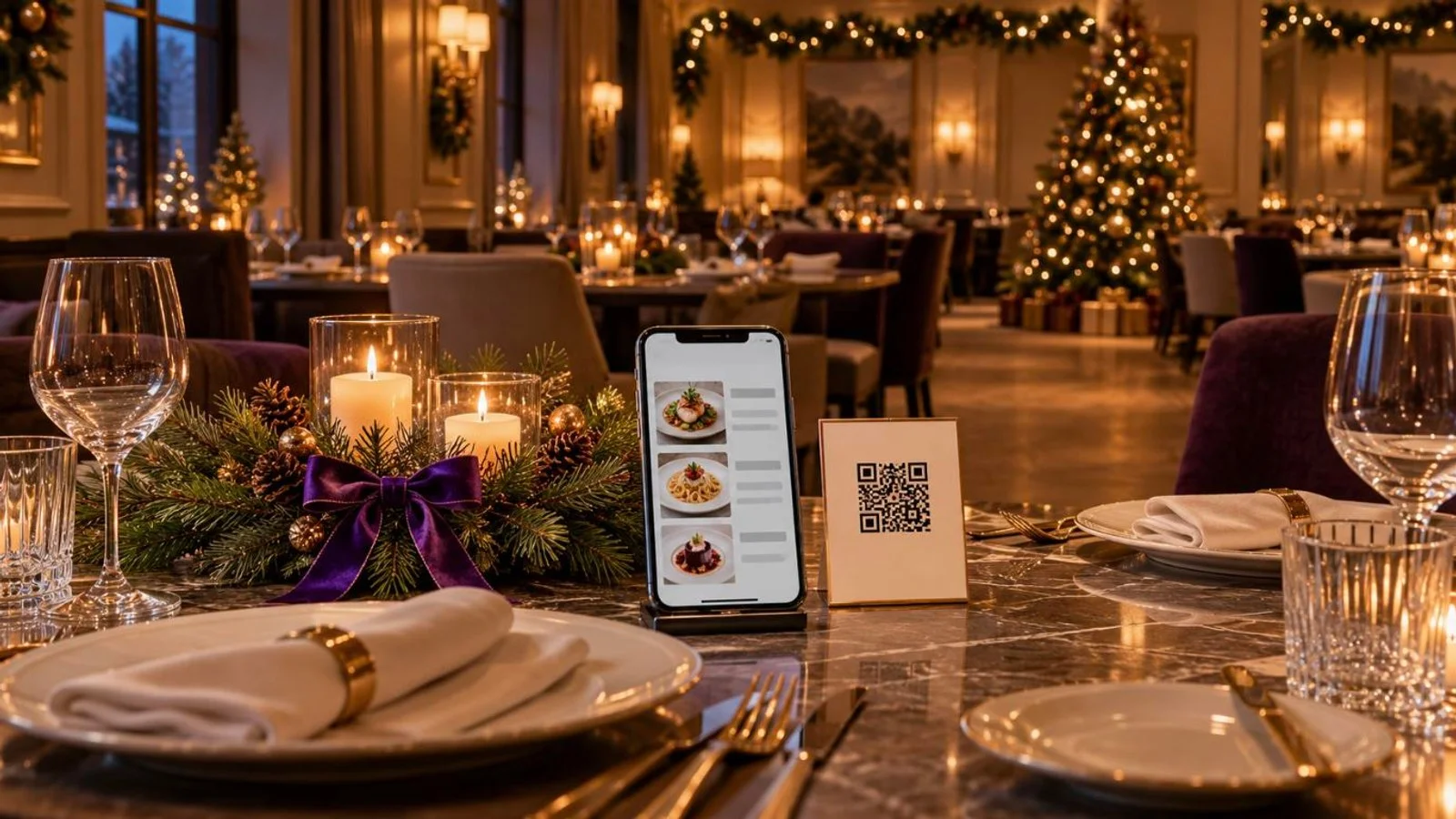
Guests reach for the QR card first, and it's the easiest thing to bury under crackers, candles or a runner. Once a table is dressed, sit in each chair and scan. You don't need Christmas QR cards. The table's QR opens whatever menu you've published on that channel, so the same card can show the set menu on the 24th and the regular menu on the 27th. If a card gets damaged while you're decorating, download that table's QR again from the Tables settings.
After the 26th: checking which offer earned its place
When the window closes, compare it with the same number of days just before it. AI Reports takes a custom date range and lets you compare it with an earlier period. Look at how Orders and Avg Ticket moved over the window, and at Menu Performance to see how the set-menu items sold next to your regular dishes. We haven't seen the report split results by promo code. So whether the pickup code lifted the average ticket, or only discounted orders you'd have had anyway, is a judgment you make with those numbers in front of you.
Those figures only cover orders that went through FineDine. Phone orders written on a pad won't show up. If half your trays came in by phone, count them by hand before you set next year's thresholds.
| Channel (Order Mode) | What the code is for | Where to set Min. Order Value | What to watch |
|---|---|---|---|
| Dine-in | Filling quieter December days before the 24th, not the set-menu nights | Around the spend of a two-cover meal on those days | Only reaches orders placed through FineDine, not orders taken on a pad |
| Pickup | Moving family trays to collection, with no delivery run | Above the channel's Minimum Order, near one tray plus sides | Pre-Order doesn't cap volume, so someone watches the count for the 24th |
| Delivery | Larger baskets that justify the run | Above the channel's Minimum Order and above your usual delivery basket | A percentage discount grows with the basket, a fixed amount caps it |
Frequently Asked Questions
- Where does the 30/30/30 rule fit when pricing a Christmas set menu?
- It's a rule of thumb that splits revenue into roughly equal shares for food cost, labor and overheads, with what's left as profit. There are several versions of it. For a set menu, use it as a first check on the per-person price, then adjust for the extra staff hours Christmas Day takes where you are.
- Which Christmas promotions are realistic for a small cafe or restaurant?
- The ones you can run without extra staff on the day. A short pickup tray menu on pre-order and a fixed set menu both tell you your volume in advance. Offers that need more servers or a second sitting are harder with a small team.
- What should I do if the set menu sells out before Christmas Day?
- Hide the dishes that have run out with each item's visibility toggle. If you're fully booked, put the whole Christmas menu back to Draft. That way guests who scan the table QR only see what you can still serve.
- Can corporate groups book Christmas lunches through the same system?
- Reservations is its own module in the panel, where you create, list and configure bookings. The table layout sits separately, as the floor plan under Tables. For a group lunch, take the booking in Reservations and plan the seating on the floor plan.