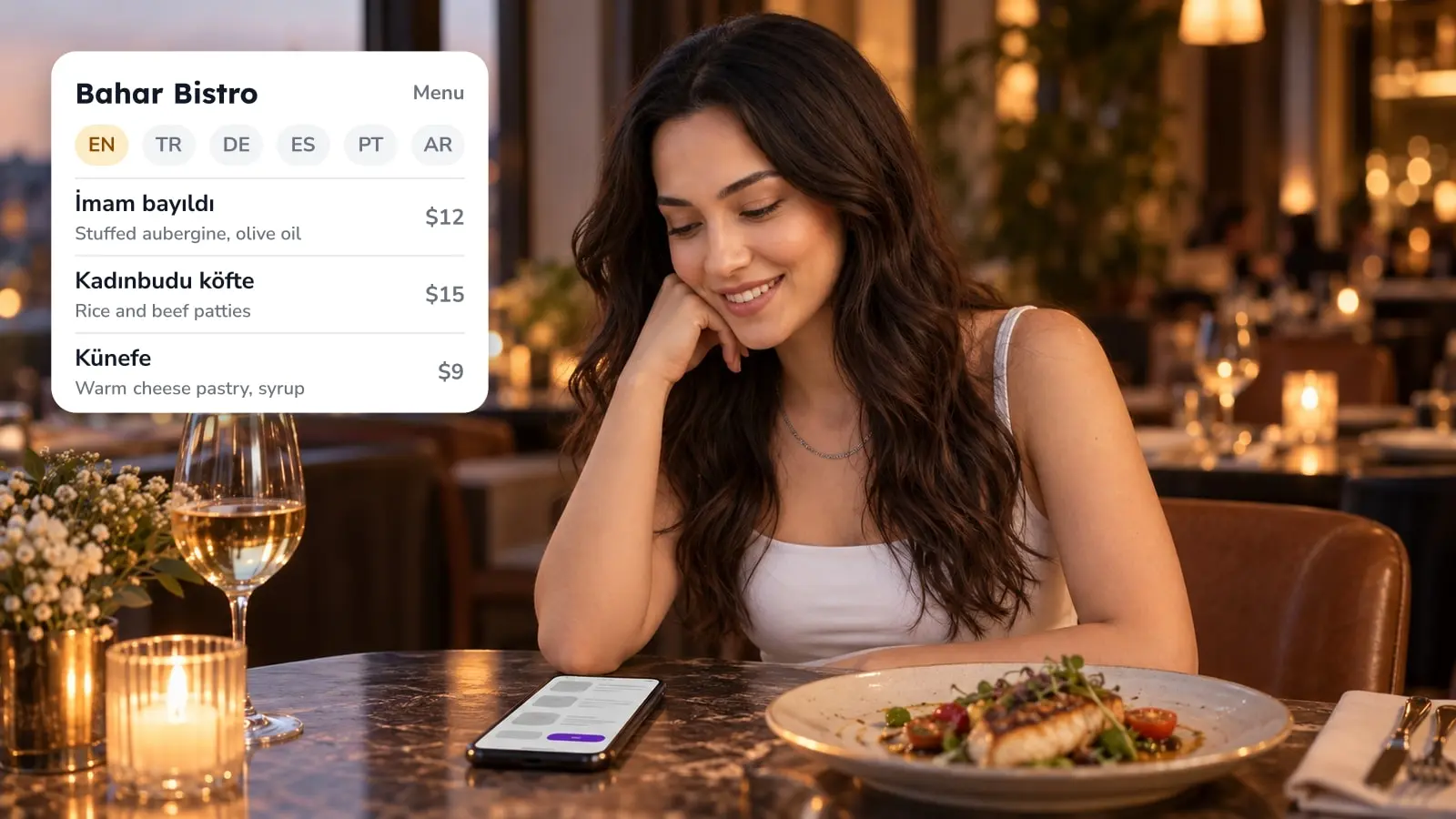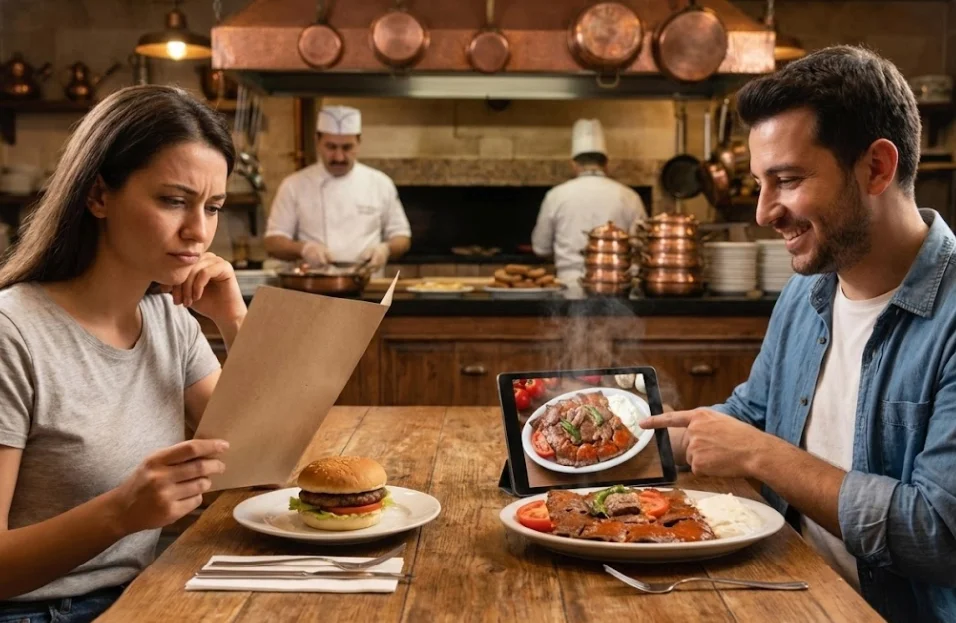
A dish name alone may not be enough to sell a local dish to someone who has never eaten it. Put four things next to the name: one sentence on the main ingredient and how it is cooked, a photo of the plate your kitchen actually serves, the ingredient and allergen information, and the description in a language the guest reads. A guest who can see what a dish is, check it against their diet and read about it in their own language has more reason to try it. A guest who cannot has an easy fallback, the burger or grilled meat they already know.
The examples below are Turkish dishes. The method is the same for any local dish, whether it is a stew from your region or a street snack your city is known for.
Why isn't the dish name enough?
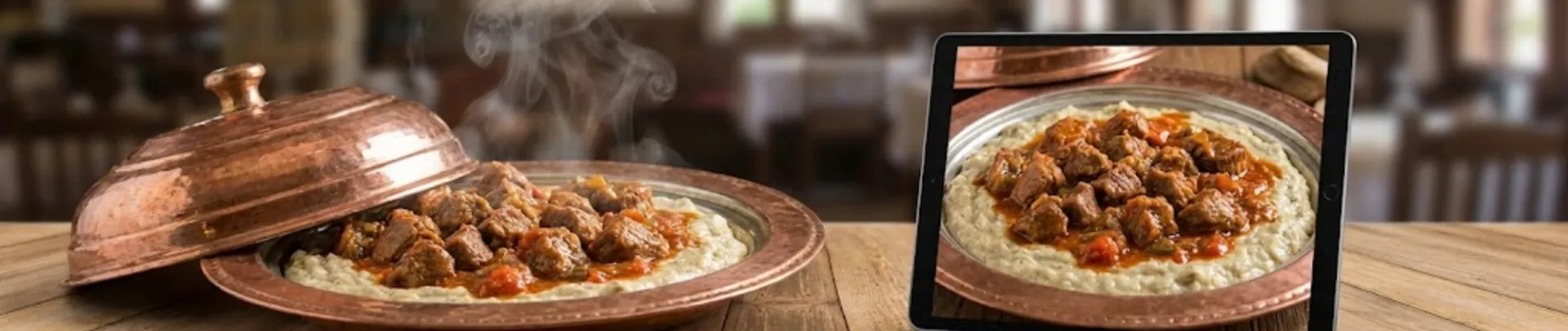
A name like Hünkar Beğendi tells a local everything and a visitor very little. A guest from abroad cannot work out what is on the plate. A guest from another city may have heard the name, but still not know whether the dish is heavy or light, or whether it contains dairy.
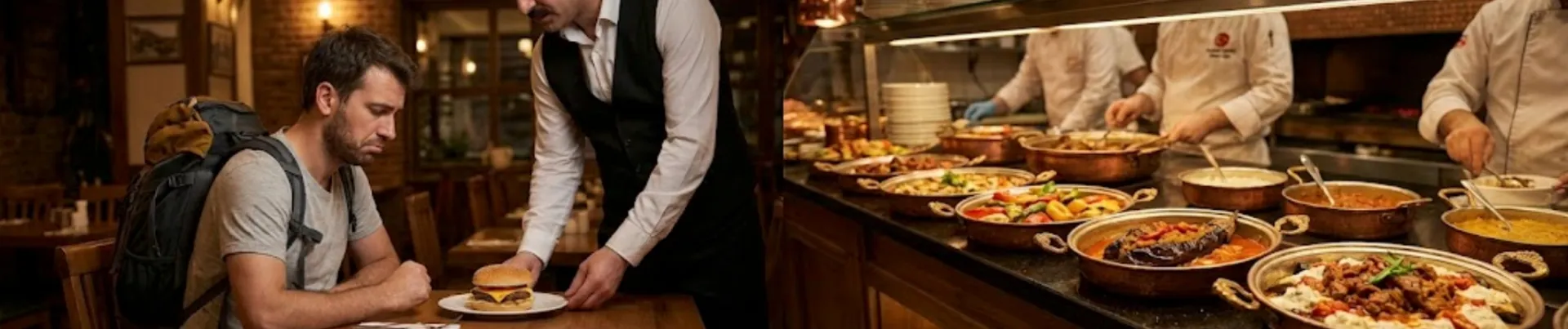
Ordering something unknown at a shared table feels like a small risk, and a dish the guest already knows feels safer. If the menu does not answer the guest's questions, they have two ways out: ask the waiter, or order the familiar thing.
Four pieces of information answer those questions on the screen: what is in the dish and how it is cooked, what it looks like, what it contains for someone who avoids certain foods, and a language the guest can read. The rest of this guide takes them one at a time.
How do you write the one-sentence description?
A plain translation labels a dish but does not describe it. A line reading "meat stew with eggplant puree" does not say which meat, how it was cooked, or how the puree fits in. A good description names the main ingredient, the cooking method, and how the plate arrives.
For Hünkar Beğendi: "Slow-cooked meat served over smoked eggplant puree."
For Karnıyarık: "Fried eggplant stuffed with minced meat, onion and tomato, then baked."
For Ali Nazik: "Smoked eggplant mixed with garlic yogurt, topped with hot sautéed minced meat."
These are general formulas, so rewrite each one to match your own recipe. Where a dish looks like something the guest already knows, a comparison earns its place. For mantı, "small dumplings filled with minced meat, topped with garlic yogurt" is clear on its own, and "like ravioli, but smaller" helps a guest who knows ravioli.
In the FineDine item editor, open the item and you will find the Description field with an Enhance with AI button beside it. The button drafts text for you. Read the draft sentence by sentence, and check every ingredient it names against your recipe. If the draft mentions something your kitchen does not use, delete it. For more phrasing examples, see our guide to writing menu descriptions.
What should the photo show?

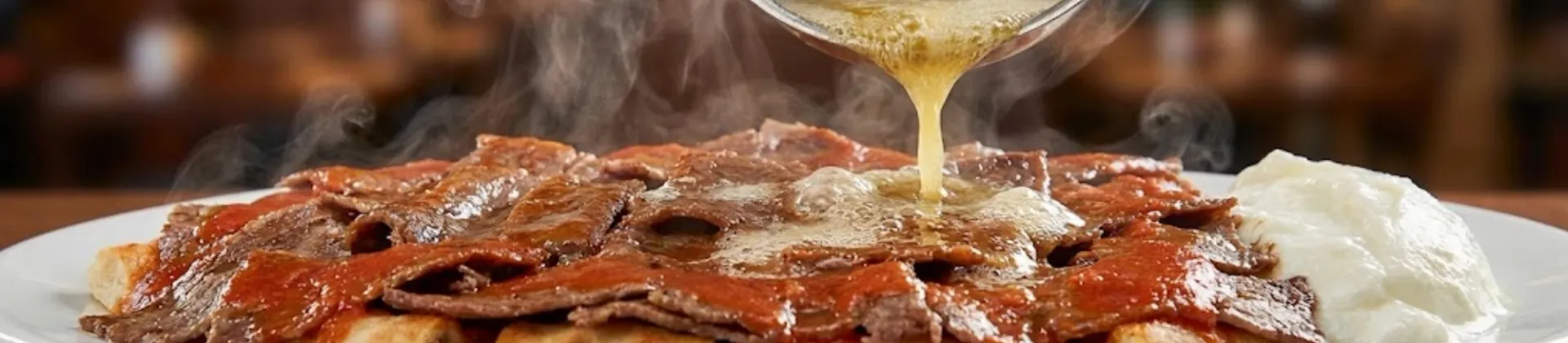
Try describing İskender to someone who has never seen it: sliced döner over bread, tomato sauce, yogurt on the side. The listener may end up picturing a pile. A photo of the plate with hot butter being poured over it and the sauce shining gives the same information at a glance, so the guest can see what the dish is and decide whether they want it.
Start with the local dishes your kitchen puts the most work into, and photograph them in your own kitchen. Our guide to food photography for your restaurant and digital menu covers light and angles.
If an existing photo looks dull, the Image tab in AI Media Studio has two modes. Enhance works on a photo you already have, with presets such as Add Steam, Add Droplets, More Lighting and Plate Styling. Create generates an image from scratch. A generated image does not show your plate, and the guest will compare the screen with what reaches the table. For a local dish, keep the real photo where you can.
AI generation uses credits, and the cost depends on the type: roughly 3 credits for creating an image and roughly 7 for enhancing one. Credits are limited, so plan which dishes get the work before you start.
What ingredient and allergen information does the guest need?
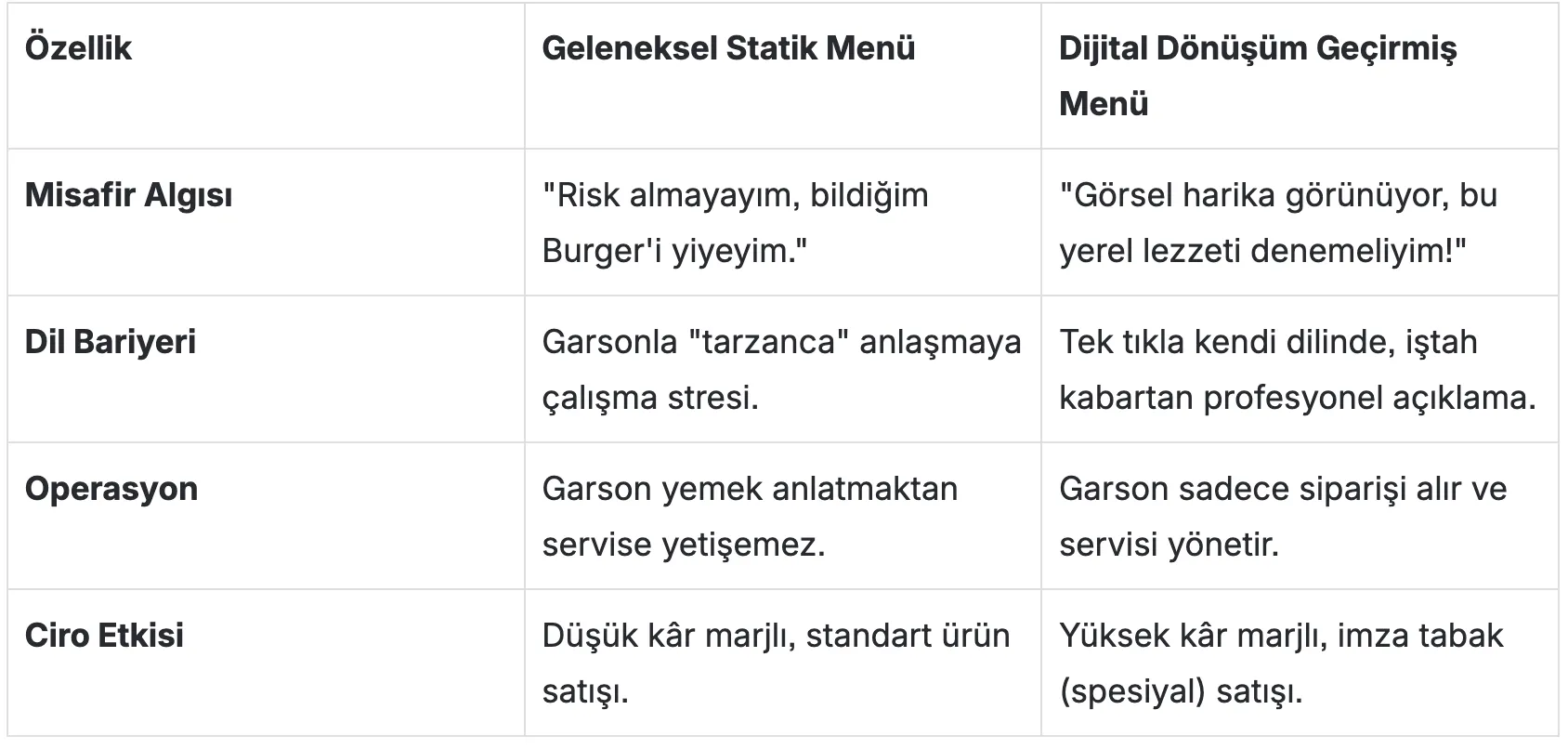
With a dish they do not know, one of the first things a guest wants to find out is what is in it. For someone with an allergy or a food they avoid, that question comes before whether the dish tastes good. If the menu does not answer it, the safe choice is the familiar plate.
In the item editor, Categorization holds Ingredient Warnings, where you enter allergen warnings. The Nutrition Info tab is for nutritional values. If a dish comes in more than one portion, Price Options lets you add several sizes with their own prices.
Details such as dairy in a puree or flour in a sauce change from one recipe to the next, so do not guess them. Ask the kitchen, and enter only what the kitchen confirms. A dish does not go on the menu until the kitchen has confirmed its ingredients, and until then it stays off. A missing warning makes a dish look safe to the guest who needs it flagged.
For the wider picture, read our piece on food allergies and what they mean for your restaurant.
Which language should the description be in?
A foreign guest who can read the description in their own language can start to understand what the dish is. If they cannot read it, even a well-written description does little. How many languages your menu can carry depends on your plan, so check the pricing page for the current limits.
The Translation Center in the panel shows each item's name and description side by side. Its All / Untranslated filter separates the items that have no translation yet. If you use automatic translation, ask someone who reads that language to go through the dish name and description before you publish.
Be careful with the name itself. A translated version of Hünkar Beğendi may mean nothing to the guest. It usually reads better to keep the Turkish name and put the translated description next to it.
To choose which languages to start with, see our multilingual digital menu guide. For how travelers read menus in an unfamiliar place, there is When in Rome.
What do Labels add to a local dish?
In the item editor, Categorization also holds a Labels list: New, Signature, Popular, Special, Limited Items, Seasonal and Handmade. For the local dishes your kitchen does best, you can mark them as Signature or Handmade.
A label marks a dish; it does not explain it. The description, the photo and the allergen information still do the explaining, so write those first and add the label after.
Where do you start on your own menu?
Open your menu and pick the local dish your kitchen works hardest on. Read it as someone who has never heard of it. Besides the name, what is there?
Check four things: whether the entry says what is in the dish and how it is cooked, whether a photo shows the real plate, whether the ingredients and allergens are entered and confirmed by the kitchen, and whether the text is in the guest's language. Fix the first gap you find today, then move to the next dish.
| What the menu shows | What the guest can decide | What stays missing |
|---|---|---|
| Dish name only | Whether they already know the name | What is in it, how it is cooked, what it looks like |
| Name and one description sentence | Whether the main ingredient and cooking method suit them | What the plate looks like, and whether it is safe for their diet |
| Name, description, photo, ingredient and allergen information, in the guest's language | Whether the dish suits them, from the menu alone | Only what no menu can show, such as the taste |
Frequently Asked Questions
- Should I translate the name of a local dish?
- Usually not. A literal translation of a name like Hünkar Beğendi means nothing to a visitor. Keep the local name and put the translated description next to it, so the guest can match what they read to what the waiter says.
- Can Enhance with AI write the description for me?
- It writes a draft, not a final text. Read it sentence by sentence and delete any ingredient your recipe does not use. The draft is a starting point, and the recipe is the authority.
- Can I use a generated image instead of a photo of my own plate?
- For a local dish, keep your own photo where you can. Create makes an image from scratch, so it does not show your plate, while Enhance improves a photo you already have. Generation costs credits, roughly 3 for creating an image and roughly 7 for enhancing one.