A couple is walking past on a Saturday and wants dinner. They type your restaurant's name into their phone, or they open the map and tap the closest pin. Either way they land on your Google Business Profile: hours, photos, menu and phone number in one box. It's free, and Google may have built one for you already, whether you asked or not. Claiming it and filling it in often fits in one sitting. What takes effort is keeping it right: holiday hours, last season's menu, a name that has picked up extra words.
Start by Searching for Yourself
Search your restaurant's name on Google Maps. If a listing with your address comes up, a profile already exists, and you may not be the one who started it. Google can list a place without the owner, so the hours and photos on it may be whatever Google gathered on its own.
That's why it's worth claiming. Until you do, you can't fix a wrong closing time or take down a photo of a room you've since redone. Nobody can promise that a claimed profile will rank higher, and this guide doesn't. What you get is a say in what people see when they do find you.
Claiming and Verifying
If a listing exists, claim it rather than starting a second one. Two profiles for one restaurant split your reviews and can show two different phone numbers.
Verification is Google's decision. It offers the method it will accept for your listing, and you can't pick another, so a place down the street may be offered something different from you. Whichever it is, set the profile up from an account the owner or manager will still control next year. If it sits on the personal email of whoever got it done in a rush, getting access back later can be a headache.
When You Already Have Two Profiles
If a second profile slipped in, you can remove it or ask for a merge.
To remove the extra one you created yourself, open the Business Profile Manager at business.google.com, choose the profile, then More (the three dots), Business Profile settings, Remove Business Profile, and confirm. Only a primary owner can do this, and it is permanent for everyone who manages that profile. So check you've picked the extra one and not the verified one before you click. Your own posts, photos and review replies are deleted. Google says customers' reviews stay.
If both listings describe the same place and you don't want to lose either, ask for a merge instead. On Google Maps, report the duplicate as a suggestion. Google reviews the request and combines the reviews, though your replies to reviews can get lost along the way.
Name, Category and Hours
Use the name on your sign. No keywords, no tagline, no "Best Burgers Downtown" on the end. If the sign says Marlow's, the profile says Marlow's.
Pick the category that describes what you are, not the search you hope to show up in. Add a second one only if it's true on an ordinary Tuesday.
Enter your dine-in hours, the ones a walk-in guest can rely on. Then set special hours for holidays and early closes, an easy step to forget. Do it before that week starts, not the morning of. A guest who finds a dark dining room will blame the restaurant, not Google.
The Menu: Type It In or Link to It
There are two ways to put a menu on the profile, and the right one depends on who keeps the menu current.
Google's menu editor sits under Edit menu on your profile. You type sections and items straight into Google, and changes take 24 to 48 hours to show. A price you fix on Thursday may not be live for Friday service.
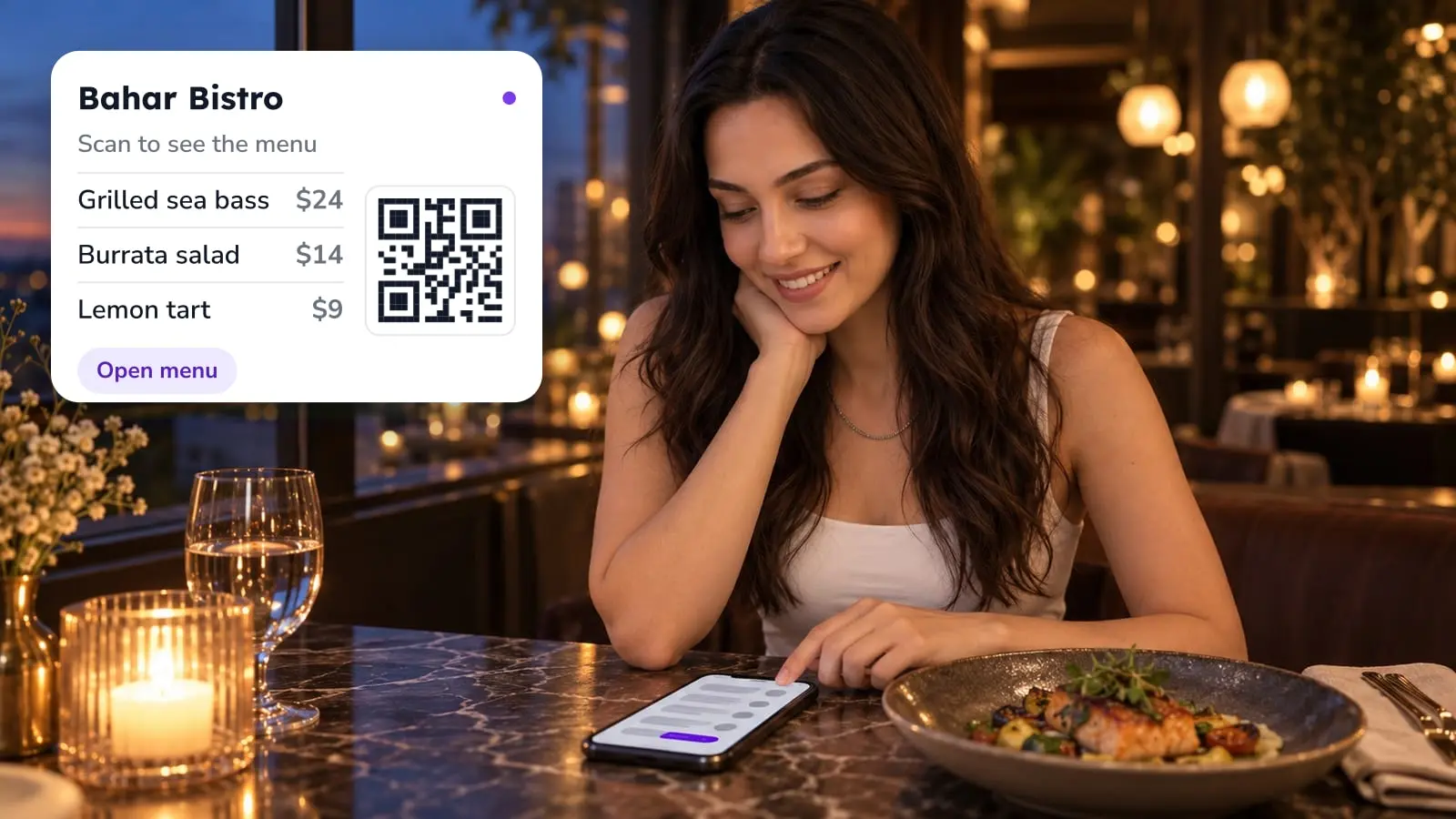
The other route is a menu link, under Edit profile, Business information, Contact, Menu link. It sends guests to a page you already maintain, so when the menu changes you update that page and nothing else. If you use FineDine's QR menu, your menu already has its own address. You can enter it as the menu link and keep running the menu from the dashboard.
Whichever you pick, edit in one place. Type a menu into Google and keep a different one on your website, and the two will drift apart. A guest may see either.
Photos That Match the Room
Photos show a first-time guest what to expect, so pick them on purpose: the dining room, the front door so a newcomer knows they've found you, the bar, and your best sellers as they leave the pass. Take down anything that shows a menu or a room you've since changed.
The dish photo is often the hard one. A supplier's catalog shot, or a phone picture taken under yellow kitchen light, doesn't do the plate justice. This is where FineDine's AI Media Studio comes in. You upload a photo of the dish (JPG, PNG or HEIC, up to 20 MB) and the AI fixes the lighting and sharpens the detail, so you don't need a photographer. Enhance works on a photo you already have, Create makes a new image, and there are presets such as steam, droplets and garnish, plus a choice of camera angle. The result can go on your profile and into your menu.
One condition: the picture shouldn't promise more than the plate delivers. For the profile, an improved photo of your real dish is a safer pick than a fully generated one.
Posts and Reviews
Posts suit things with an end date: a holiday menu, a closure, a live-music night. If you wouldn't mention it to a guest at the host stand, leave it out. We wrote about how Google Maps and Instagram work together in a separate piece.
Reply to reviews, the bad ones too, in a sentence or two that sounds like a manager wrote it. And ask every guest for a review the same way. Picking only the guests who looked happy is review gating, and Google's policies don't allow it.
What It Costs
Creating and managing the profile is free. What it costs is attention: someone has to own it, and the natural pick is whoever already keeps the holiday schedule.
Your Website Is the Next Click
Once the profile is right, the website behind its link has to hold up too. FineDine's AI Website Builder can connect a Google Business Profile and import data from it, so you don't retype the basics when you build the site. Check what comes in against the profile before you publish.
Ordering and Reservations: Check Your Own Profile
Here it helps to be clear about what Google confirms. Its help pages describe ordering straight from Search and Maps (Order with Google) for businesses in the United States. For everyone else they say only that in some countries and regions, order options show up on the profile, and they don't say which countries. So we won't tell you it's available where you are. The way to find out is to open your profile and look for the food ordering section. If it's there, add the link to your ordering page with Add a link. If it isn't, make sure the website link on the profile leads to a page where a guest can order. The steps are in Google's help page on order links.
Whatever link you end up with, open it on your phone, on mobile data, the way a guest would. If it lands on a PDF you have to pinch and zoom to read, fix that first.
Reservations follow a different path. We haven't confirmed the steps in the dashboard, so we don't describe them here.
| Item | Where it's set | What to watch |
|---|---|---|
| Menu (typed in) | Edit menu | Changes take 24-48 hours |
| Menu (your own page) | Edit profile > Business information > Contact > Menu link | Keep the page current; guests see whatever it shows |
| Name | Business information | Must match your signage, no keywords or taglines |
| Hours | Business information | Use dine-in hours |
| Holiday closures | Special hours | Set them before the holiday week |
| Duplicate profile | business.google.com > More > Business Profile settings > Remove Business Profile | Primary owner only; permanent; your posts, photos and review replies are deleted |
| Online ordering | Profile, food ordering section (Add a link) | Depends on the country; check whether it shows on your profile |
Frequently Asked Questions
- Can my restaurant be on Google if I never set up a profile?
- Yes. Google can list a place without the owner, so a listing may already exist. Until you claim it, you can't correct the hours, menu link or photos.
- Does a Google Business Profile cost anything?
- No. Creating and managing it is free.
- Why hasn't my menu change shown up?
- Changes made in the menu editor take 24 to 48 hours. If you use the menu link instead, the change depends on that page, not on Google's editor.
- Can I put a tagline or keywords in the business name?
- No. The name should match your real-world signage. Categories describe the type of place you are, so they aren't a spot for keywords either.
- Can I choose how Google verifies my restaurant?
- No. Google decides which verification method to offer for your listing.
- Is it fine to ask only happy guests for a review?
- No. Filtering who gets asked is review gating. Ask every guest the same way.
- Can I take food orders through Google?
- We can't confirm it for your country. Google's help pages describe Order with Google for the United States and give no country list for the rest. If your profile shows a food ordering section, add your ordering page with Add a link. If not, point the website link at a page where guests can order.
- I created two profiles by mistake. How do I remove one?
- Remove the extra one in the Business Profile Manager (More, Business Profile settings, Remove Business Profile). Only a primary owner can do it, and it is permanent, so check you're not removing the verified one. To keep both, ask Google to merge them by reporting the duplicate on Google Maps.