If you're about to print table tents and want to do it without a monthly bill, the short answer is yes. The QR code itself is free, and for a short menu that rarely changes, a free generator or a PDF behind a static code is enough. Whether free keeps working depends on the page the code opens, not on the code. How many items you list, how often prices move, how many languages your guests read and whether you want orders from the table matter more than which generator you pick. FineDine isn't one of the free options. It's a subscription with a 14-day trial, so it only enters the picture once free stops being enough.
The code is free. The menu page behind it is what you're choosing
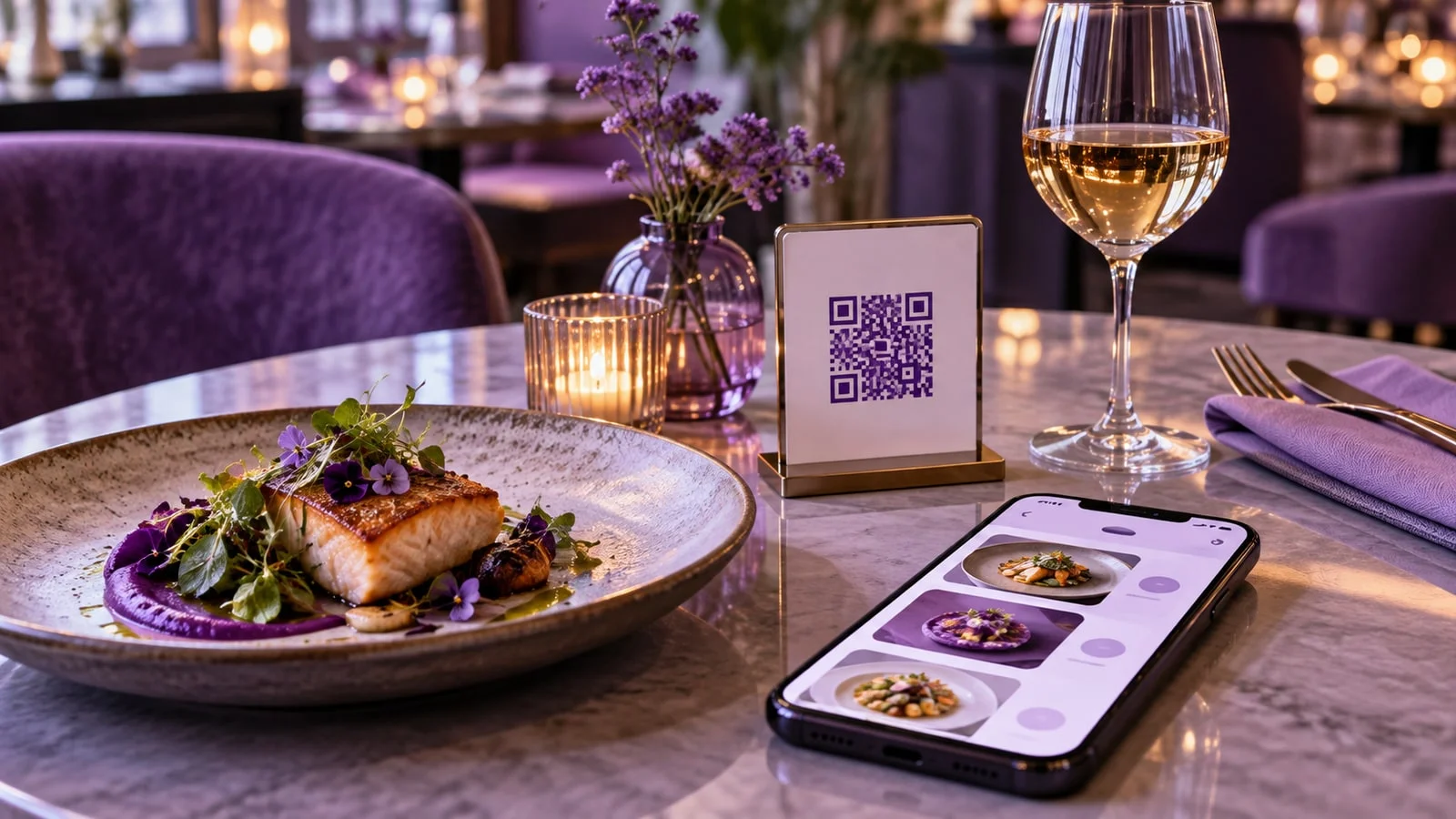
A QR code is a printed web address. A static code writes your menu's URL into the pattern itself. It keeps working as long as that URL does, and there's no account behind it to pay for. That's the totally free QR code people search for, and most generators will make one.
Some generators give you a dynamic code instead. Here the pattern holds the generator's own short link, which forwards guests to your menu. You can change where it points without reprinting. But the code only works while that service keeps the forward running, on whatever terms its free plan has this year.
So before you print, scan the code with your own phone and look at the address that opens. If it starts with the generator's domain instead of your menu's, read that generator's free plan terms first. If the plan changes or ends, every table tent, sticker and card carrying the code has to be reprinted. On a big floor that's a print run nobody budgeted for, and you don't get to choose when it lands.
Where a free menu holds up, and where it starts costing service time
Free works for one location, one language, a menu short enough to scroll without a search box, and prices that change a few times a year. If guests order through a server and the card barely changes, a PDF in your own cloud storage behind a static code is a fair answer.
The PDF breaks in three places. On a phone, guests pinch and zoom around an A4 layout that was made for paper. A price change means editing the file, exporting it and uploading it to the same address. If the storage service gives the new file a new link, every printed code still opens the old menu. And if the kitchen runs out of a dish at 8 p.m. on a Friday, the PDF keeps offering it until someone gets to a laptop.
Free tiers of menu builders usually fix the layout. Items sit on cards made for a phone screen and you edit them in a browser. The trade-off is a ceiling, counted in restaurants, categories, items or languages. qrmenugenerator.io lists its free plan as 1 restaurant, 5 categories and 20 products (checked 4 October 2026). A coffee bar with 18 drinks fits. A restaurant with a wine list and a weekend brunch card will most likely pass it before the menu is finished.
Read that ceiling before you read the feature list. Then check two more things on the free plan page: whether the guest menu shows the tool's own branding, and what happens to your menu and your printed codes if you stop using the tool.
Allergen icons show what you entered, not what's in the dish
Whatever tool you use, the allergen and diet information on the menu is your kitchen's statement, and keeping it current is on you. The software shows what you entered. It doesn't check it against the recipe.
In FineDine, allergen and diet icons appear on each item card and again on the item's detail page. Nutrition facts are entered per item and per price variant, in the editor's Nutrition Info tab. If the chef swaps a sauce base, the icons stay as they were until someone on your team edits that item. A free tool with no allergen field leaves allergens in the description text, where they're easy to miss when a recipe changes.
Which allergens you have to declare, and how, depends on the market you trade in, and those rules get revised. For a recent example, see how FineDine updated its digital menus for the new SFDA regulation in Saudi Arabia. For your own market, ask your local authority, not your menu provider.
What setting up FineDine looks like, and what the trial leaves out
Once your menu is past a free ceiling, or you want orders from the table, compare what each option costs in total and what it limits. That includes per-order fees on tools that don't charge a subscription. FineDine is a subscription, and setup starts in Menu Manager. Menu Builder takes a photo, PDF, Excel or CSV file of your current menu and uses AI to pull out sections, items and prices. Check every price it pulled before you publish. You can also start from scratch or open a sample menu.
The editor has the item list on one side and a live phone preview of the guest view on the other. You edit prices inline, hide a dish with a visibility toggle, and a Draft/Publish switch decides when guests see the changes. The QR code comes from the editor's QR Code button, or per table under Settings > Operations > Tables, where you can download codes for every table and group tables by area, like terrace or indoor. Under Settings > QR Codes, Display mode shows the menu with no ordering. Ordering mode gives each table its own code, or one code for all tables.
So the dish that runs out on Friday night becomes a toggle in the editor. The codes on the tables stay as they are, because they open the menu, not a file.
The 14-day trial isn't the full product. It caps each menu at 80 items, and In-App Promotions and a custom domain stay locked until you move to a paid plan. How many languages you can translate the menu into depends on the plan, and that has nothing to do with the five languages the FineDine website itself is published in. AI work like photo enhancement uses credits, and the cost depends on the type of job, so enhancing a photo and creating a new one aren't priced the same. Current plans and prices are on the FineDine pricing page.
Signs your menu has outgrown a free tool
The clearest sign is guests asking to order or pay from the table. A PDF can't hold a cart, and free tiers often stop at showing the menu, so check before you count on it. FineDine's Dine-In QR channel takes table orders, and its Marketplace lists payment integrations including Stripe, Iyzipay and Square. The pricing page shows how many orders and tables each plan covers.
Opening a second location is the next one. The free plan we checked counts restaurants, while a FineDine account can hold more than one brand and switch between them.
Then there's a question a free menu can't answer: which dishes guests actually open. The FineDine dashboard counts QR scans, and FineDine IQ in AI Reports breaks down menu, section and item views over 7, 14, 28 or 90 days, compared with the period before. A dish that gets plenty of views and few orders is worth a second look at its photo, its description or its price. A PDF won't show you that.
| Static QR + PDF | Free tier of a menu builder | Paid menu platform (e.g. FineDine after the trial) | |
|---|---|---|---|
| What you pay | Nothing, if you host the PDF yourself | Nothing, up to the plan's ceiling | A subscription, see the pricing page |
| Changing a price | Edit, export, re-upload to the same address | Edit in the browser | Edit inline, then publish |
| Pulling a sold-out dish mid-service | Only by re-exporting the file | Depends on the tool | Visibility toggle on the item |
| Languages | One file per language | Check the free plan's language limit | Depends on the plan |
| Orders from the table | No | Often not on the free tier, check the plan | Dine-In QR ordering with payment integrations |
| Where it breaks | The file gets a new link and printed codes go stale | The menu grows past the item or category ceiling | The cost, if a short static menu is all you need |
Frequently Asked Questions
- Do guests need to download an app to open a QR menu?
- No. The phone's camera reads the code and opens the menu in the browser. That goes for a PDF link and for a hosted menu like FineDine's.
- Does FineDine have a free plan?
- No. FineDine is a subscription with a 14-day trial. The trial caps how many items a menu can hold, so check what it includes before you build your whole menu in it. Current plans and prices are on the FineDine pricing page.
- Will my printed codes still work if I switch menu providers?
- A static code that opens a page you control keeps working. A code that opens a provider-hosted menu, or a provider's short link, leads to that provider's page, so plan on reprinting your table tents when you switch.
- Can I add more than one language to a free QR menu?
- With a PDF, each language is a separate file and usually a separate code. Free tiers of menu builders often limit languages, so check the plan page. In FineDine, the number of menu languages depends on the plan.