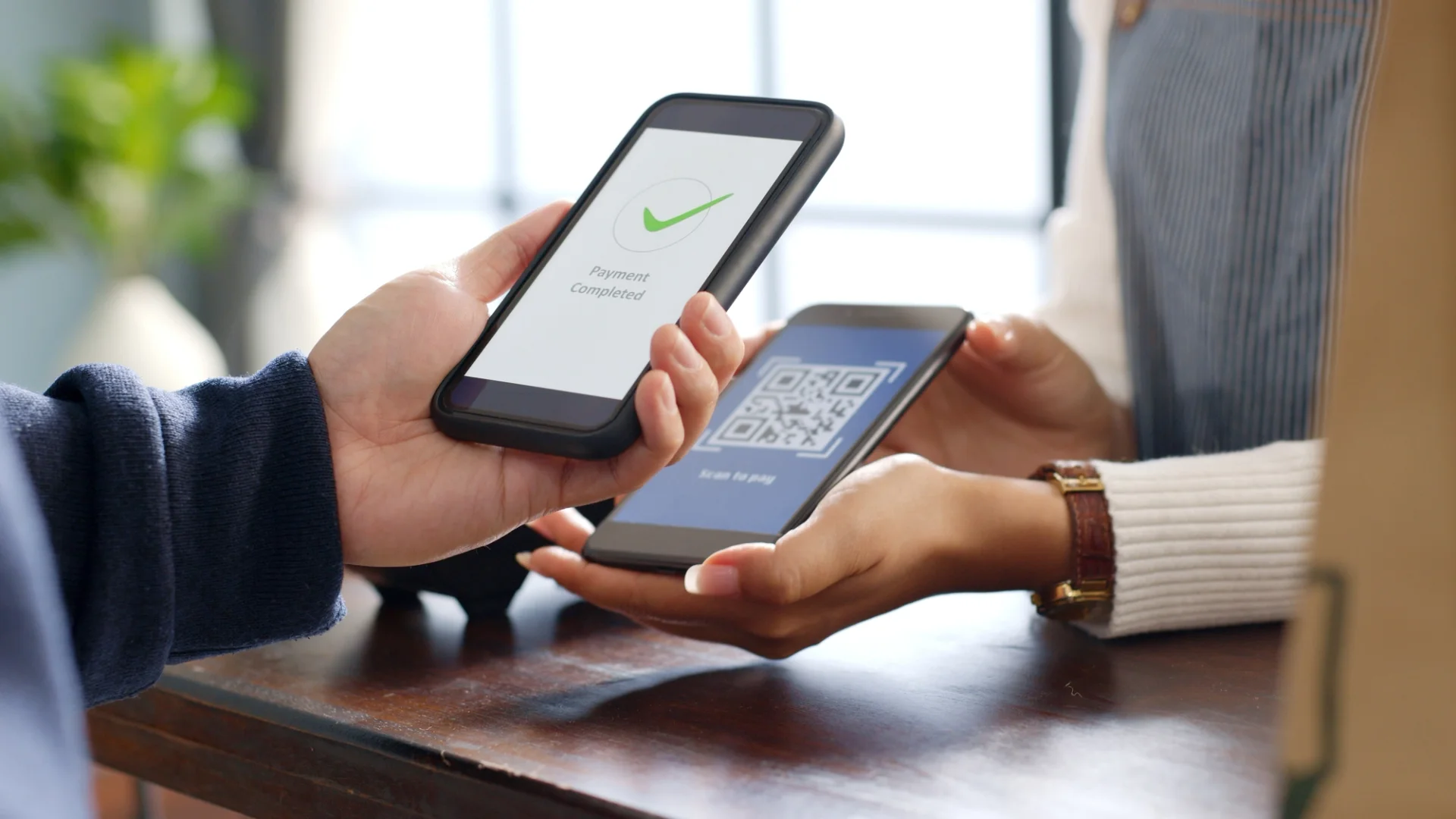

The card machine is with table nine and table four has been waiting to pay. Somewhere in that walk is the reason you're reading about QR payments. The pitch you've heard is one sentence long: the guest scans and pays.
That sentence leaves out what the code holds. A printed table code carries no money, no card details, no bill. It carries an address. Everything that turns a scan into a payment happens after the phone has arrived there, which makes the code itself the least interesting part of the setup.
Knowing that answers a fair number of practical questions: whether you reprint stickers when prices change, what a guest sees when a step isn't finished, how a sticker gets tampered with. We ran our own guest side end to end, and four of the states we landed in resolved correctly and still produced no payment.
What the code on the table actually holds
A QR code is printed text that a camera can read. On a restaurant table that text is nearly always a web address, and the address says who you are and which table the guest is sitting at. You can follow ours yourself. A short fndn.mn link carries an id for the venue and redirects to the guest menu, which is a separate application from the site you're reading now and sits on its own address with your venue name in it. After that the address picks up a menu id, then an item id once a guest taps a dish. No price anywhere in that chain, and no total. The amount comes out of the order the guest builds after arriving, and it lives as a record on your side.
Restaurants use two kinds of code. A static one is printed once and keeps pointing at the same address, however often the content behind it changes. A dynamic one is generated for a single transaction and shown on a screen. It can carry an amount because it only has to last for that one ticket.
The table sticker is static, and that cuts both ways. Prices can change without anyone touching the print, since the print was never holding prices. You also can't expire it, and that is what a tampering attempt relies on.
Three flows, and which one a dining room uses
Three different arrangements get called QR payment, and they put the work in different hands.
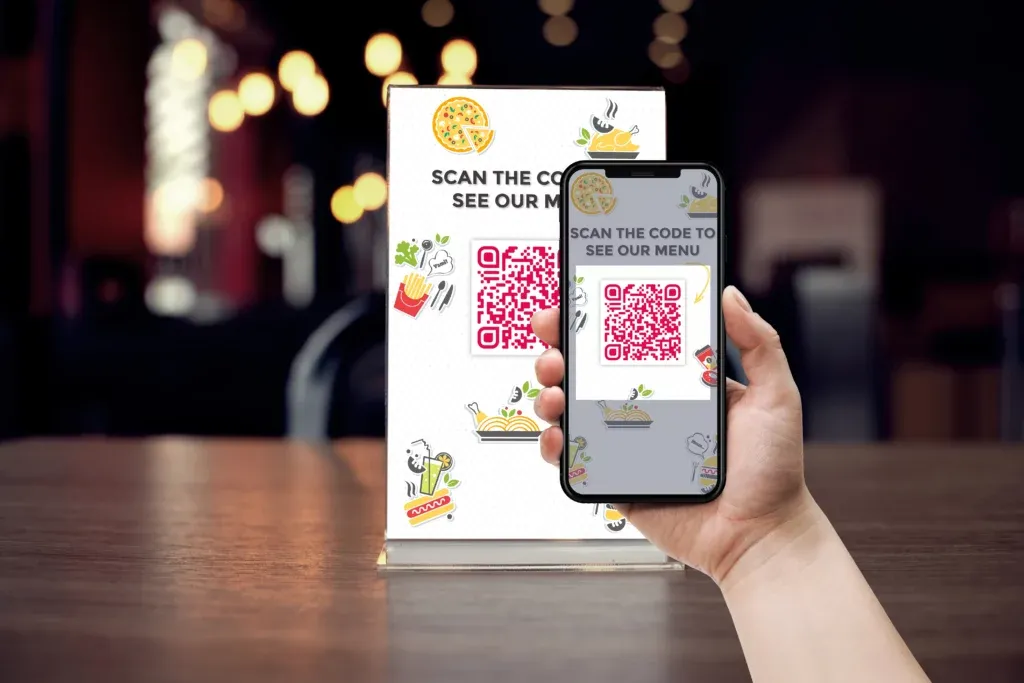
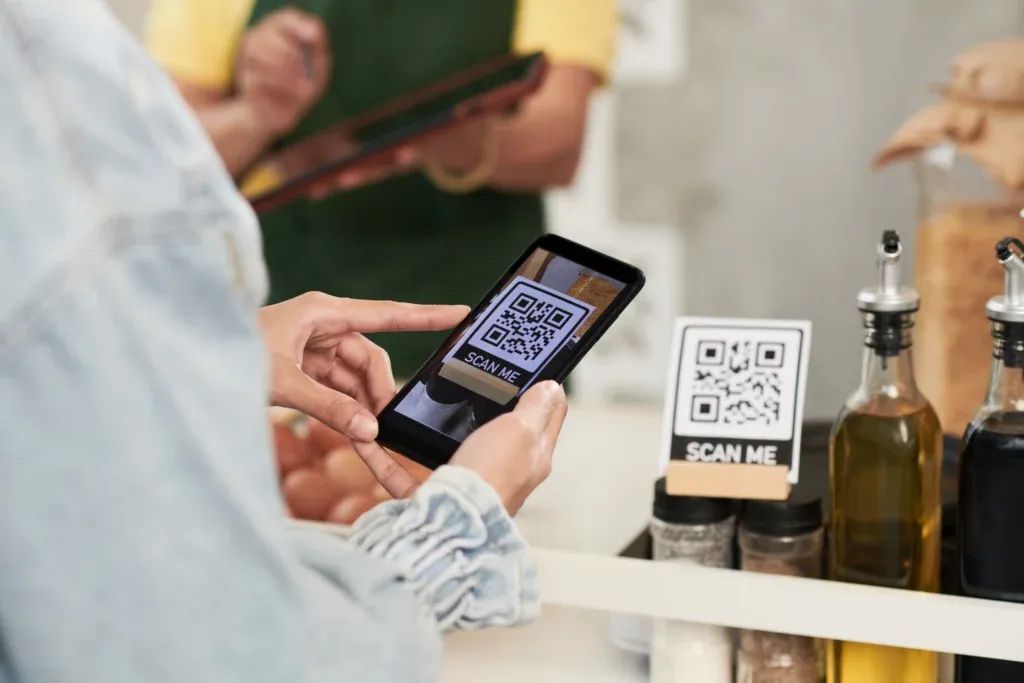
In the first, you show the code and the guest scans it. This is the dining room case. A sticker or a printed card sits on the table and the guest's own phone does the paying.
In the second, the guest shows the code. Their bank or wallet app displays it, the code carries card credentials instead of an address, and your staff scan it at the till after keying in the amount. Whether you can take it at all depends on which wallets your provider supports.
The third is app to app. Both sides open their own apps, one scans the other, the payer confirms the figure on screen. Same shape as the second, with a phone doing the scanning in place of a till.
If the walk across the room is the thing you're trying to remove, only the first one removes it. The other two still need somebody standing at the table with a device in hand.
What happens between the scan and the money
The phone opens the address in its browser. The guest reaches the menu, builds an order or opens the one already running on the table, and ends up on a checkout screen. Payment is taken there, either with card details typed in or with a wallet already set up on the phone.
The money doesn't travel through the menu. It runs through your own account with a payment provider, and the provider is the one setting the fee per transaction, the day the payout reaches your bank, and how a refund or a chargeback gets handled. If you're comparing QR payment against the card terminal you use now, that's where the comparison sits. The scan itself isn't the variable.
One consequence is worth settling before anything gets printed. The order and the payment are two records, and what ties them to a table is the code saying which table it was. That gets decided when codes are generated. Fixing it afterwards means new codes.
Four ways a scan produces nothing
Every failure we hit on our own guest side was a setup state, not a payment failure. Three of the four turn up the moment you scan your own codes before service.
The menu is still a draft. The scan resolves, the welcome screen loads, and the guest reads a line saying the menu is being prepared. Nothing is broken. There is also nothing to order.
The code is set to display only. A FineDine code can be configured to show the menu and no more. With ordering off, our guest side showed sections, item detail, allergen icons and guest reviews, and no cart anywhere on the page. A guest who scanned in order to pay has nothing to pay with.
One code covers the whole room. A dine-in code can be unique per table or shared across every table, and a shared one has no table in it to pass along. Somebody still walks over to ask who ordered the sea bass.
The phone can't hold a connection. The guest-side menu is rendered in the browser after the page loads, so a table in a dead spot can sit in front of a blank screen for as long as the signal takes. This is the one you can't fix from the panel. It's also a fair reason to keep the card machine within reach of the bar.
The two disadvantages worth planning for
The first one is physical and most guides skip it. A sticker on a table can have a second sticker placed over it, and a guest has no way to tell by looking, because both are black squares on white. The replacement sends the scan somewhere else. The person who finds out first may well be a guest who has already typed card details into a page they took for yours.
Nothing in the code prevents that. A static code has no expiry and no signature a camera can check. The check that does work is knowing where your own codes are supposed to land, then looking. Ours travel through an fndn.mn short link and open the guest menu application, on an address carrying your venue name, not a page of our own website. A code on your table that opens anything else isn't your code. Scan a few tables at open, in the same pass as the table setup. A code shown on a terminal screen doesn't carry this particular risk, since nothing stays on the table between services.
The second disadvantage has no attacker in it. Some guests won't scan. Some don't carry a phone they can pay with. We haven't measured how many, and any share we quoted would be coming out of somebody else's dining room. So a table code is an added path, not a replacement. The till keeps taking card and cash for the rest of the room, and the floor standard has to cover both halves.
Which provider you connect, and who holds the money
A QR payment reaches your bank through a payment provider you hold an account with, and which providers are open to you depends on where you trade. FineDine's Marketplace lists ten to connect: Stripe, Iyzipay, Square, SumUp, STC Pay, Pay2M, Myfatoorah, PayZee, MOKA and NoonPayments. The mix is regional, so several of them won't be options at your address.
At the guest end, Fast Checkout runs on Stripe and Myfatoorah, and the checkout screen takes card, Apple Pay and Google Pay. Tips and split payments sit on the same screen. The guest is looking at a web page, not a payment app of ours, which is why nothing has to be installed on their phone.
Costs sit in two places and neither of them is the code. There is the provider's cut per transaction, which the provider sets. There is the subscription for the menu and the ordering behind the code. What a plan includes moves over time, so check the pricing page instead of a figure in an article. If you're also taking delivery and pick-up, that runs as its own ordering channel with its own links and its own settings, delivery fee, minimum order and prep time included, and our online ordering guide covers those decisions.
What changes in a service, and what doesn't
Once it's live, this is what moves. The tables that choose to scan close themselves while you're at the other end of the room, and the walk with the card machine happens for fewer of them. Codes are generated under Settings > QR Codes, where you pick display, ordering or tablet. Per-table codes download from Settings > Operations on the Tables tab. If you serve alcohol, an age verification setting sits in the ordering settings and not on the code, and it doesn't stand in for the check your staff are required to make at the table.
What doesn't move: somebody still watches the orders as they arrive, the shared-code decision still gets made before anything is printed, and the guests who want to hand you a card still want to hand you a card. We haven't measured what share of a room picks the code over the card machine. The number for your dining room is the one you count yourself, across a couple of services.
If you're earlier than this and still deciding whether the channel belongs in your service at all, our guide to what QR payment is and where it fits covers that ground, and what changes for the guest after the scan covers the other side of the table.
| Flow | Who shows the code | What the code carries | Where the amount comes from |
|---|---|---|---|
| Static table code | You, printed on the table | A web address identifying the venue and the table | The order the guest builds on their phone |
| Dynamic checkout code | You, on a terminal or POS screen | One specific transaction | The ticket the code was generated for |
| Guest-presented wallet code | The guest, in their bank or wallet app | Card credentials issued by their bank or wallet | Keyed into your till by staff before scanning |
Frequently Asked Questions
- Do guests need to download an app to pay by QR code?
- Not for the flow described here. Recent iPhone and Android cameras read codes without any extra software, the code opens a web page, and payment happens on that page with a card or with a wallet already set up on the phone. An app only comes into it when the guest shows the code instead of scanning yours, and that app is their bank's, not something you hand out.
- Do I have to reprint the codes when prices change?
- No. The print holds an address and prices live behind that address, so a price edit is live on the next scan and nothing gets reprinted. You reprint when the code itself changes: moving from one shared code to a unique code per table, or adding tables.
- A guest's camera won't read the code. What now?
- The short link can be typed by hand, so a guest can reach the menu without scanning anything. One phone failing is usually just that phone. A whole batch of tables failing points at the print instead, so download the codes again from the panel and test a fresh one.
- Can a guest pay part of the bill instead of all of it?
- Fast Checkout supports split payment, running on Stripe or Myfatoorah, and tips sit on the same screen. It doesn't settle who pays for what. That still gets agreed at the table, and a party of eight splitting eight ways takes longer than one person paying for everyone.
- Does the same code work for a tablet menu?
- Tablet is its own mode, not the same code on a different device, and you choose it alongside display and ordering when codes are set up. It brings its own ordering modes as well: a waiter-held tablet, a tablet fixed to the table, and a self-service kiosk. Decide which of those you're running before you configure it.