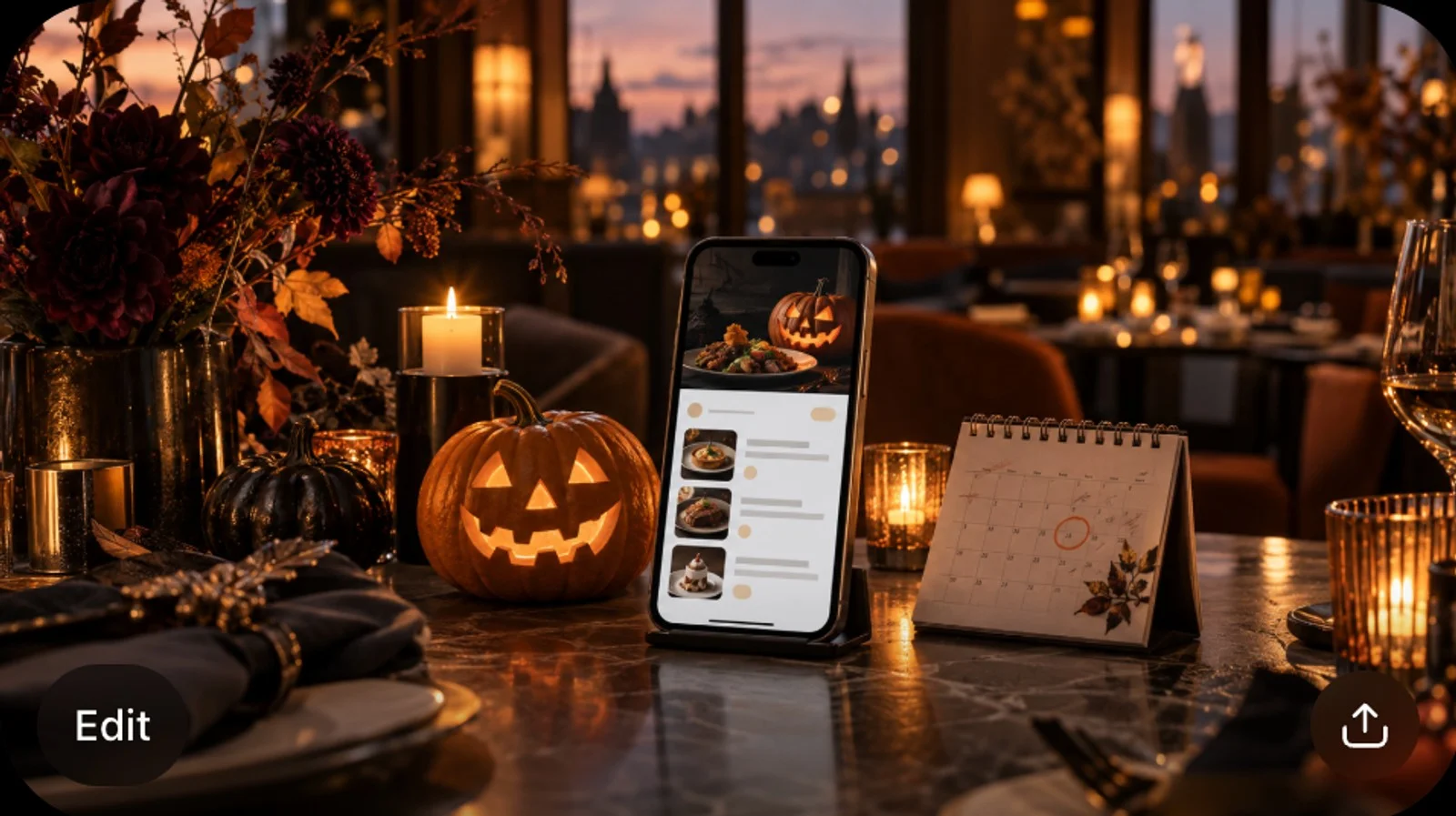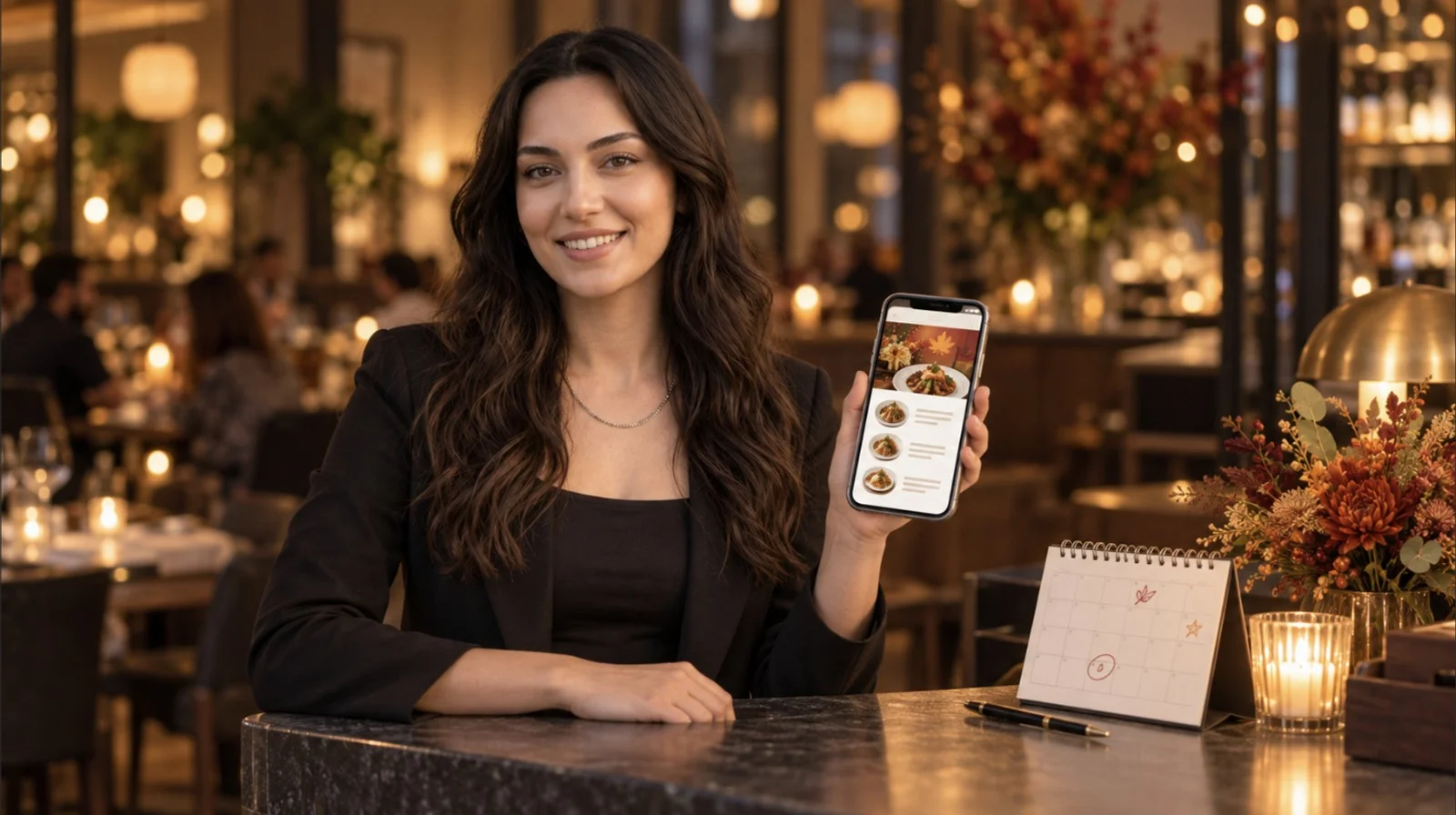

The codes went onto your tables during the pandemic and yours are still there. Whether guests use them or merely put up with them comes down mostly to what loads after the scan. A PDF laid out for A4 arrives on a six-inch screen as something to pinch and drag. A menu built for a phone arrives with a search box, photos and whichever languages you publish. Same code on the table, two different meals for the person holding the phone.
What the Guest Lands On
On July 22 we published a menu on a demo venue of our own, a small bakery, then walked it on a phone the way a guest would. What follows is that walk.
The code opens a short link and lands on a welcome page. The venue name sits at the top, with a language picker, a button for feedback and another for details like the address and opening hours. Every language in that picker is a separate translation of the menu, filled in side by side in the translation center. How many you can publish depends on your plan. The pricing page carries the current figures. If the menu is still in draft, the welcome page says the menu is being prepared, which is worth knowing before somebody prints a code for a menu nobody published.
Then the menu itself. Category tabs across the top, a search box, and item cards carrying the description, the price options where a dish comes in two sizes, and small icons for diet and allergen labels. Tap an item and the photo opens at full width. Under it sit the calorie badge if that field is filled in, the sizes as buttons to choose between, and comments other guests have left with their ratings.
Three of those a printed menu cannot do. It cannot be searched. It cannot switch language for the guest holding it. And it cannot put somebody else's opinion in front of a guest at the moment of choosing.
Every Icon Is a Field Somebody Filled In
Import a menu from a photo or a PDF and what comes across is the items and their prices. The rest is yours to fill in. Diet and allergen labels, nutrition, the calorie figure, the photo. Each one is a separate field on the item, and each stays empty until somebody types in it.
A blank field doesn't announce itself as blank. The guest sees one dish with a photo and icons and the next with neither, and it is easy to read that as a statement about the dishes. Usually it is a statement about how far somebody got through the data entry.
Which makes the order of the work matter more than the total amount of it. Start with the dishes guests open most often. Item views in the reports tell you which ones those are.
One Code for the Room, or One Per Table
On the guest's side this is the difference between ordering and first announcing where they are sitting. One code for the whole room means the guest picks a table number before anything else happens. A code per table means the order already knows where it is going.
A hotel uses room numbers where a restaurant uses table numbers, which is the idea behind how one code ends up covering room service, the pool bar and the spa.
Payment is a separate switch from ordering. With it on, the end of the meal stops needing two trips across the room, one with the bill and one with the card machine, because the guest settles from the same screen the order came from.
When a Dish Runs Out Mid-Service
Run out of something halfway through service and a printed menu carries on selling it for you. Somebody apologizes at every table until closing.
In the menu editor each item has a visibility toggle. Turn it off, publish, and the next guest to scan doesn't see the dish.
Two things to know before your team leans on that. A phone that already loaded the menu keeps showing what it loaded until the guest scans again, so the table that scanned twenty minutes ago still has the dish on screen. And menus sit in draft until you publish them, so an edit typed during afternoon prep does nothing at all until somebody presses publish.
Why Some Guests Push Back
Some guests want the codes gone, and the complaint is worth reading closely rather than waving off.
A good part of it turns out not to be about the code. It is about a PDF. A document laid out for A4 arrives on a six-inch screen, so reading a price means pinching, dragging and zooming back out, with no search to fall back on.
Some of it is about the phone in the guest's hand, a battery at 4%, light too low for the camera to focus, small type with the reading glasses left at home, or an evening somebody came out specifically to spend away from a screen.
And some of it is about what left the table with the paper. If the code replaced the server's visit and nothing took the place of that visit, the guest has no easy way to say the order came out wrong. The menu screen can carry service requests, calling somebody over or asking for the bill, but only the ones you switch on.
We can host the menu. We can't make a guest want to hold a phone through dinner, and no setting in the product changes that. Keeping a stack of printed menus at the host stand is not an admission that the rollout failed.
Privacy comes up as well, usually as a question about what a scan collects. On the menu we walked, the welcome page asked for nothing and signing in was optional.
What a Scan Tells You, and What It Doesn't
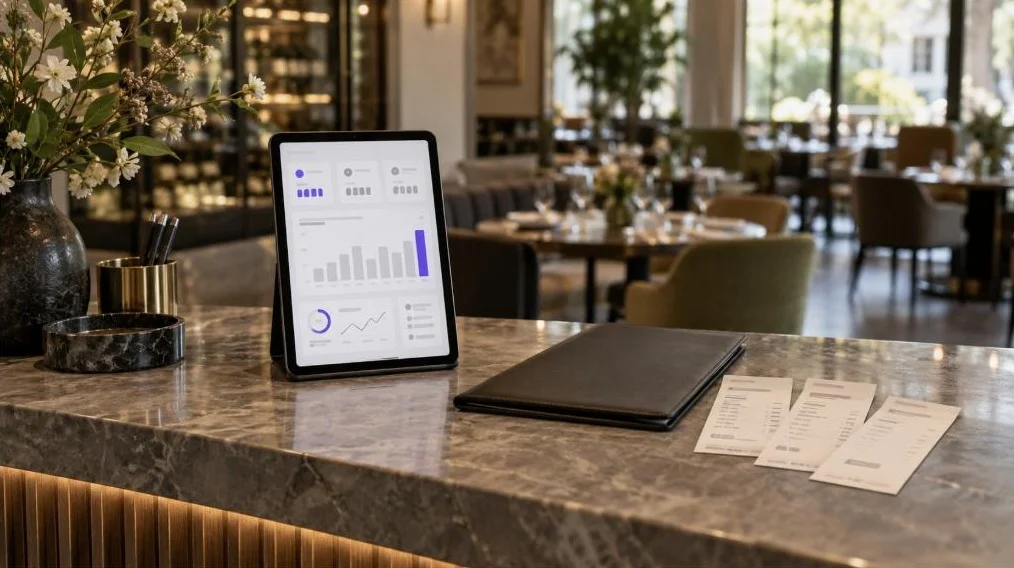
The dashboard counts scans. The reports go further, into sessions, menu views, section views and item views, plus orders, average ticket and conversion once ordering is switched on. They refresh hourly and run over 7, 14, 28 or 90 days, or a range you set, and each window can be held against the one before it. Timing gets a view of its own.
Read the scan count as traffic rather than as covers. Two people at one table can each scan, and the same phone opening the menu again after the starters counts as another session. Your cover count comes off the till. The two are unlikely to line up, and the gap is not an error to chase.
Identity arrives only when a guest hands it over. A name and a phone number typed into an order form. A rating left on a dish. An answer to the feedback survey sitting on the welcome screen. That survey is a list of questions you write, and the questions decide whether the answers are usable.
Item views are the number worth checking first. A dish that gets opened often and ordered rarely is worth a look. What the report won't tell you is whether the price, the photo or the description is doing it.
The Guest's Screen, While You Edit It
The menu editor puts the item list on the left and a phone preview on the right, so the guest's screen is the thing you are looking at while you edit it. Colors, a background image and your own font file go in display settings. The service options decide what a guest can send you from the menu. Each change lands in the preview as you make it, which is where you catch the description that runs four lines long, the background that swallows the prices, the service button you meant to leave off.
What the preview cannot show you is the room. The light over the corner table. A code half hidden by the bread basket. So sit at one of your own tables during service, scan your own code on your own phone, and order something. Whatever irritates you in those three minutes has probably been irritating guests since you printed the code.
| Signal | Display-only code | Ordering code |
|---|---|---|
| Scans and sessions | Yes | Yes |
| Which sections and items got opened | Yes | Yes |
| Orders, average ticket, conversion | No | Yes |
| Guest name and contact details | Only what a guest volunteers | Collected on the order form |
| Item ratings and comments | Yes | Yes |
| Which table it came from | No | With a code per table |
Frequently Asked Questions
- How do I make a QR code for my restaurant?
- Build the menu first, then generate the code from it. In FineDine the code comes off the menu screen, and the QR settings are where you choose between one code for the whole room and a code per table. A free generator will make you a code just as well. What matters is what the code points at. Point it at a page you can edit, because a PDF has to be swapped out every time a price moves.
- Can I create a free QR code for my restaurant menu?
- Yes. Generating the code is free in most places. It is also the cheapest part of the job, since a code is a printed link and nothing more. The cost sits in keeping the page behind it current: prices, the guest's language, photos, allergen and diet labels. If the free route points at a PDF, you have moved the reprint job from the printer to your laptop.
- Is there a free QR code ordering system available for restaurants?
- Showing a menu for free is common; taking orders and payments is a different job. FineDine's Ordering module covers three channels - Dine-In QR (per-table or one QR for the room), Delivery & Pick-Up, and tablet ordering - with payment through Stripe and Myfatoorah, including split payment. It's part of the Growth plan and up. Generating a code stays free; running the order flow behind it is the paid part, and the pricing page has the current figures for each plan.
- What is the best QR code stand for a restaurant?
- We haven't tested stands, so this comes from setting tables rather than from measurement. Matte beats glossy, because a spotlight on laminate stops a camera focusing. It should stay upright after a table wipe and sit where the bread basket doesn't cover it. Past that, the stand is the least consequential decision on this page.
- Does the guest need your wifi to open the menu?
- Usually not. The page opens over the guest's own data. Your wifi starts to matter in a basement or a thick-walled room where reception drops, and it matters in a particular way. If your network shows a login screen before letting anyone through, the guest now has two steps between the code and the menu instead of one. Test it from the worst table in the room.