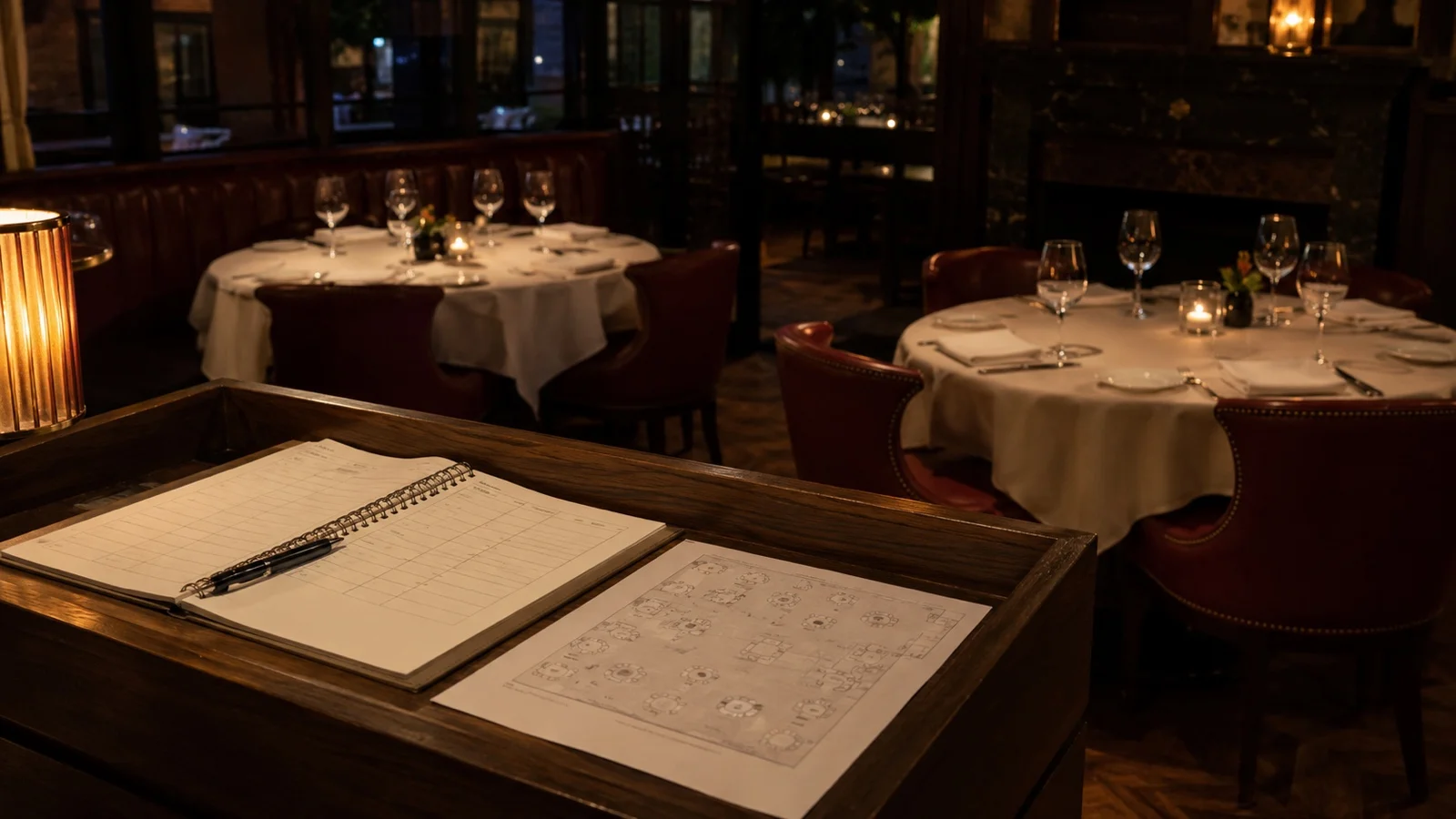

Choosing a restaurant management system starts less with which features you need and more with seeing where you keep which information today. If the menu lives in one place, reservations in another, orders in the POS and guest details in a fourth system, the same information has to be updated and checked more than once.
So when evaluating a system it is more useful to look at where the menu, order, table, reservation, guest and staff information will be kept. For each of them, settle two things: which system holds the primary record, and whether the other systems can read it from there. Those answers are the basis of your requirements list.
What a Restaurant Management System Does

Think about changing a price. When the system works, that change is made once and shows up in the menu the guest sees, in the delivery listing and in the weekly report at the same time. When it does not, the same change gets made in three places, one of them gets missed, and the one that gets missed is usually the one the guest is looking at.
The term is used loosely. Some vendors mean an all-in-one suite, some mean a single module, so when comparing them it is more useful to look at which information each system holds than at the feature names.
Scope: The Records a System Holds
The module names you see on product pages change from system to system: what one calls order management, another calls the sales screen. The menu, order, table and reservation information has to be kept somewhere whichever system you choose. Writing the requirements list around that information lets you compare systems with the same questions.
| Record | What it has to hold | Who reads it afterwards |
|---|---|---|
| Menu item | Name, description, photo, a price for each portion, modifier options, allergen and nutrition data, and the hours it can be ordered | Guest menu, website, delivery listing, sales reports |
| Order | Channel, table or address, items with their modifiers, status, payment method, tip | Kitchen, till, accounting, reports |
| Table and area | Which area it sits in, how many it seats, its own code or a shared one, and its current state | Seating, ordering, reservations |
| Reservation | Time, party size, expected duration, guest notes, any deposit | Floor plan, guest record |
| Guest | Contact details, consent, order history, feedback and item reviews | Promotions, segmentation, service recovery |
| Staff | Role and permissions, who may submit an order and who may cancel one | Ordering, reports, shift handover |
The menu item is one of the records that needs the most detailed definition. Written as a name and a price, it produces a system that cannot tell a guest whether a dish contains nuts, cannot hide the breakfast section at three in the afternoon, and cannot tell you which portion size actually sells. Written properly, it carries portion prices, modifiers, allergen and nutrition data, and the hours an item is orderable. Everything downstream reads from that one record.
Business Rules: The Half Requirement Lists Leave Out
A record says what exists. A rule says what the system must do when something happens, and that is the difference between a specification and a wish list.
Most of these rules already run your restaurant. They live in someone's head, they get explained to every new hire, and they have never been written down. Write each one in the same shape: when X happens, the system must do Y, and here is who may override it.
- Timing. An item can be ordered on these days, between these hours. Breakfast closes at eleven. The set menu exists only at lunch.
- Thresholds. A minimum basket before a delivery order is accepted, a delivery fee, a preparation time plus a travel time. Those two added together are the promise you make to the guest.
- Eligibility. An age check on alcohol, a promo code that applies to delivery but not to dine-in, a discount that opens above a certain spend.
- Permission. Who may submit an order, the guest from a phone or the waiter from a tablet. Who may cancel one, and up to what point in the kitchen flow.
- Money. Prices per portion, cover and service charges, tip presets, how a split bill is handled.
- State. What happens when a guest cancels, what happens to an item that runs out mid-service, whether the table stays open after payment.
When a rule is not supported by the software, it depends on staff remembering it during service, which raises the risk of mistakes.
How to Build the Requirements List Without Guessing

You do not need a template for this. A notebook kept across a few representative services is enough.
Sit through a full service and write down every moment the same piece of information gets typed into a second place. An order read off a ticket and re-entered at the till. A phone reservation copied into a book. A price changed on a board and not in the app. Each of those is a requirement line, and it is a line you can defend, because you watched it happen.
Then count how many separate places one order touches, from the moment it is taken to the moment it lands in the accounts. If the number is more than two or three, integration belongs at the top of your list rather than at the bottom.
Then ask two questions. For each record, who owns it today and who should own it afterwards. For each rule you wrote down, can the software express it, or does it stay in someone's head?
A digital ordering channel shortens the wait for the order, not the wait for the food. If the kitchen cannot keep pace with the faster order flow, the wait moves from the table to the kitchen and the guest feels the same delay somewhere else.
Not every table wants to order from a phone. Larger groups, older guests and certain occasions still expect a waiter, and a setup built on the assumption that everyone will scan a code tends to get worked around in the first week.
The cost of integrations belongs in the purchase decision too. Check the point-of-sale, payment and printer systems you run against the supported list; some connections are included and some are paid.
One more thing worth knowing early. Generated surfaces read from the records underneath them, so a website, a menu translation or a sales report built on top of a half-finished menu will be confidently wrong. Build the records first.
The Order to Set It Up In
The setup order matters, because later steps use the information you entered earlier.
- Venue information and operating hours. Later steps, including anything generated, use what you enter here.
- The menu is one of the parts that can take the most preparation during setup
- Tables and areas. Which area each table belongs to, how many it seats, and whether it gets a code of its own.
- Channels. Dine-in, delivery, pickup, tablet, and which menu each channel shows.
- Rules: move the business rules you listed earlier into system settings wherever the system allows it.
- Integrations. Point of sale, payment, printer.
- Reports. Before you go live, pick a day that has already happened and ask the system for it, item by item. If you have to export it and rebuild it in a spreadsheet, your reporting need is not covered yet.
Anything generated comes last: websites, photography, translations. They read from the records above, and running them early is the most common way to end up doing them twice.
How This Works in FineDine
Some of the decisions above are made directly in FineDine.
An item holds its description and photo, a price for each portion, modifier options, nutrition and allergen labels, and the days and hours it can be ordered. The guest menu, the ordering channels, the website and the reports all read that same record, so a change is made in one place. If your menu already exists as a photo, a PDF or a spreadsheet, you can upload it and have the sections, items and prices extracted, then correct what came through instead of typing from scratch.
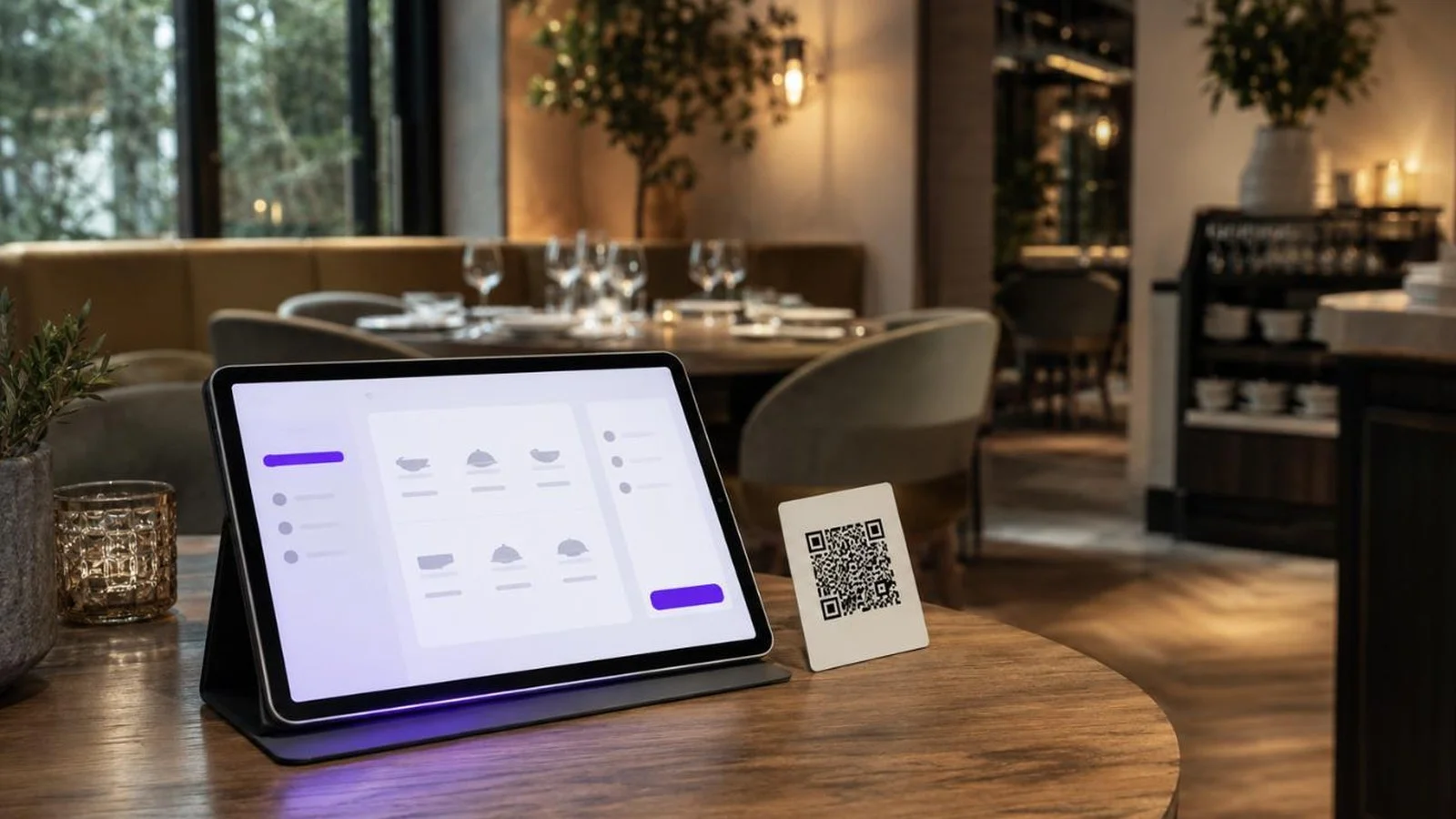
You choose one QR for the whole room or a separate QR for each table, and whether that code shows the menu only or also takes orders. On tablets there are three modes: one carried by a waiter, one fixed to the table, and a self-service kiosk. The rules sit alongside them, as settings rather than instructions: minimum basket, delivery fee, preparation and travel time, age verification, tip presets, cover and service charges, and promo codes that can be limited to a single channel.
FineDine's marketplace lists the point-of-sale, payment and printer systems currently supported, so it is worth checking the connectors you need before choosing a plan; which connections are included and which are paid changes by plan.
Reporting arrives in two layers. Standard summary, item and business reports are available. What the AI reporting layer covers depends on the plan, refreshed through the day rather than overnight.
If you want to see how your own menu, your tables and your rules would sit in one system, you can ask us for a demo.
Common Questions About Restaurant Management Systems
- Is a restaurant management system the same thing as a POS?
- They do not have to be the same thing. A POS is there to run sales and payments, but the scope of modern POS systems varies a lot. What matters is which system holds the primary record for the menu, the order, the table and the guest.
- What if the POS I already use is not on the integration list?
- The order record splits in two and someone has to enter it a second time. In a small venue that is tolerable; in a busy room it costs. Before treating it as a blocker, decide which information genuinely has to cross over - that depends on your accounting, stock and reporting setup.
- Does a small cafe need one?
- If the same person takes the order, makes it and rings it up, and nothing is written down twice, the gain is limited. A system like this makes more sense once you start keeping the same information in two places, or once finding past sales regularly takes time.
- How long does setup take?
- Setup time depends on the size of the menu and how organised the existing product data is. The part that usually takes the most preparation is completing item, price, variant, photo and allergen information. You can upload an existing menu as a photo, PDF or spreadsheet, pull out sections and items, and correct from there.
- Can the same menu run in more than one language?
- It can, and it helps to know what that means in practice. Translation happens field by field, so every item name and description is a small task of its own. A translation center that tracks completion per language and filters what is still untranslated is what keeps that manageable, and machine translation gives you a first pass to correct rather than a finished result. How many languages you can run depends on the plan.