Automating the front of house does not mean moving the whole service online at once. The menu, the order, the payment, the reservation and the service request are separate processes. It makes more sense to find the point where the team loses the most time during service, or where the guest waits longest, and start there.
Which Front-of-House Jobs Can Be Automated?
The processes below are the ones a menu and ordering platform can take on. Each removes a specific wait or a repeated step, and none of them removes the team's role.
| Process | What the software does | The team's role |
|---|---|---|
| Showing the menu | The guest opens the current list on their own phone, with prices, allergens and photos | Recommending, answering questions, understanding specific needs |
| Taking the order | The order reaches the kitchen or the POS tagged with the table it came from | Confirming special requests and checking unusual orders |
| Taking payment | The guest pays from the same screen or on the bill at the end | Resolving a disputed line, handling split bills |
| Taking reservations | Booking, cancellation and reminders run without a phone call | Managing special table requests and clashes |
| Service requests | The guest sends requests such as asking for the bill or reporting a missing item | Responding in person and setting the priority |
How to Set Up In-Room Ordering
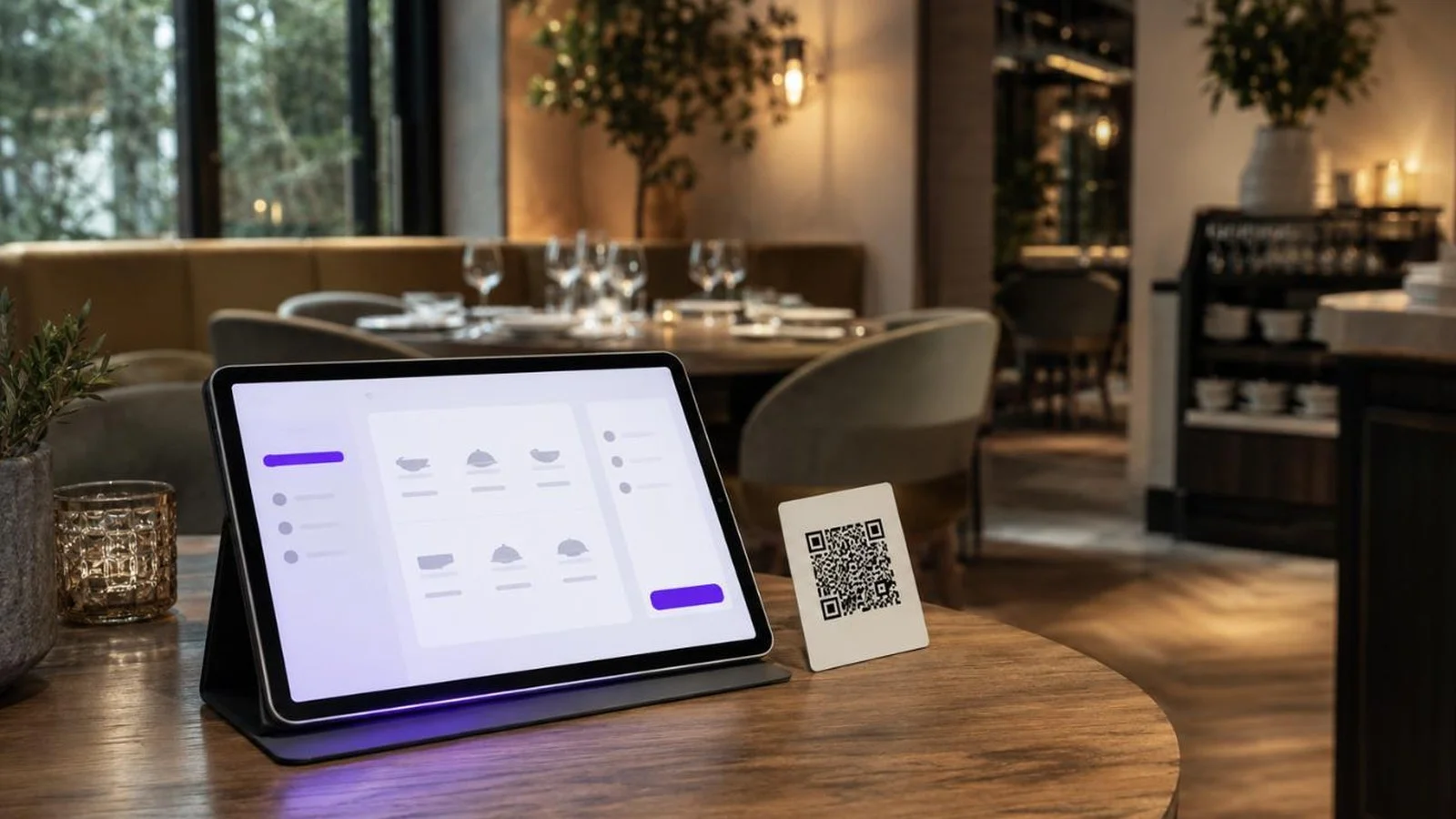
In the dining room an order can be taken four ways: through a server, through a QR code used for the menu only with the order still given to staff, through a QR code that sends the order directly, or through a tablet. Which one fits depends on your service model and how busy the room gets, and choosing one does not close off the others.
On the QR side, showing the menu and taking the order through it are separate decisions. Whether the code sits on each table or covers the whole room also changes how the table information travels. These setups are covered separately in our QR ordering system guide.
In FineDine, off-site channels such as delivery and pick-up can also be switched on independently, but they belong to a different operation than the dining room and are worth assessing on their own.
Choose the Tablet Setup by Service Model
A tablet menu can be used in three different service models:
- Full service: the tablet is carried, and the same device can cover several tables. Final submission of the order can be set up to come from either the guest or the staff member.
- Table top: the tablet is assigned to a specific table and the guest uses it directly.
- Kiosk: a self-service flow where each order creates its own ticket or number.
The choice is about the service model rather than the device: full service suits a room with waiting staff, kiosk suits a quick-service operation.
Set Up the Room Before You Set Up the Software
Tables are defined both as a list and as a floor plan, and they group into areas: terrace, indoor room, upper floor. If the tables and areas are not defined properly, matching order data back to the real layout of the room becomes difficult later. The same definitions are what let you download a separate code for each table.
Table count is one of the limits to weigh directly when choosing a plan. Compare the table, monthly order and reservation limits against your real volume; in FineDine these limits vary by package and the current figures are worth checking on the pricing page.
Taking Service Requests Digitally
Service requests are not a fixed feature but a list you define. Bring the bill, the order is wrong, we need cutlery: each becomes a request the guest can send from the menu on their phone.
The benefit here is not fewer staff; it is that requests such as asking for the bill or reporting a missing item reach the team without waiting to catch a server's eye. A cover or service charge can also be defined once as an extra charge rather than explained at every table.
Measure the Current Flow Before Automating
To see what automation changes, the current state has to be measured first. Three measurements that fit in a week without buying anything:
- Across three services, count how many times a server walks to the terminal empty-handed. That is what tableside ordering reduces.
- Time the gap between a table being ready to order and the order reaching the kitchen.
- Count the phone calls that are only about a reservation for a week. That shows the manual traffic a booking system could reduce.
Whatever you measure before, measure the same thing after. If stock, payroll and shift planning fall outside this scope, settle that before you buy.
Frequently asked questions
- Does automating the front of house mean fewer staff?
- It is not a direct consequence. Automation first reduces repeated work such as taking orders, taking payment and following up reservations. Greeting, recommending and resolving problems stay with the team, and how the freed-up time is used is the operator's decision.
- Which front-of-house job should I automate first?
- It makes more sense to set the priority by the bottleneck in your current operation rather than by the number of features. Tableside ordering comes first in a room where servers constantly walk to the terminal; reservations do in a room where the phone rings through dinner service.
- Can I keep printed menus alongside a QR code?
- You can. Keeping a printed menu or a staff-assisted alternative for guests who would rather not use a QR code can be useful.
- Does a menu platform manage shifts and stock?
- Usually not. Stock, payroll and shift planning are managed in separate products. A menu and ordering platform covers the guest-facing side, and it is worth settling the scope boundary before buying.
- What about opening and closing checklists?
- Opening, closing and cleaning checklists can also be digitised, but they are usually managed in an operations tool separate from a menu and ordering platform.
Where to Start with Front-of-House Automation
FineDine helps run several of these front-of-house flows in one system: the digital menu, ordering through QR or tablet, payment at the table, table management, reservations and service requests. They do not all have to be switched on at once. It works better to identify the process that creates the most waiting or repetition in your room and bring that flow in first.