A table of four finished eating ten minutes ago. Plates cleared, a card already on the cloth, and one of them has turned in their seat with a hand half up, waiting for anyone in an apron to look over. The kitchen did its job. The ten minutes since have been nobody's job in particular. Much of what a seated guest counts as waiting was never cooking time: the wait to order, the wait to report a plate that came out wrong, the wait to pay and go. Two things shorten those minutes. You change how the room is run, and you give the table a way to ask for something without catching anyone's eye. Before you pick either, work out which wait your room actually has. The count you would reach for first, every raised hand through one busy service, is also the count that misses the worst of them.
A seated meal holds five waits, and one of them is on a clock
A waitlist at the door records how long a party stands there. It stops the moment they sit down. Nothing takes its place.
After that, each wait depends on one particular person being free at a moment nobody can predict.
If the door wait is your long one, the lever is not on the floor at all. How many parties you can seat inside the same ten minutes is mostly settled earlier, when the bookings go into the book, and our guide to restaurant reservation management covers the calls that decide it.
Adding a server helps, up to a point. In the middle of a rush the server covering that section is already at another table, and a guest three tables away has no route to them.
A raised-hand count only records the guests still trying
Start with the count anyway. It costs nothing, and nothing in your reporting is counting it for you. Take one tally sheet through a single busy service and mark every time a guest has to signal for something: a raised hand, a called-out "excuse me", a runner stopped mid-walk. By the end of the night you have a number you can hold the next service against.
Then be careful with what you do with it. A guest signals while they still believe signaling works. The table that tried twice, put the hand down and started watching the door leaves no mark on your sheet. That is often the table that writes about waiting afterwards. So the count gives you a floor, not a total. A service with fewer raised hands can be the service where more tables gave up.
Asking guests afterwards measures memory, not minutes
The obvious repair is to ask the guests. It does not hold. One published version of the problem comes from outside the dining room altogether: a study on PubMed Central, "Comparative perceptions of wait times for family planning services", set waits recorded by observers inside public health facilities in Kisumu County, Kenya against waits reported in a population survey, and compared the two. It is a clinic. The numbers are a clinic's, and we have not run that comparison in a restaurant.
The method choice is the part that carries over. Collect wait times by asking people later and you are measuring what they remember. The number you act on wants to come off a clock held by someone who was watching.
Time the gap yourself: five tables, two services, the median
Hand-time five or six tables across two comparable services, from the moment they sit to the moment their first order is in. Take the median of those times rather than the average. One table that spends twenty minutes on the wine list pulls an average up on its own.
Five or six tables is a reading, not a statistic. It is still your room's reading, and it is the figure to watch after you change something.
Resist importing a threshold instead. A benchmark quoted at you was measured in somebody else's room, with their menu, their section sizes and their door. It will not tell you much about whether tonight was good.
That median may already sit in your records, but only if your floor process captures the seating time as well as the order time. Plenty of rooms timestamp the order and nothing before it. If that is yours, use first-order time as a rough proxy, and pair it with a manual seating tally for a week rather than reading an order timestamp as though it were a wait.
One more read is worth an hour of somebody's time. Go through your recent reviews and feedback responses, count how many mention waiting, and note where in the meal it happened. Two of the five waits have no timestamp anywhere in your system. Reviews are often the only place they leave a trace.
Four floor decisions that shorten the wait before anyone asks
Section size is the first one. Take a table or two off the busiest station for the two hours that actually squeeze, and give them to a station that is quiet at that hour. If the same station keeps producing raised hands at the same hour, count how many tables it covers before you change anything else about it.
Second, move the first order forward. Water and drinks taken at the greeting mean the table has been served once before anyone has decided on food. That order also puts the first timestamp on the visit.
The third is a sentence rather than a policy. A runner who sets a plate down with "the sea bass, and the pasta without chili, yes?" can catch a wrong order while the guest is still looking at it, instead of after the table has had to flag someone down.
The fourth is the bill, and here you have to actually pick. If it is only started once a guest asks, that ask turns into two waits: one to be noticed, one to be printed. Preparing it as the dessert plates clear removes the second. In some rooms it also reads as rushing. Choose one for your service style and tell the team which one they are running. A floor where half the staff assume one and half assume the other is worse than either.
None of the four reaches the room itself. If what limits you is which stations can see which tables, and how far a runner walks to the pass, that is a floor plan question and briefing the team harder will not move it. If you would rather these four did not depend on a briefing holding all the way through a Friday, our guide to automating front-of-house operations covers the handoff side.
What the table can send from the phone already in their hand
All of that shortens the wait while somebody is still free to notice. It does nothing for the table that has already tried and has nothing left to do but signal. That is where it starts to matter whether the menu on the guest's phone is still useful after the order has gone through.
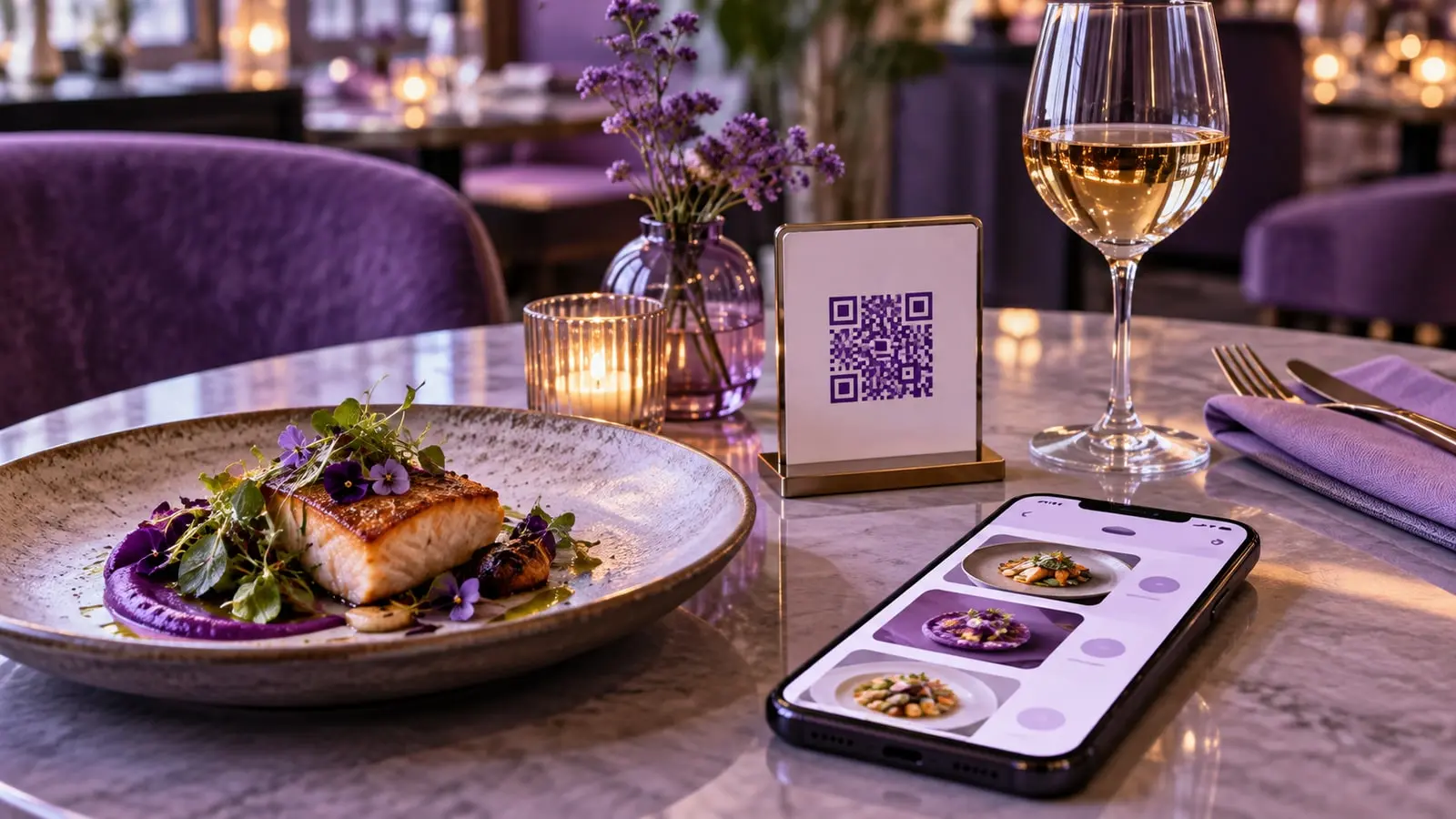
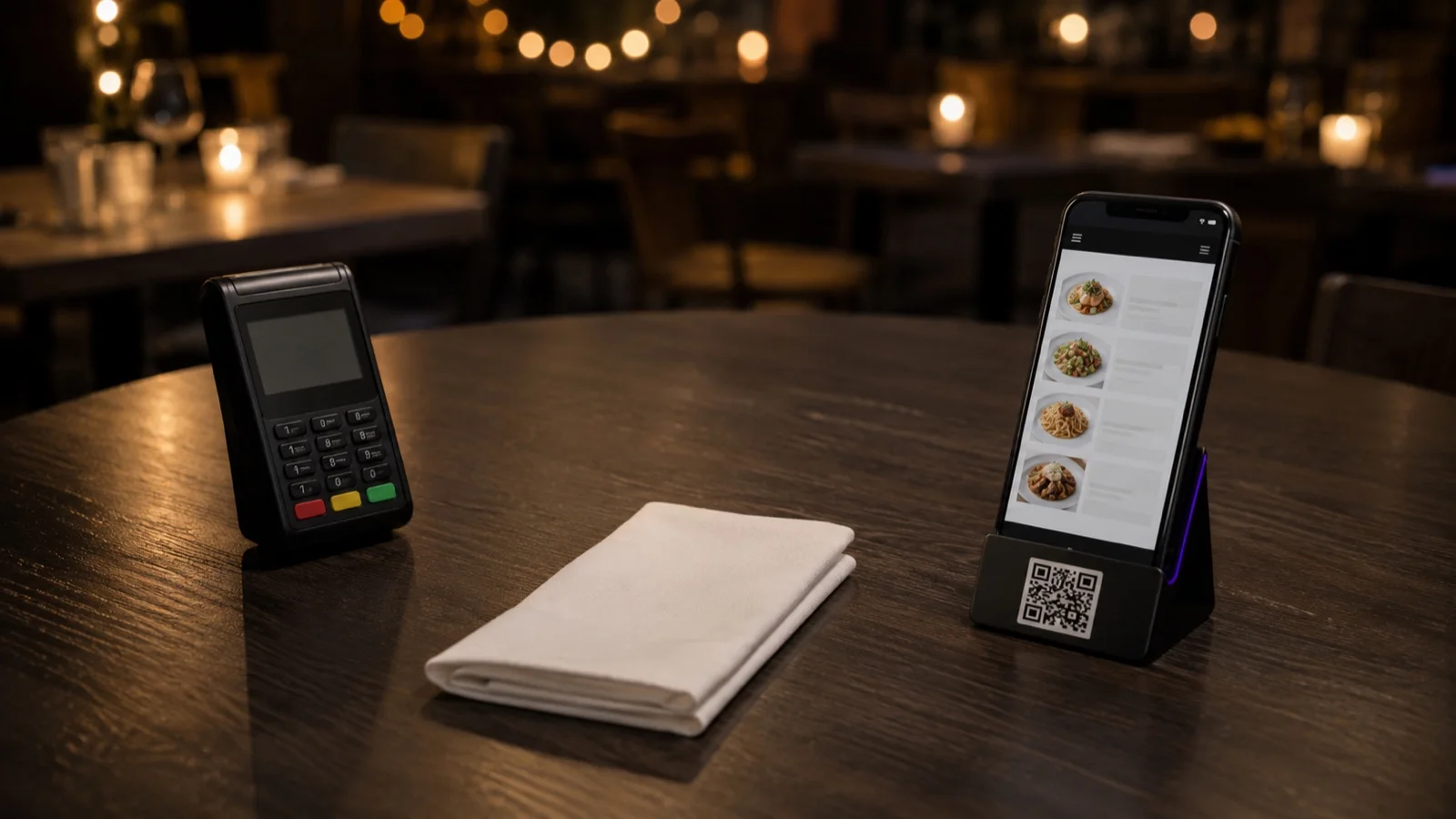
A service request is a short, defined message sent from that menu, picked from a set list rather than typed out. Asking for the bill and reporting a plate that came out wrong are the two we would switch on first; the panel shows which ones your account offers. What the set list buys you is a request that arrives already stated, so whoever is watching for it can pick up the card machine on the way and close the table in one trip.
Dine-in ordering has to be live before any of it appears. With ordering switched off, the guest side of the menu shows the menu, item detail, allergen icons and reviews, and no cart. Service requests arrive with the ordering channel, so a display-only QR menu has nothing to enable yet. Once ordering is live, the path is Settings > Operations and the Service Options tab, where the requests a guest can send are set. Open it and read what is on the list rather than planning around what you assume is there.
Then look at your codes. Dine-in codes can be unique per table, or one code shared across the whole room. A bill request is worth a good deal more when it arrives with a table on it. If your tables share a code today, start there; our guide to what to decide before you print QR codes covers what else that choice settles. Name an owner before the first service too. Who is watching for requests through the shift, and who takes over on their break? A request sitting on a screen nobody is watching is the same wait with one more step in it. What your subscription includes is on the pricing page, which stays current in a way a sentence here would not.
Where the set list stops
A set list covers the predictable asks and stops there. A complaint, an allergy question, moving two tables together for a birthday: those want someone standing at the table. A menu of options only puts a step in front of them.
Some guests will not scan anything either. They will signal the way they always have. Your service standard has to hold for both halves of the room, and a request screen is not a reason to run a thinner floor.
Compare the same service, not the same calendar
Two Friday dinner services before the change against two Friday dinner services after tells you something about the change. A Friday against a Tuesday tells you about days of the week.
If your reports are in FineDine, those comparison windows are already built: 7, 14, 28 or 90 days, or a custom range, each set against the previous period and refreshed hourly. There is a Timing tab and a Real-time tab as well, and both are worth opening before you plan around them. Timing is where a pattern at 8pm on a Friday would show up rather than flattening into a weekly total. Real-time is the one to keep open during service, since the hourly refresh elsewhere means a mid-service check may not carry the last few minutes yet.
What those reports hold is order and session timing. None of the eight metrics counts the minutes a guest sat with a hand up. That number still comes off the tally sheet. Read the two side by side. The reports tell you when the room was under pressure. The sheet tells you what the pressure cost at the table.
Whichever lever you pull, pull one at a time, and give it two comparable services before you judge it. Change the section size and the bill routine in the same week and you will know the waits moved without knowing which decision moved them.
| The wait | When the clock runs | Where the number lives today | What the guest is doing |
|---|---|---|---|
| Door wait | Arrival until seated | Host book or a digital waitlist | Stands, watches the tables that look finished |
| Order wait | Seated until the first order is entered | Order timestamp, if the seating time is recorded too | Reads the menu twice, then looks up |
| Wrong plate | Plate set down until the error is reported | Nowhere, unless someone writes it down | Eats around it or stops a passing runner |
| Ask wait | Deciding to ask for something until being noticed | Nowhere | Raises a hand, then gives up and waits |
| Bill wait | Asking for the bill until the card machine arrives | Partly in the payment timestamp | Coats on, phones out, watching the till |
Frequently Asked Questions
- My servers say the room is fine and the kitchen is slow. How do I tell which one it is?
- Split the clock at the pass. Order-in to plate-down belongs to the kitchen. Seated to order-in, and plates-cleared to bill-paid, belong to the room. Time the three separately across two services and the long one stops being an argument. Most order timestamps hand you that first boundary with no extra work.
- Do I tell the team I'm timing the service?
- Yes, and tell them what you are timing. A floor that thinks it is being scored tends to chase the number, which is how you end up with orders entered early and drinks rushed. Say that you are measuring the gap between a guest deciding to ask and someone noticing, and that the fix is more likely to be section size than anybody walking faster.
- Can I use the reservation time as the seating time?
- No. The booked time is when you agreed to hold a table. A party that arrives ten minutes late, or waits at the bar, breaks it. Take the moment they actually sit, even if that means someone writes it on the host sheet by hand for a week.
- We're a cafe with counter service. Does any of this apply?
- The waits move, the measurement does not. Your order wait sits in the queue rather than at the table, and the wait to be noticed shows up after the plate lands: a refill, a missing fork, a bill for a table that never had a server. Time it the same way and expect different levers.
- Should I quote guests a wait time at the door?
- Only from your own measured door wait, never from a guess. Use the figure you can hold on a busy Friday rather than the one from a Tuesday. A wait that runs past the number you gave lands worse than the same wait with no number attached.