You've decided to put QR codes on the tables, and making the code is the easy part: any free generator does it in about a minute. The work is in deciding what the code opens and what guests can do once it's open. Two choices come before anything goes to the printer. Does the code only show the menu, or does it also take the order and the payment? And does each table get its own code, or does the whole room share one? Both answers end up stuck to the tables, which is why they're the expensive ones to change.
A free code, and what it points at
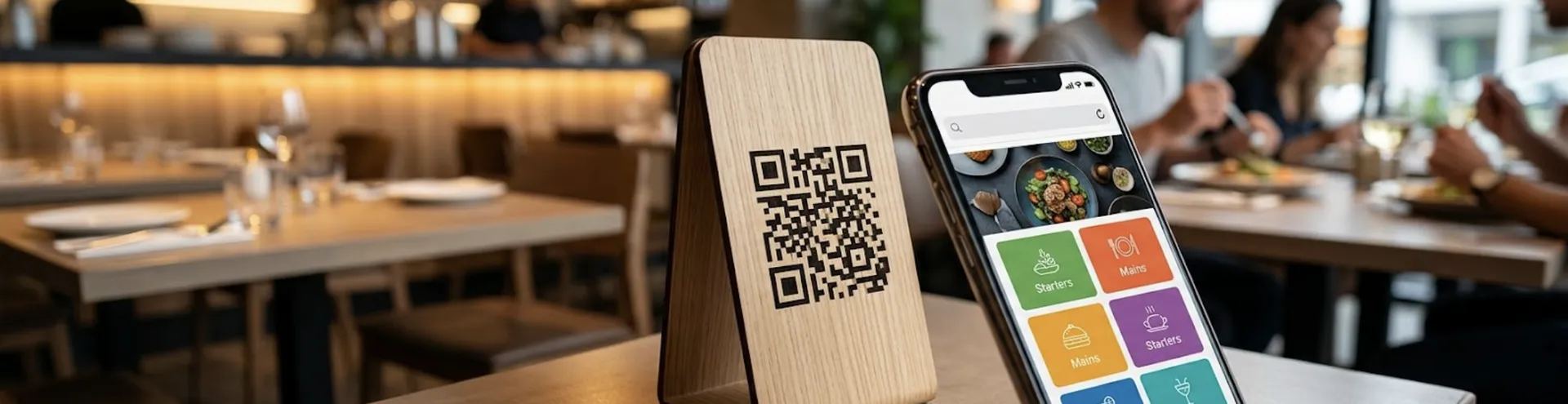
The code holds a web address and nothing more. Your menu isn't stored in the pattern, so the decision that matters is what that address opens. That's also where the free and paid routes split.
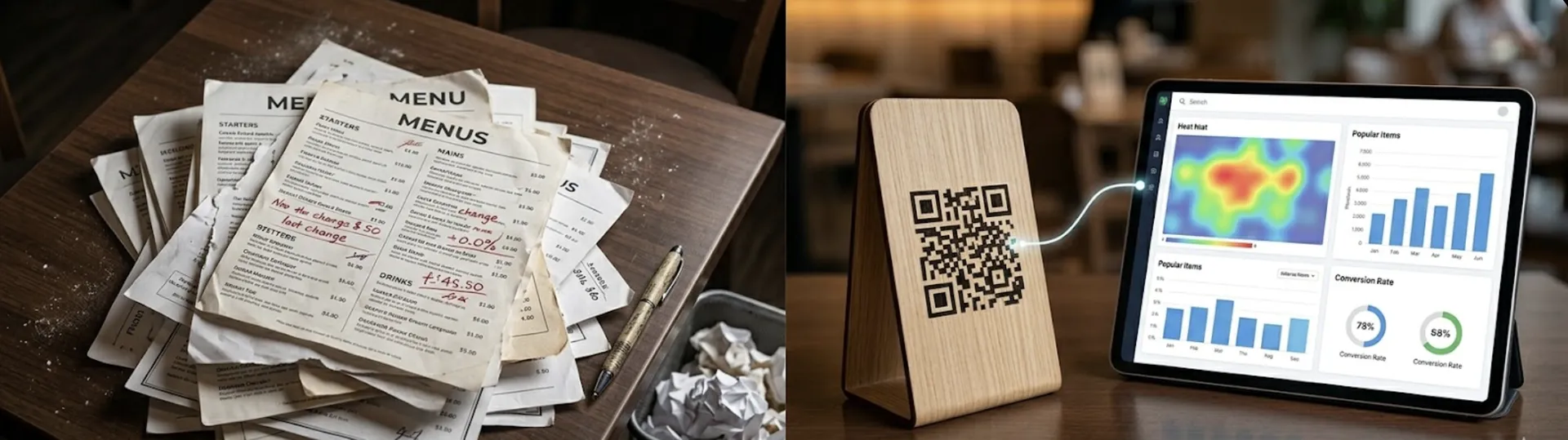
The free route most guides describe is a PDF or a photo of the printed card, uploaded to a cloud drive and shared by link. On day one it works. On a phone, though, the PDF opens as a document the guest has to pinch and drag around, nothing in it can be searched, and there's no way to switch language. The real trouble starts with the first price change. Depending on the drive, a corrected upload can end up at a new address, and every code already on a table still points at the old file, or at nothing.
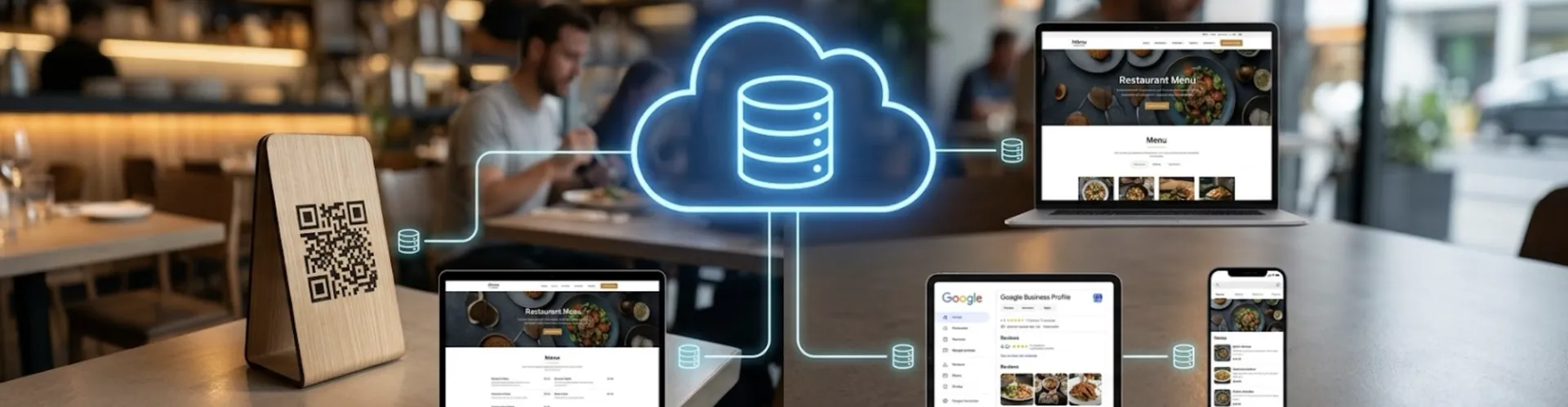
A menu page works the other way round: the address stays the same while what's on it changes. That's all the static and dynamic labels on QR generators are really about. A static code is fine as long as its destination never moves. A paid dynamic code is worth the fee only if it's the one thing saving you a reprint.
So the free route holds up for a short card that rarely changes, in a room where a server takes the order. Once prices move every month, or you want guests ordering from the page, what you're paying for is the page, not the code.
Display only, or ordering too
This gets settled before printing. In display mode the code opens the menu and that's it: the guest reads, a server takes the order. Turn ordering on and the page gets a cart, so guests send the order themselves. Connect a payment provider and they can settle the bill from the same screen.
Display asks less of you, and it's a fair choice in its own right. It suits a wine list that changes weekly, a room where the service is part of what guests are paying for, or a first month where you want to see whether guests scan at all before you change how the floor runs.
Ordering changes the floor, not just the menu. Orders land on a screen that someone has to watch through service, so that person needs a name on the rota. In return, the order no longer waits for a server to get to the table, and the kitchen sees it sooner. Those minutes after guests sit down are the part of service a code can realistically shorten.
One code per table, or one for the room
This is the choice that goes on the tables, so it's the hardest one to walk back.
A code tied to a table sends the table with the order, and the ticket on the screen already says where it's going. A single venue code can't do that by itself. The table has to come from somewhere else: the guest picks it, or a server adds it. At a counter or a takeaway window that costs you nothing. In a 30-cover room on a Friday night, it can mean someone walking plates around asking whose they are.
Layout matters too. Per-table codes follow the floor plan, so a new table needs a new code. The venue code stays the same however often you move the furniture.
Where the codes go besides the table
Table codes are only part of it. The venue code and the menu's share link travel further, and one rule covers where they go: a code that leaves the table should never be a table code.
On the table, a tent card, a sticker or a slot in the menu holder carries that table's own code if you run table ordering, and the venue code if you don't.
The door and the front window are for people who haven't sat down yet. They read the menu from the pavement before deciding whether to come in, so put the venue code at eye height, where someone standing outside can scan it without bending down.
Takeaway bags, receipts and flyers leave the building, so they get the venue code. Print a table code on a bag and any order placed from it comes in marked for a table the guest isn't at.
Online you don't need a printed code at all. Put the share link on your Google Business profile and in your social bios, where the guest can tap it on the phone they're already holding.
What the guest sees after scanning
For the guest it's quick: open the camera, point it at the code, tap the link. There's no app to download. Some older phones don't pick up the link from the camera, so print the menu's web address in small type under the code. That guest can type it in rather than wait for a server.
What opens is a web page, and pages vary. A workable one starts on a short welcome screen with a language picker, then shows the menu in category tabs with a search box. Someone looking for the vegetarian starter shouldn't have to scroll the whole card on a screen the size of a beer mat. How many menu languages you can publish depends on your plan, and the current limits are on the pricing page.
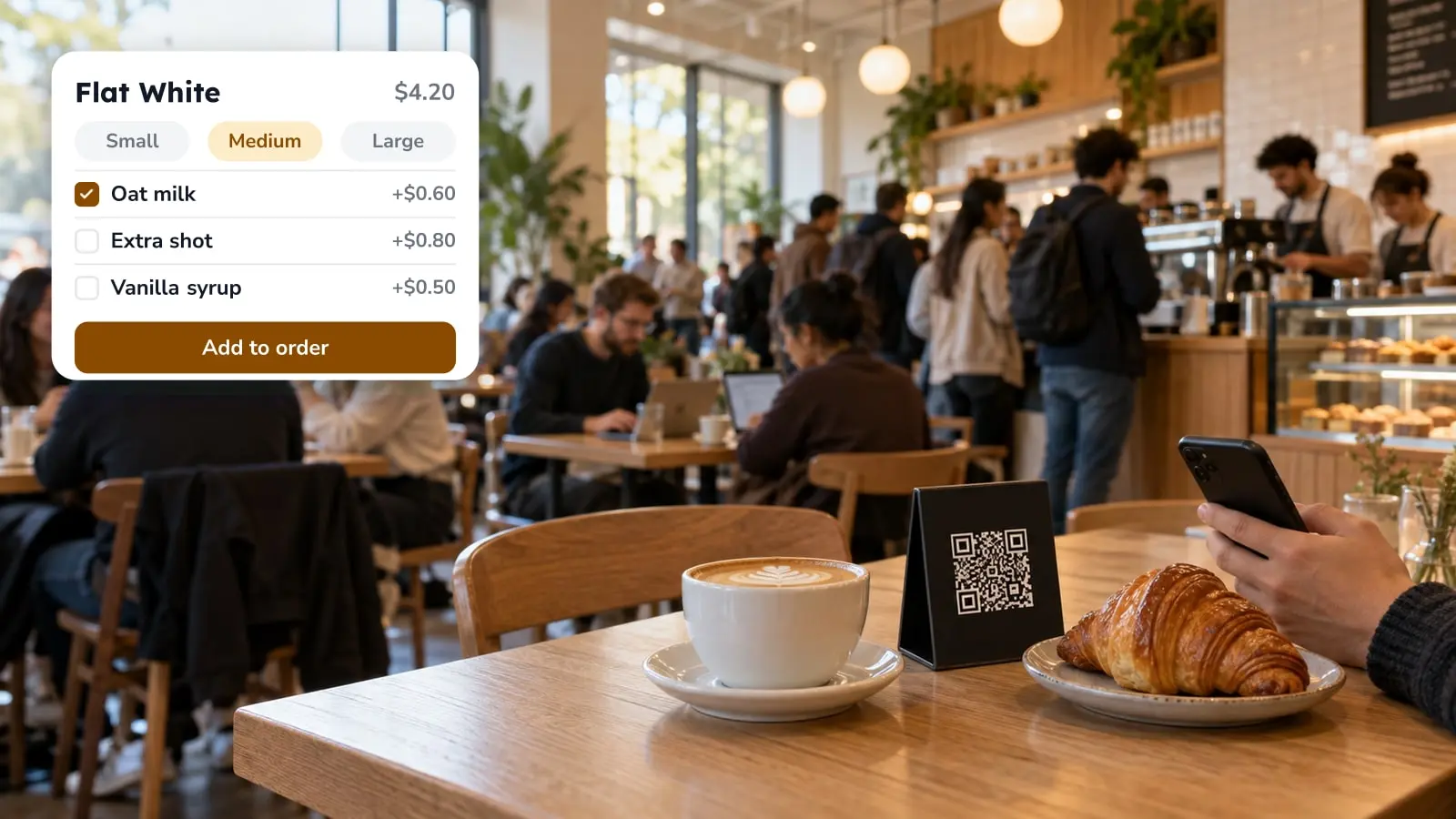
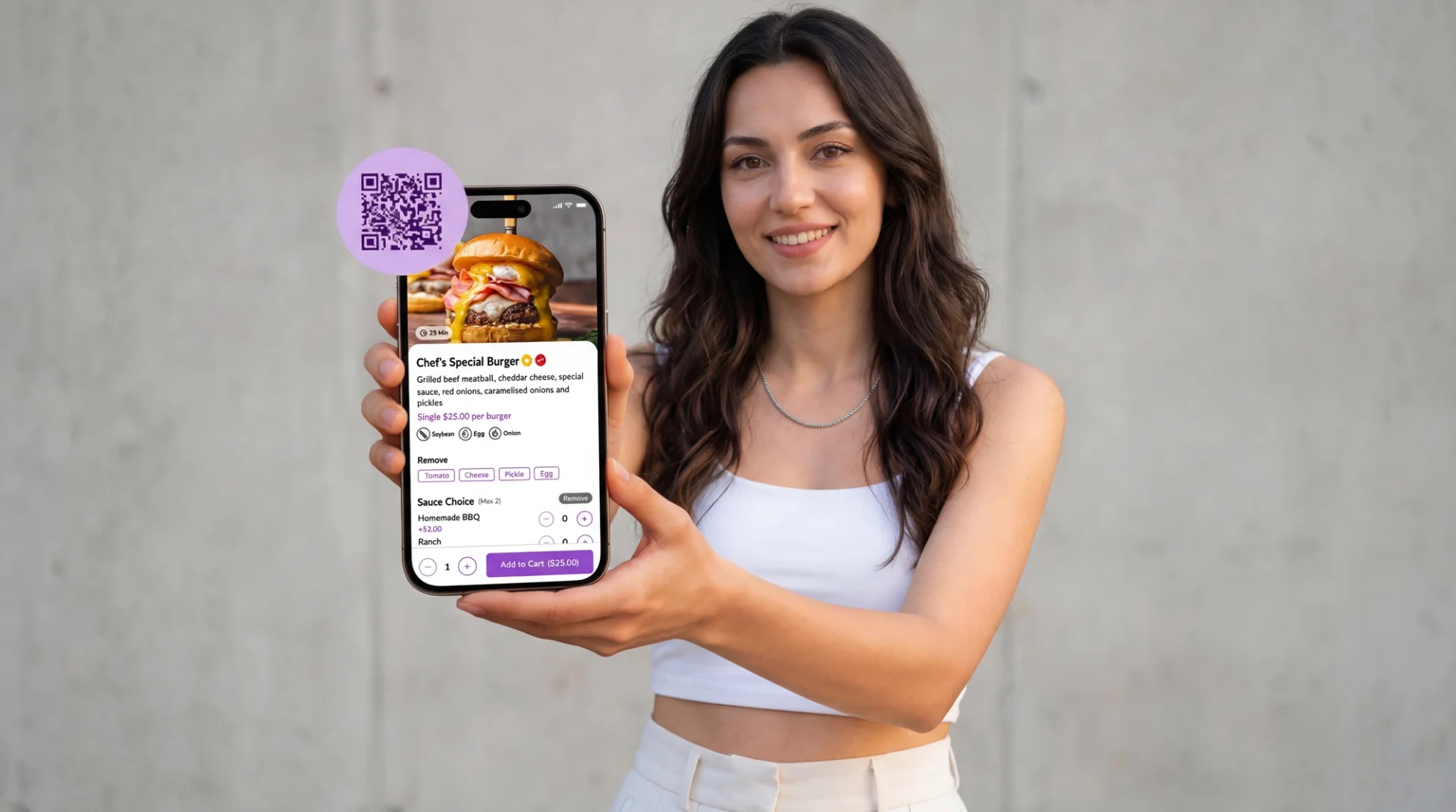
The item cards carry most of the detail: portion prices side by side, allergen and diet icons, a photo. Tap an item and you get a larger picture, a calorie figure, the portion to choose, and ratings other guests have left on that dish. With ordering on, a cart sits on top of all that. Service requests, such as asking for the bill, are set up under Settings > Operations > Service Options, so the guest doesn't have to wave anyone down.
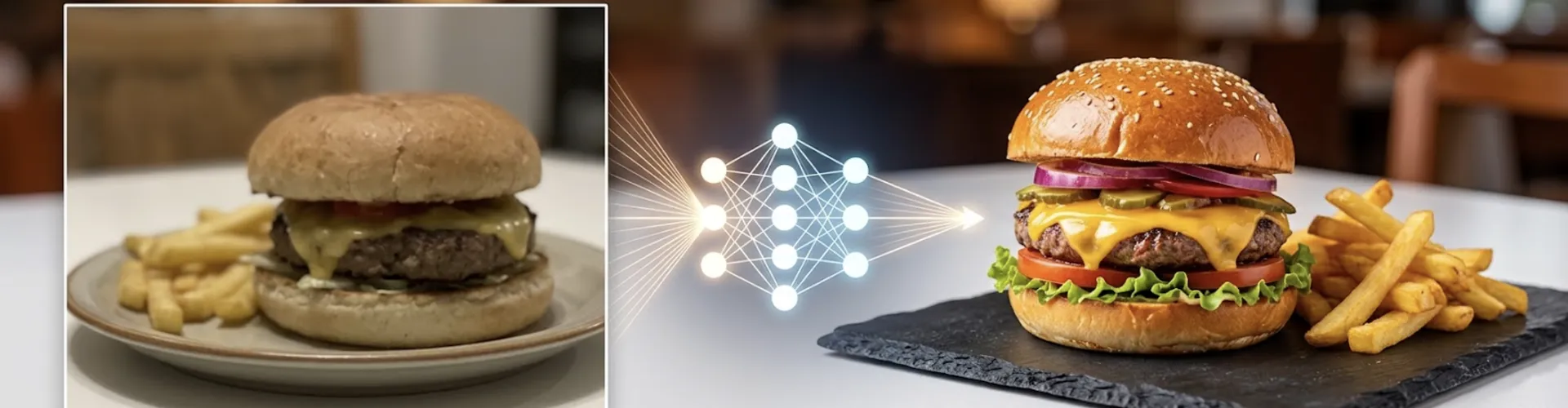
Photos can come later. If you use AI photo work to fill the gaps, it runs on credits, and enhancing a photo you already have uses more credits than generating a new image. Check what your plan includes before you commit a whole menu's worth.
Paying by QR at the table
Pay-at-table is ordering taken one step further, so it only exists once ordering is on. Checkout goes through a payment provider you connect, and the list is as regional as it is global: Stripe and Square, Iyzipay and MOKA for Turkey, Myfatoorah and STC Pay for the Gulf. Which ones you can use depends on where you trade, so check that before you promise pay-at-table to anyone.
Guests can pay by card, Apple Pay or Google Pay, and add a tip from rates you set. The faster checkout, the one that lets a table split the bill, runs through Stripe and Myfatoorah. If split bills come up a lot at your tables, choose the provider with that in mind. If you serve alcohol, age verification is a setting you can switch on.
Delivery and pickup run as a separate channel, with a minimum order, a delivery fee, prep and travel time, and pre-orders for a later slot. For a delivery-only kitchen with no dining room, those settings do most of the work and table codes don't come into it.
Where QR menus fall short
Not every guest scans. Some phones are dead by dinner, some tables hand the phone to whoever's youngest, and some people just won't. A small stack of printed menus by the pass costs next to nothing and settles it at the table.
A code that scans instantly in daylight can fail on a candlelit table at nine in the evening, and the only way to know is to try it there, at nine in the evening.
A QR menu serves people who are already in the room. Someone looking at your menu on Google while choosing where to eat needs your website, and a code on a table does nothing for them.
Nor can it touch what happens before the guest arrives. A table that was booked and never filled is a separate problem, and the first step there is measuring your no-show rate before you bring in a deposit policy.
And the code can't correct the print next to it. A table tent with last season's wine prices is still wrong, however up to date the menu behind the code is.
Setting up the codes in FineDine
- Build the menu. If you have a PDF, a photo of the printed card or a spreadsheet, the menu builder reads the items and prices from it, so you're checking a list instead of typing one. Read it through properly before you publish. Without a file, start with categories and add the items under each.
- Fill in the item pages: portion sizes as separate price options, allergen and diet labels, a photo where you have one. Coffee bars can also add caffeine per item.
- Publish. A menu left in draft opens on a holding screen saying the menu is being prepared, and a guest who scans it will most likely take that for a broken code.
- Set the behavior in Settings > QR Codes: display only or ordering, and for dine-in ordering, one code per table or one shared by all tables.
- Add tables under Settings > Operations > Tables, grouped into areas you name yourself, such as terrace, ground floor or mezzanine. The same screen has a floor plan and a code to download for each table. Four extra terrace tables for the summer means four new codes, not a reprint for the whole room.
- Take the venue code and the share link from the menu editor for the door, the bags and your profiles.
- Scan it yourself before you print forty of them: at the table, in the light the room actually has, at your busiest hour.
Run one table for a week before printing the room
Put codes on one table, or one section, and leave them for a week. Count how many guests scan without being told to, how many ask for a paper menu anyway, and whether orders reach the screen with the right table on them. Changing your mind at that stage costs a sticker. Once the whole room is printed, it costs a reprint.
If you want to see how this looks with your own menu and floor plan, you can request a FineDine demo.
| What changes | One code per table | One code for the whole venue |
|---|---|---|
| Order attribution | The table travels with the order | The guest picks the table or a server adds it |
| When the layout changes | Download codes for the new tables | Nothing to reprint |
| Safe off the premises | No, keep it on its own table | Yes: door, window, bags, flyers |
| Best fit | Table service with a floor plan | Counter service, bars, takeaway |
Frequently Asked Questions
- Do guests need Wi-Fi to open a QR menu?
- They need a connection of some kind, since the code opens a web page. Mobile data is usually enough. In a basement dining room or a cellar bar where the signal drops, print the guest Wi-Fi password on the same card as the code and keep a few paper menus by the pass.
- How long does it take to get a QR menu live?
- Most of the time goes on entering the menu and adding photos. The settings and code downloads take minutes. What slows a launch down is anything that depends on someone else: connecting a payment provider, then getting the codes printed and onto the tables. A display-only menu for one room can often go live the same day. Ordering and payment deserve a slower week.
- What does FineDine cost for a QR menu?
- FineDine is a subscription, and the current plans and what each includes are on the pricing page. AI photo work uses credits on top of the menu itself. You can try it before paying, though some features stay locked during the trial, custom domain among them.
- Does QR ordering replace the till?
- Not necessarily. Orders come into FineDine's own orders screen and payment goes through the provider you connect, so a small operation can run QR ordering without a till behind it. If you're keeping the till you have, check the integrations list first: Foodics, Clover, Revel, Epos Now and Simpra are among the POS systems on it.