
If you're listed on a marketplace app, you've been taking orders online and paying a cut for it. The rest arrive by phone and get written down between services. Running your own online ordering means the order lands in your system instead, from a code on the table or a link you share. The payback shows up on the commission line, in the time between the order and the kitchen, and in the guests you can reach again afterwards. Against all of it sits what your own channel costs to run. How much you see depends on a handful of settings: the delivery time you enter, the minimum order value, and which QR mode you print.
Dine-In QR, Pickup and Delivery, and Tablet Ordering
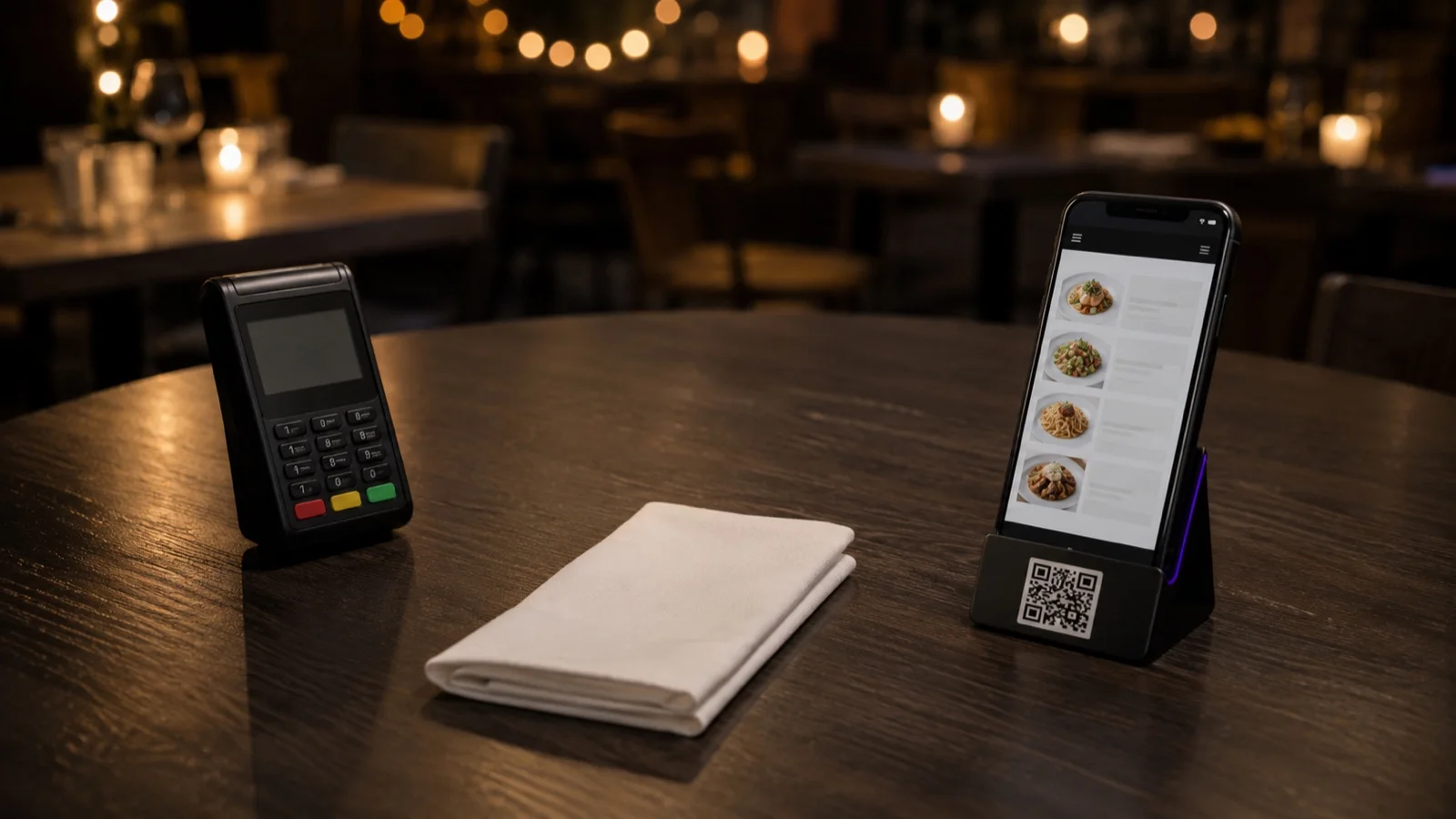
Online ordering covers setups that behave differently. Dine-in QR takes the order from a code at the table while the guest is sitting in your room. Delivery and pickup take it from a link you share, with the guest choosing a time and, if you want, paying before the food moves. Tablet ordering runs in three modes: a waiter carries the device, it sits on the table, or it stands at the counter as a kiosk. On the table, the way a tablet menu is laid out decides how much of it a guest reads.
In FineDine each of these is a separate switch with its own settings. Start with the one channel closest to how your room already works.
Commission, Order Entry and the Guest Record
Pull last month's statement from whichever marketplace you use and find what it charged you in commission. That figure is the ceiling on what your own channel can save. You'll reach part of it rather than all of it, because the orders that move across come from guests who already know your name. Against it goes what running your own channel costs: the plan fee, the payment provider's cut on the cards you take through Fast Checkout, and the monthly fee on a POS integration if the one you need carries one. The commission you stop paying is a gross number until those come off it.
Order entry changes too. A phone order gets written down, read back and typed in again. An order placed on a phone or a tablet arrives itemized, with the size and the modifiers the guest picked. That removes a step, not a minute off the pass.
An order through your own channel also leaves you a guest record, and that's what makes a promo code worth sending. In FineDine a code can be limited to one channel, pickup only for instance, and to a minimum order value, so a discount aimed at slow afternoons doesn't quietly apply to your busiest table.
We do not publish an uplift percentage for any of this. The figures we could calculate come from restaurants with a different menu, city and delivery radius, and they would tell you very little about yours. Your own statement is the better source, and the section below says what to read on it.
Settings to Decide Before You Switch It On
Delivery time is entered as two fields, preparation and travel. Fill them from a busy Friday rather than a quiet Tuesday. The number you enter is the one the kitchen has to hit on its worst night.
Table identity on dine-in QR is worth settling before you print anything. You can print a separate code for every table or use a single code for the whole room. With table-based codes, the table can be attached to the order automatically. With one code, that information has to be collected another way. Both are in use. If you run hotel F&B, the room number does the job the table number does in a dining room, and the same choice covers room service, the pool and the spa on one QR menu across hotel services.
The rest of the delivery and pickup fields are quicker to decide, but each of them changes what a shift looks like.
What Gets Skipped Before Launch
The dining room menu goes onto delivery unchanged. A menu in FineDine carries labels for the channels it is live on, so a dish that arrives cold twenty minutes later doesn't have to appear on the delivery list at all.
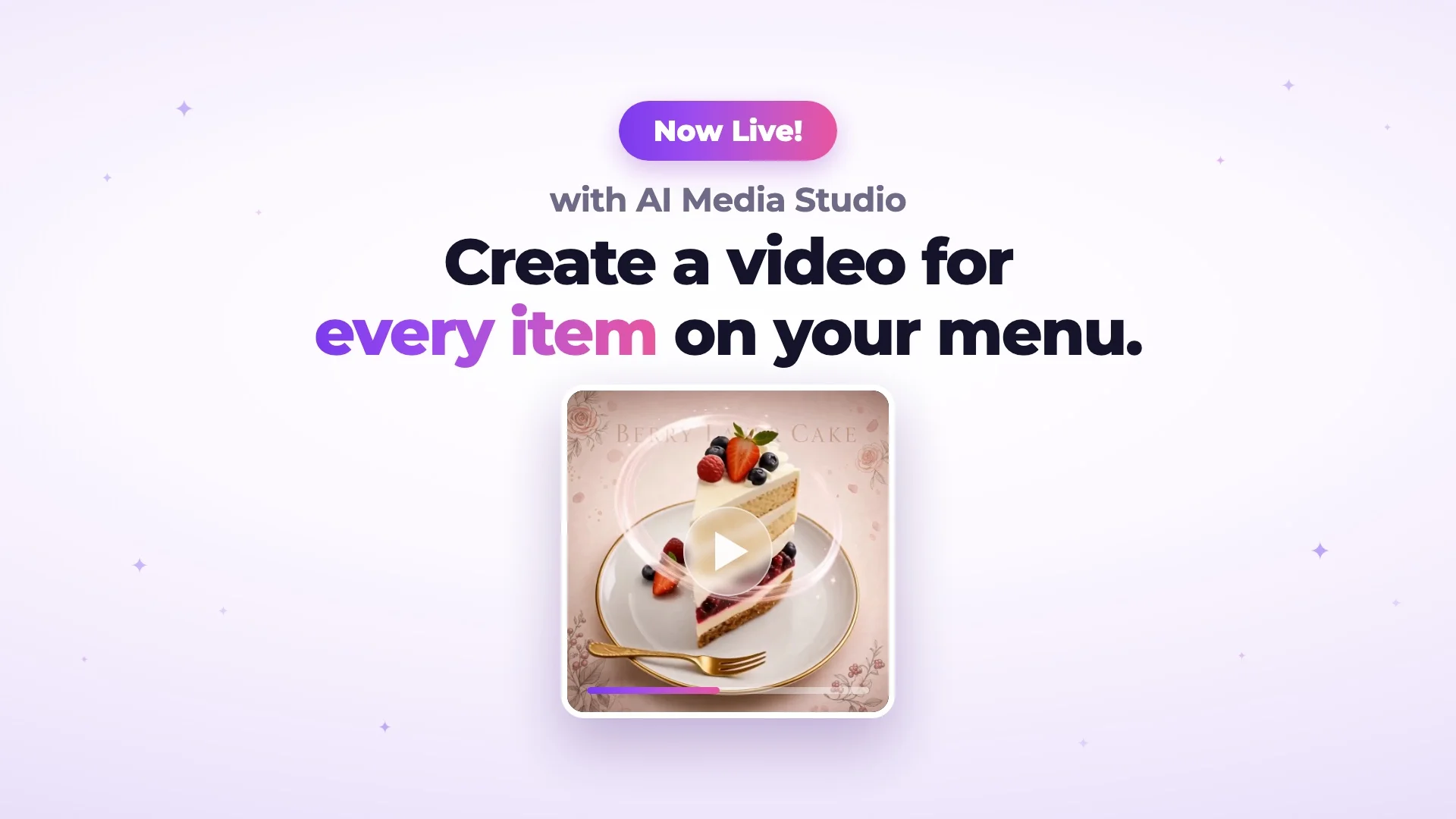
Items go up without photos. Every item has its own image field, and without one the guest picks from the name and the description alone. If you're filling gaps with AI, enhancing a photo you already have and generating a new one draw different amounts of credit, so start with the dishes people order most.
Modifiers and size options are worth building before launch too. Without them the guest can only order the base item. Compare the average ticket on items that carry options with the ones that do not.
And every channel gets switched on in the same week. Delivery, pickup, kiosk and table QR each have their own settings and their own way of going wrong, and running four at once means you can't tell which one caused the complaint.
Where Online Ordering Does Not Help
Your own channel doesn't bring you new people. It moves guests who already know you off a marketplace and onto a list you own. If most of your delivery volume comes from being found inside an app, expect that traffic to stay where it is, at least at first.
It also does not fix a kitchen that is already at capacity. More ordering surfaces mean more orders arriving in the same twenty minutes, and when the kitchen can't match the room, the bottleneck moves to the pass.
Plan for tables that still want a person. Dine-in QR and waiter ordering run together, which is what the full service tablet mode is for: the guest talks to someone, and that person enters the order once instead of carrying it back to a terminal.
Measuring Whether It Worked
Pick a period that covers a normal week for you, weekday and weekend services both. If your volume is low, take longer rather than reading a small sample twice.
Four numbers, each answering a different question. Channel mix tells you how many orders actually moved. Average ticket per channel shows whether the same guest spends differently when nobody is standing at the table. The commission line on your marketplace statement is what stayed in the business, and it only means something read next to what your own channel cost over the same period: the plan fee, the processing cut on the cards you took yourself, and any monthly fee on a POS integration. Cancellations and refunds are the number to read when something in the setup is off. Look at what the cancelled orders have in common: the time of day, the basket size, the delivery distance.
FineDine's AI Reports tab covers part of this. Revenue, orders, average ticket and conversion sit among its eight metrics, updated hourly, and you can compare 7, 14, 28 and 90 day ranges against the previous period. It also flags daily anomalies in revenue, orders and sessions. Whether it breaks any of those down by channel is worth confirming in your own account; if it doesn't, channel mix has to be counted somewhere else. How far back the history goes depends on your plan, so check the current limits on the pricing page before you build a routine around it.
Setting It Up in FineDine
A setup that holds up usually gets built in this order. The menu comes first: items, size options, modifiers and photos, because every channel reads from it. Then one channel, with its own fields. Payment comes next, and it's set per channel. The code itself is last.
Print the code in display mode and it shows the menu and takes no orders, which is where most restaurants start. Ordering mode adds the basket, and the table-code choice above is made here. Guests settling the bill from the same code they ordered from is the QR payment half of the same setup, and it's worth switching on at the same time so the table isn't waiting for two different things.
To see how it runs on your own menu, ask us for a demo and bring a service you would call busy.
| Setting | What it controls | Why it matters |
|---|---|---|
| Minimum order value | The smallest basket that can be sent out | Decides whether a small order covers the cost of sending it out |
| Delivery fee | What the guest pays towards the trip | Sets how much of the trip cost the guest covers and how much you absorb |
| Pre-order | Whether guests can order for a later time | Lets orders come in for a later service |
| Customer form | The fields the guest fills in, including one you define yourself | A door code or a floor number saves the driver a call from the street |
| Tips | Whether a tip can be added at checkout, and at what rates | Without it, tipping on delivery stays cash only |
Frequently Asked Questions
- Do I need a POS system to take online orders?
- No. Orders land on the Orders dashboard on their own, and plenty of small kitchens run it that way with a printer. If you already have a POS, the FineDine marketplace lists integrations for Foodics, Clover, Square, Revel, Epos Now, Simpra and TiPOS among others. Some are free and some carry a monthly fee, which is shown on each listing.
- Can guests pay online, or do we still collect payment at the door?
- Both work. Fast Checkout runs card payments through Stripe or Myfatoorah and can split a bill, and card, Apple Pay and Google Pay sit alongside cash on delivery. Tips can be collected at checkout at rates you set.
- Who delivers the order?
- You do. The setup takes the order, holds the address and the details from your customer form, and applies your fee and minimum order rules. Nothing in it assigns a driver. Restaurants use their own staff or a courier company, and the travel time you enter should match whoever actually drives.
- Can we take alcohol orders online?
- You can switch on an age verification step, so the guest confirms before checkout. Whether that is enough on its own is a local licensing question, and it's worth checking what your area requires before you list alcohol at all.
- Do we need a website before we can take orders?
- No. The ordering page has its own link and QR code, which is enough for a table card, a social bio or a message thread. A website builder is available if you want a home for it later, though what's included depends on your plan, so check the pricing page. Ordering doesn't depend on one.