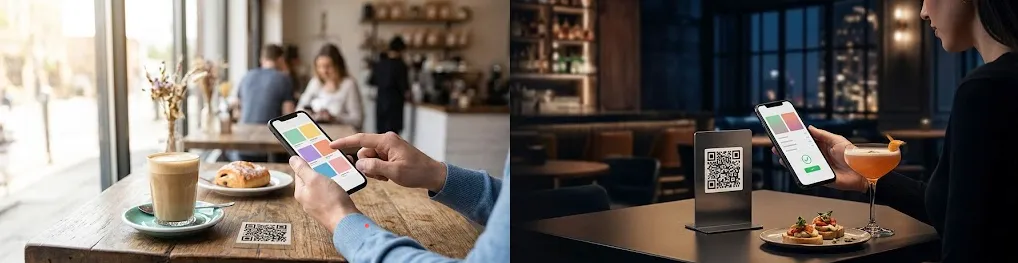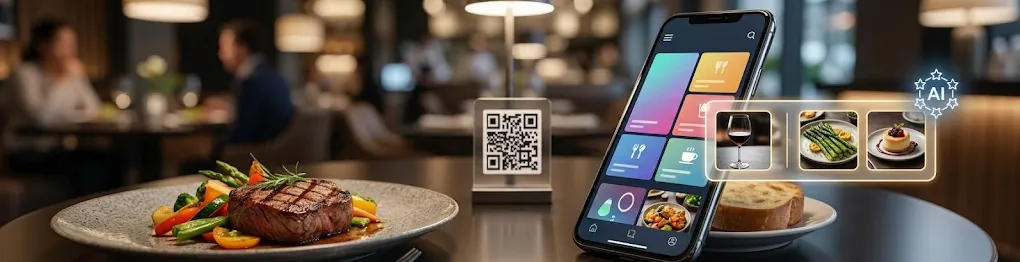
If you're deciding whether to take orders at the table by QR, the mechanics are simple. A guest scans a code on the table, orders from your menu on their own phone and pays from the same screen, with no app to download. You need a digital menu with ordering turned on, a payment provider, a printed code for each table and somewhere for orders to land in the kitchen. The harder question is how your room runs, because that decides more than the software does, and for some services the answer is no.
What the guest does, from scan to payment
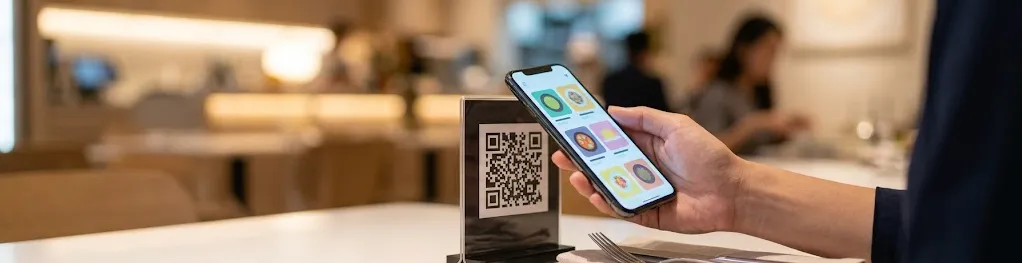
The guest sits down, points the phone camera at the code, and the menu opens in the browser. It's the menu your staff would hand over, with photos, prices, portion options and allergen icons, and in other languages if you've added translations. They pick dishes, add a note where the item allows one, and send the order. On your side it appears on the order screen or prints at the pass. With a code per table, the ticket also carries the table number.
The second round no longer waits for someone to catch a server's eye. A guest who wants another drink orders it from the same page while the server is busy at the far end of the room.
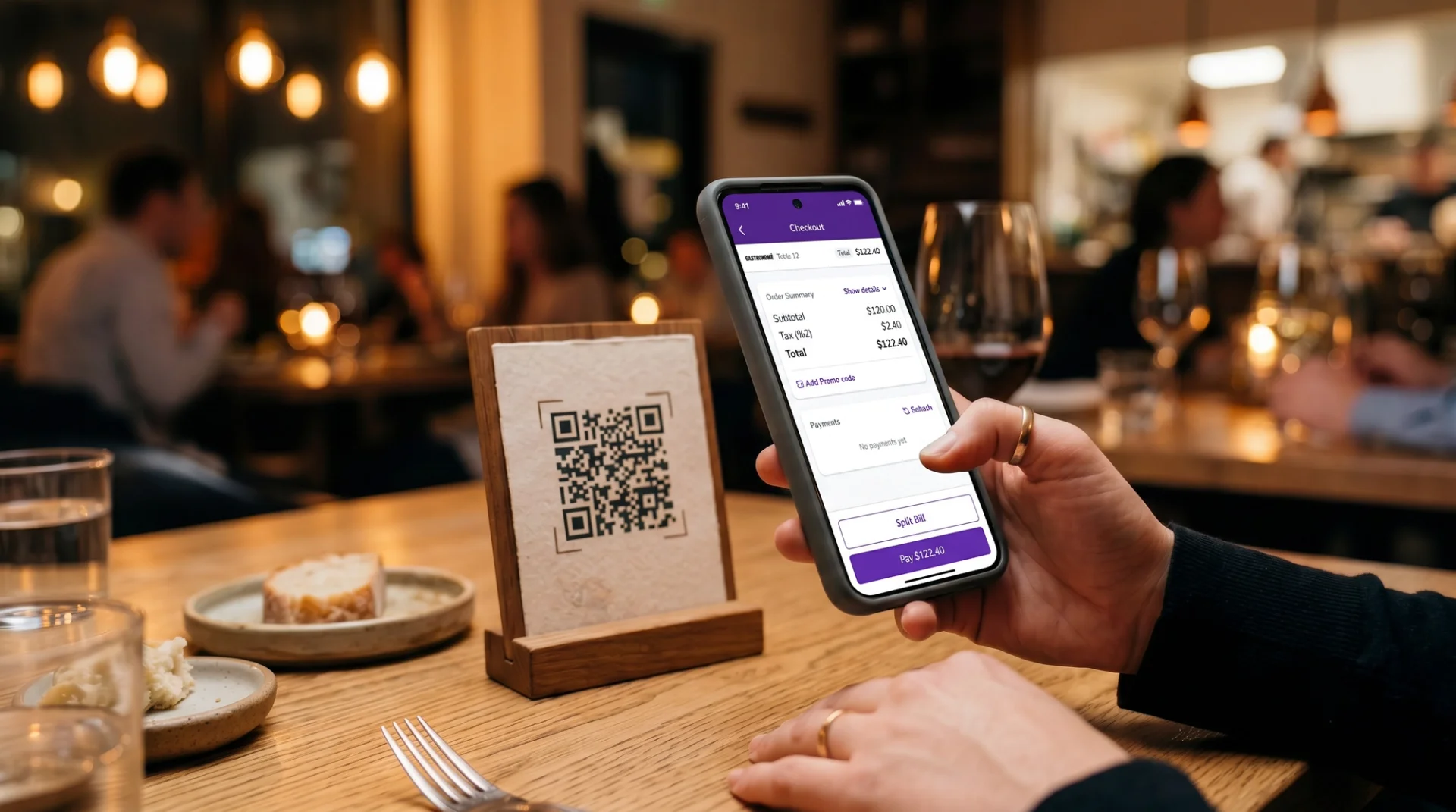
When the meal is over, the bill is already on the phone. Depending on how payment is set up, the guest pays by card, Apple Pay or Google Pay, adds a tip if they want to, and the table can split the amount instead of passing one card around. If you keep the terminal option open, a guest who'd rather ask for the bill and pay the usual way still can.
Because the guest does the ordering, the layout of the menu matters more on a phone than it did on paper. If yours was built for print, our guide to restaurant menu design covers what changes when it moves to a screen.
What a restaurant needs to buy and set up
Probably less hardware than you'd think. Guests bring the main device, so the only thing on the table is a printed code. The rest sits on your side of the counter.
Two parts of the setup shape the first week more than the others. One is where orders land. If your POS connects to the ordering system, orders go straight into it and the kitchen keeps working the way it always has. If it doesn't, someone has to read orders off one screen and key them into the till. On a full Friday, that double entry is where mistakes tend to creep back in.
The other is signal. The guest's phone needs a connection to open the menu and to pay, and so does your order screen. A terrace at the back, a basement room or a thick stone wall can leave a few tables with a code that won't load. Before you print the full set, walk the room with a phone and scan at every table.
Menu only, one code per table, or one code for the room
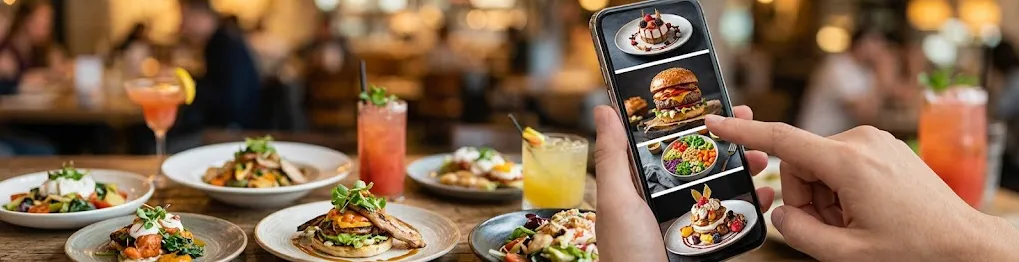
Not every QR code on a table takes orders. A menu-only code shows the menu and nothing more, so the server still takes the order and brings the bill. That's what many people picture when they hear "QR code restaurant", and for some places it's enough.
An ordering code adds the cart and the payment, and then there's a second choice: a code for every table or one code for the whole room. A code per table ties each order to its table, which is what a runner needs to get the right plates to the right place. The price is upkeep. Add tables for a private event or put the terrace furniture out in spring, and the codes have to follow.
One shared code means printing once. It suits counters and cafés where guests collect their own order. If you're thinking of it for table service, check first how your system tells tables apart, because a ticket with no table number is a plate someone has to carry around the room.
What changes for servers
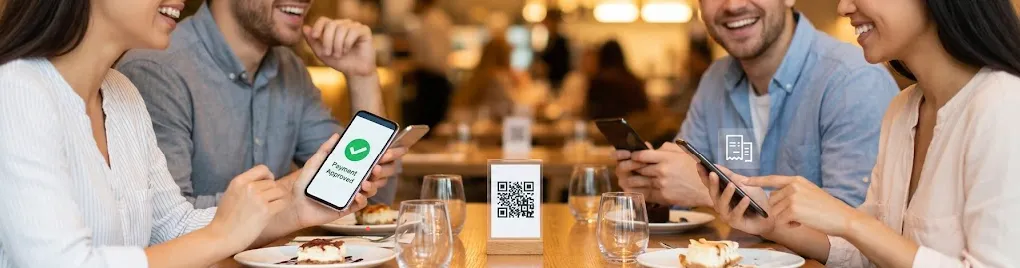
Mostly the routine trips go. Taking a first order from a table that already knows what it wants, bringing the card terminal over, reprinting the bill because the split changed. On a full floor those walks add up, and they're the waits guests notice.
Anything that needs a person stays with the server. A guest who asks which wine goes with the lamb, what the chef would order or whether the dish can come without onions still wants someone who knows the answer. Some guests won't scan at all, and the server takes their order as before.
It brings new work too. During service someone has to watch the order screen and sort out an order sent from the wrong table, and in the first weeks someone has to talk guests through their first scan. Brief the team before launch, not on the first busy night.
When guests type their own orders, there's less room for something to be misheard between table and kitchen. A guest can still tap the large instead of the regular, though, so you need a way to cancel or correct an order.
Where it fits, and where it doesn't
It helps most where guests are waiting on staff rather than on the kitchen. Think of a café with a queue at the counter, a loud bar where an order shouted over the music gets half-heard, or a hotel terrace or pool a long walk from the bar. In each of those, guests can order without anyone coming over. If many of yours are visitors, see our piece on how digital menus help travelers order.
Tasting menus and fine dining rooms, where the server sets the pace, usually keep ordering off the guest's phone. The kitchen times courses around what's happening at the table, and a cart on a phone knows nothing about that. In those rooms a tablet in the server's hand makes more sense than a code on the table.
Some guests won't use it however well it works. Regulars who pay cash, people who'd rather keep their phone in their pocket at dinner, the friend who always pays for everyone. Keep the paper bill and the terminal for them.
Plan for sold-out dishes from day one. When something runs out mid-service, someone has to hide it on the digital menu straight away. Otherwise orders for it keep coming in, and a server has to go back to each of those tables to say it's off.
What to measure instead of trusting a percentage
Some articles promise that QR ordering lifts average ticket or speeds up table turns by a set figure. We don't have a measurement of our own that backs a number, so we won't give one. Your own figures are a better guide, and after a few weeks of service you'll have something to compare.
Compare the same weekdays before and after launch, not a quiet Tuesday against a full Saturday. Average ticket shows whether guests add sides, desserts and second drinks when nobody is waiting on them. Orders per service shows whether tables turn faster or just order differently. And the items that move most tell you what the phone is selling.
If the ticket doesn't move, look first at the dishes without a photo. On a phone, a dish with no picture is a line of text between dishes that have one. Our guide to food photography for F&B covers what a usable menu photo needs.
Running order and pay at the table on FineDine
In FineDine, table ordering is the Dine-In QR channel under Orders, alongside Delivery & Pick-Up and Tablet. The QR Codes settings are where you pick the code type: Display for a menu-only code, Ordering for a code per table or one code for all tables. Tables are set up by area, so the terrace and the main room stay separate, and you download each table's code from there.
For paying from the phone, the panel offers Fast Checkout next to the default payment setting. Fast Checkout works with Stripe and Myfatoorah and supports split payments. Online payment covers card, Apple Pay and Google Pay, with tips, and card and cash at your own terminal stay available. If you get paid out through a different provider, confirm it works with Fast Checkout before you print codes.
Most of the service details have a setting of their own. Service Options is where you define the requests guests can send, such as asking for the bill or flagging a wrong order. Extra Charges covers a cover charge or service charge. Age Verification is there if you serve alcohol, and order cancellation sits in the ordering settings. In the Menu Manager editor each dish has a visibility toggle, which is how you take a sold-out item off the menu. For rooms where the server should keep the order, the Tablet channel has a Full Service mode with the tablet in the server's hand.
For measuring, FineDine IQ is marked as updated hourly. It shows Orders, Avg Ticket, Sessions and Item Views over 7, 14, 28 or 90 days or a custom range, compared with an earlier period.
| What you need | What it does | What to check |
|---|---|---|
| Digital menu with ordering turned on | Guests browse, order and pay from it | Prices, portions and sold-out items are current before service |
| Payment provider account | Takes card and wallet payments and pays you out | Which providers work in your country, and their transaction fees |
| Printed QR codes | Open the menu, usually tied to one table | Placement guests see when they sit down, material that survives wiping |
| Order screen, receipt printer or POS link | Gets orders to the kitchen and the floor | Whether anyone has to re-enter orders by hand |
| Wi-Fi or mobile signal | Lets phones load the menu and pay | Dead spots on terraces, in basements and back rooms |
Frequently Asked Questions
- How much does a QR ordering and payment system cost?
- FineDine is sold on subscription. How many dine-in tables and monthly orders are included depends on the plan, so compare plans on the pricing page. Your payment provider charges its own transaction fees on top, which you agree with them directly. Guests need nothing beyond their own phone, and the printed codes are the only thing that goes on the tables.
- Does it work with the POS I already use?
- FineDine's Marketplace lists POS integrations including Foodics, Revel, Clover, Epos Now, POS Rocket, Simpra, TiPOS, Simphony, Positouch, Dinerware and Brink. If your POS isn't on the list, orders arrive on FineDine's own order dashboard, and the receipt printer integration lets you print them in the kitchen.
- Which payment providers can I connect?
- The Marketplace payment list includes Stripe, Iyzipay, Square, SumUp, STC Pay, Pay2M, Myfatoorah, PayZee, MOKA and NoonPayments. Fast Checkout at the table works with Stripe and Myfatoorah, so if you want guests to pay from their phone, check which of the two is available where you trade.
- Can the same menu take delivery and pickup orders?
- Yes. Delivery & Pick-Up is a separate ordering channel with its own delivery fee, delivery time, minimum order and pre-order settings, and a menu can be assigned to more than one channel, including Dine-In QR.