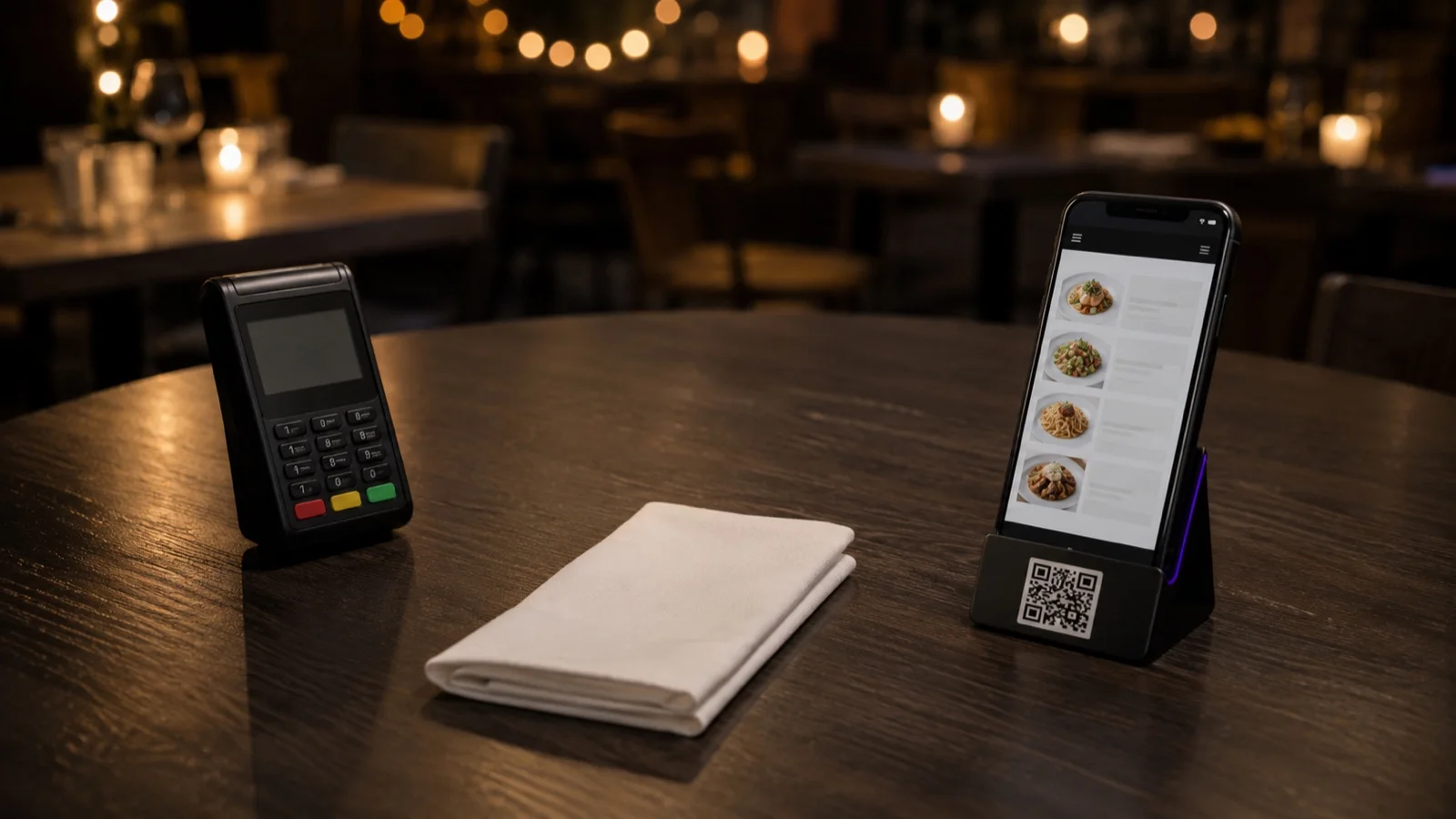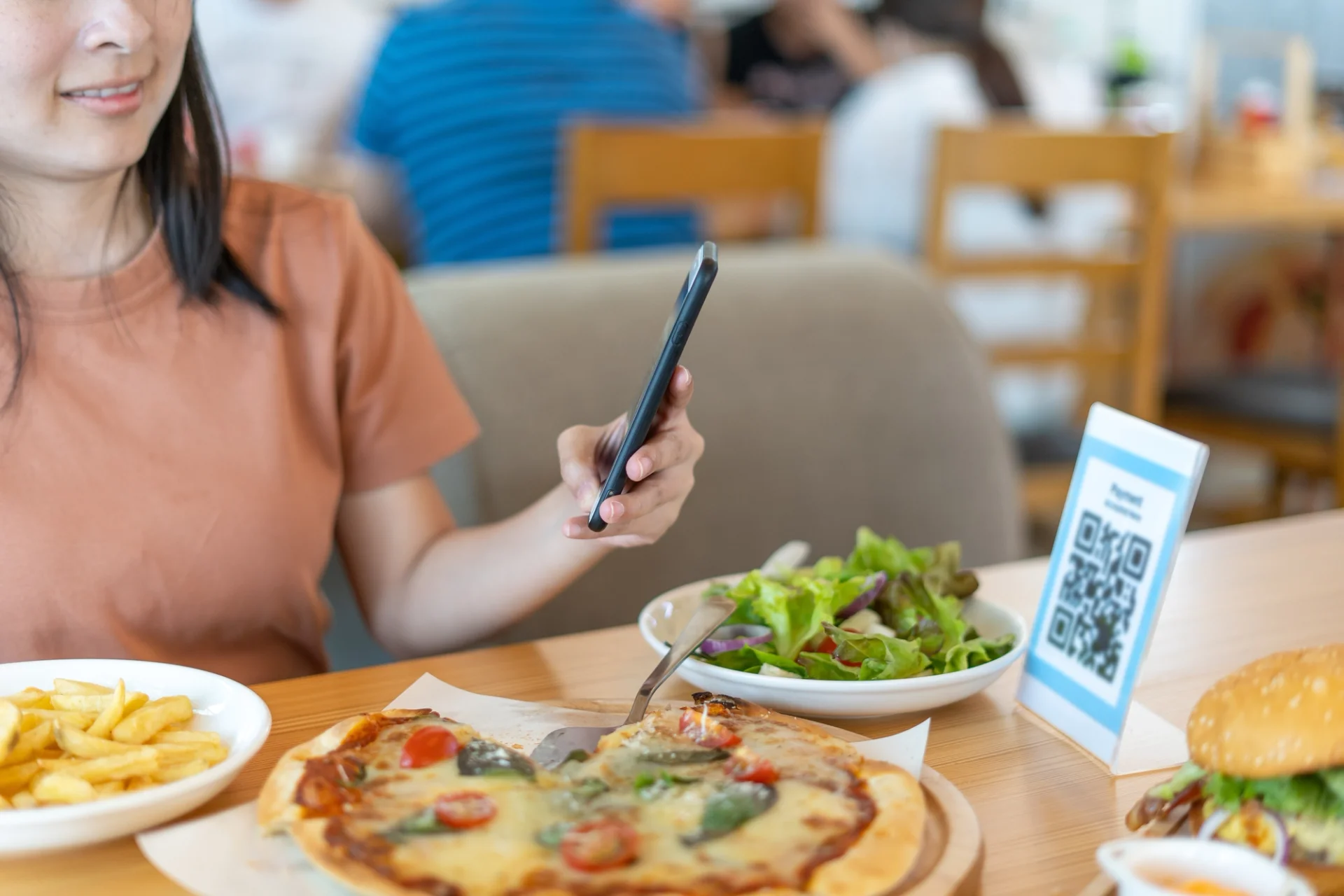

A QR menu is how a guest reaches your menu: a scannable code that opens a link. A digital menu is what opens, and it is the part that does the work: sections a guest taps through, photos, descriptions, prices you edit in one place, allergen information, and in many setups ordering and payment. Every digital menu can generate its own QR code. Not every QR code has a digital menu behind it.
The code is cheap and decides almost nothing. What a price change costs you, whether an order arrives with a table attached, what a guest with a nut allergy can check without stopping a server: all of that is settled behind the code. A code that opens a PDF scans perfectly and leaves you exactly where you were, with a guest pinching and zooming on a phone.
| QR menu | Digital menu | |
|---|---|---|
| What it is | The way in: a code that opens a link | The menu itself: what opens when the code is scanned |
| What can sit behind it | Anything, including a PDF | Sections, photos, descriptions, allergens and prices |
| Changing a price | Depends entirely on what the code opens | Edited once, live everywhere the menu appears |
| Taking an order | Not on its own | Where the setup supports it, with the table attached |
| What you can measure | Scans | Which sections and items guests open |
| Buying it on its own | Possible, and you are left with whatever it opens | Possible, and it generates its own code |
What a digital menu does that a code cannot
Start with the edit. You change a price or hide a dish in the menu editor, publish, and the next guest who scans sees the new version. It matters most in the middle of service, when a dish runs out and the alternative is telling every table one by one.
Then the item itself. A guest opening a dish sees what they would otherwise have to ask about: allergen and dietary icons, a calorie badge, a price for each portion size, and the modifiers that let them take something out. Printed menus can carry a little of this. They cannot carry all of it and stay readable.
Availability by day and time is the quieter feature. Items can be set to appear and disappear on their own, so the menu at three in the afternoon is the menu you are actually cooking rather than a breakfast list nobody can order from.
Language works the same way: one set of items, shown to each guest in the language they pick when the menu opens, instead of separate files that stopped matching each other two price changes ago.
And it can be counted. A code gives you scans and nothing else. A menu gives you sections and items opened, which is the difference between knowing that people scanned and knowing which dishes they actually read.
The code you print decides what you can change later
Printed codes come in two kinds and the difference only shows up months later. A code that carries a fixed file has to be reprinted when the file changes. A code that points at an address you control can stay on the table while everything behind it changes.
There is a two-minute test for the ones already on your tables. Scan your own code the way a guest would, change one price in your menu, publish, then refresh the phone (a full reload, since the browser cache can hold the old page). If the new price is there, the code points at something you control. If it is still not, what you printed is a file. Ask the same question of any supplier who offers you a code on its own: what does it open?
Where do QR menus fall short?
The first failure is physical. A code printed too small, worn down by months of cleaning, or sitting on a dark table under low light will not scan, and the table asks for a printed menu instead. Check the codes on your tables in the light guests actually read them in, and replace the tired ones.
The second is the guest. Not everyone wants to read a menu on their own phone, and a table of six passing one handset around is slower than paper. Keep a few printed copies at the pass and count how often they get asked for during a service; that number tells you how many to keep.
One code per table, or one for the room
Building a digital menu starts with the menu, not the code, because the code is generated from it at the end. In FineDine you can build sections and items by hand, or start from a photo or a PDF of the menu you already print and let the builder pull out the items, prices and categories for you to correct.
Then you choose how it reaches the table. You can print one QR per table or a single code for the whole room. A per-table code can attach the table to the order automatically, so it arrives already tagged with where it is going; with one code for the room, that information has to be collected another way. There is also a Display mode, where the menu opens and no order can be placed, which is what you want when the reading is digital and the ordering stays with your team.
Tablet menus are the same menu on a screen you own rather than the guest's, which suits rooms where the pictures do the selling and the phone stays in the pocket. Whichever way it reaches the table, there is one menu behind all of them, edited once.
If you want to see it against your own menu and floor plan, a FineDine demo is the quickest way to do it.
Common questions
- Do guests need to install an app to open a QR menu?
- No. The code opens a web page in the phone's browser, the same way any link does. If a supplier's menu asks the guest to install something first, that is a reason to look elsewhere.
- Does a QR menu work without an internet connection?
- The guest's phone needs a connection to load it, so venue wifi that guests can actually join is part of the setup. In a basement dining room with poor signal, plan for printed backups from the start.