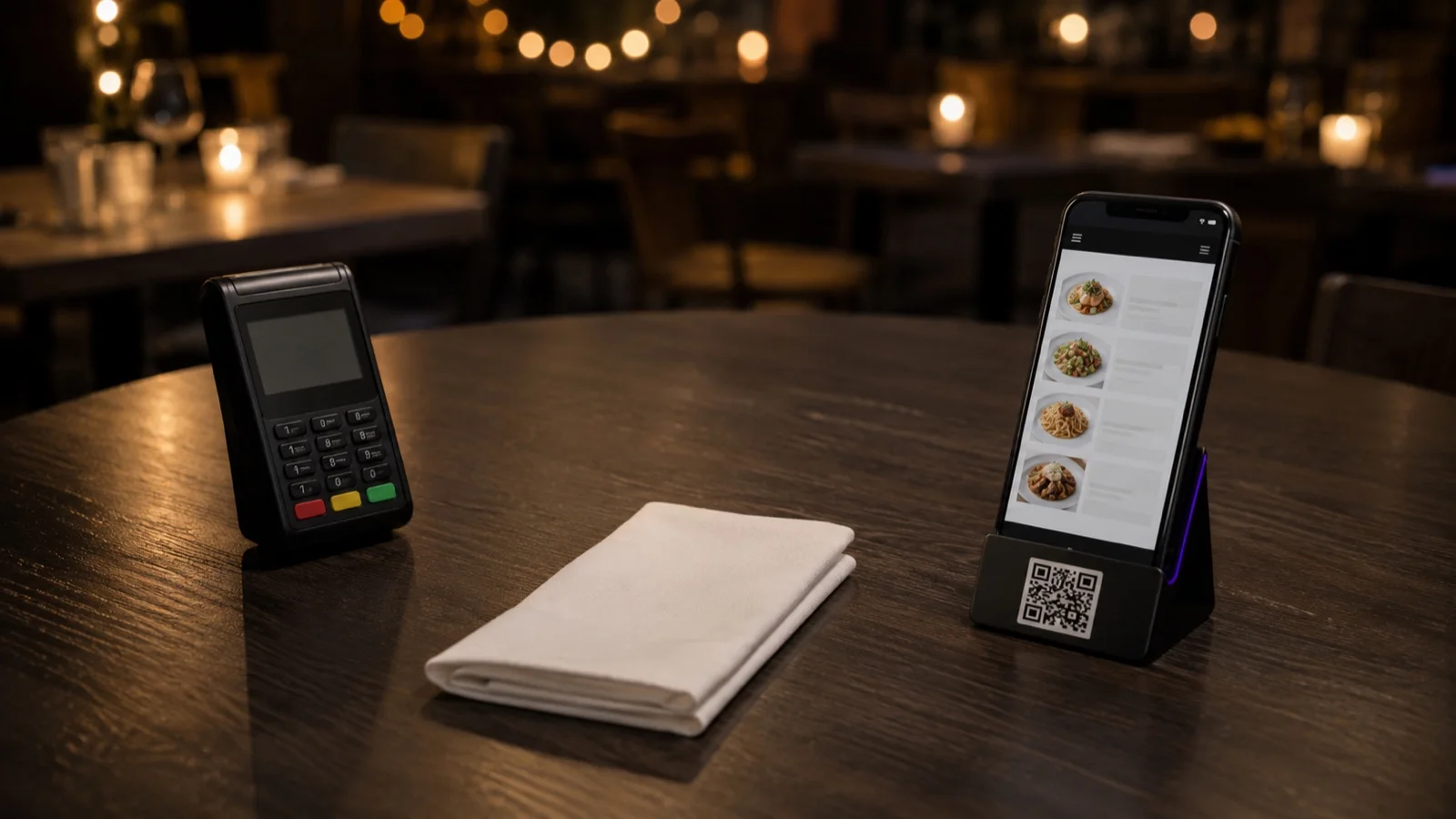

Order and pay at the table lets guests scan a QR code, browse the menu, place their order and settle the bill from their own phone. Nothing new goes on the table and no terminal changes hands: the phone in the guest's pocket is both the menu and the card reader.
How well it works in a real room comes down to how you set it up. Whether every table gets its own code, whether guests pay when they order or when they leave, and what happens to the guest who wants to pay cash are all decisions you make before you go live.
How the Flow Works
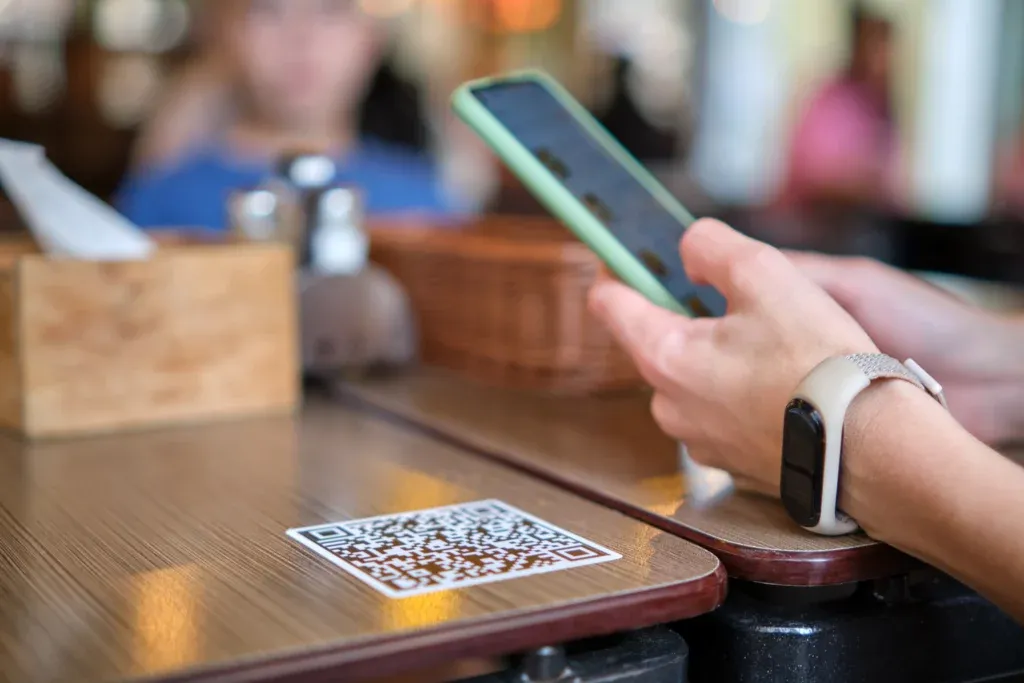
Guests scan a code, usually on the table and sometimes on the window outside, and land on an interactive menu. They browse, choose and send the order. More rounds can follow during the meal, and each one goes faster once a guest has already entered a card or has Google Pay or Apple Pay set up.
Nothing is installed on anyone's phone. The menu opens in the browser the way a web page does, so there is no app to download before a table can eat, and no hardware is bought for the room.
When Guests Pay: With the Order or at the End
"Order and pay" covers two arrangements that run differently on the floor. In the first, payment happens with the order: the guest chooses, pays, and the ticket reaches the kitchen once the payment clears. In the second, guests order through the meal and settle at the end from the same screen.
Taking payment with the order fits rooms where people order in short rounds and may leave without a word: a bar, a beer garden, a terrace with its own entrance. Nothing goes to the kitchen unpaid. Settling at the end fits a longer meal, where a table orders several times and expects one bill.
Your own service data will tell you which one your room is closer to. Take a representative stretch of service, weekdays and weekends both, and count how many rounds a typical table orders and how many separate checks it ends up on. A room where most tables order once and leave is already behaving like the first arrangement.
Is This the Same as Tableside Payment?
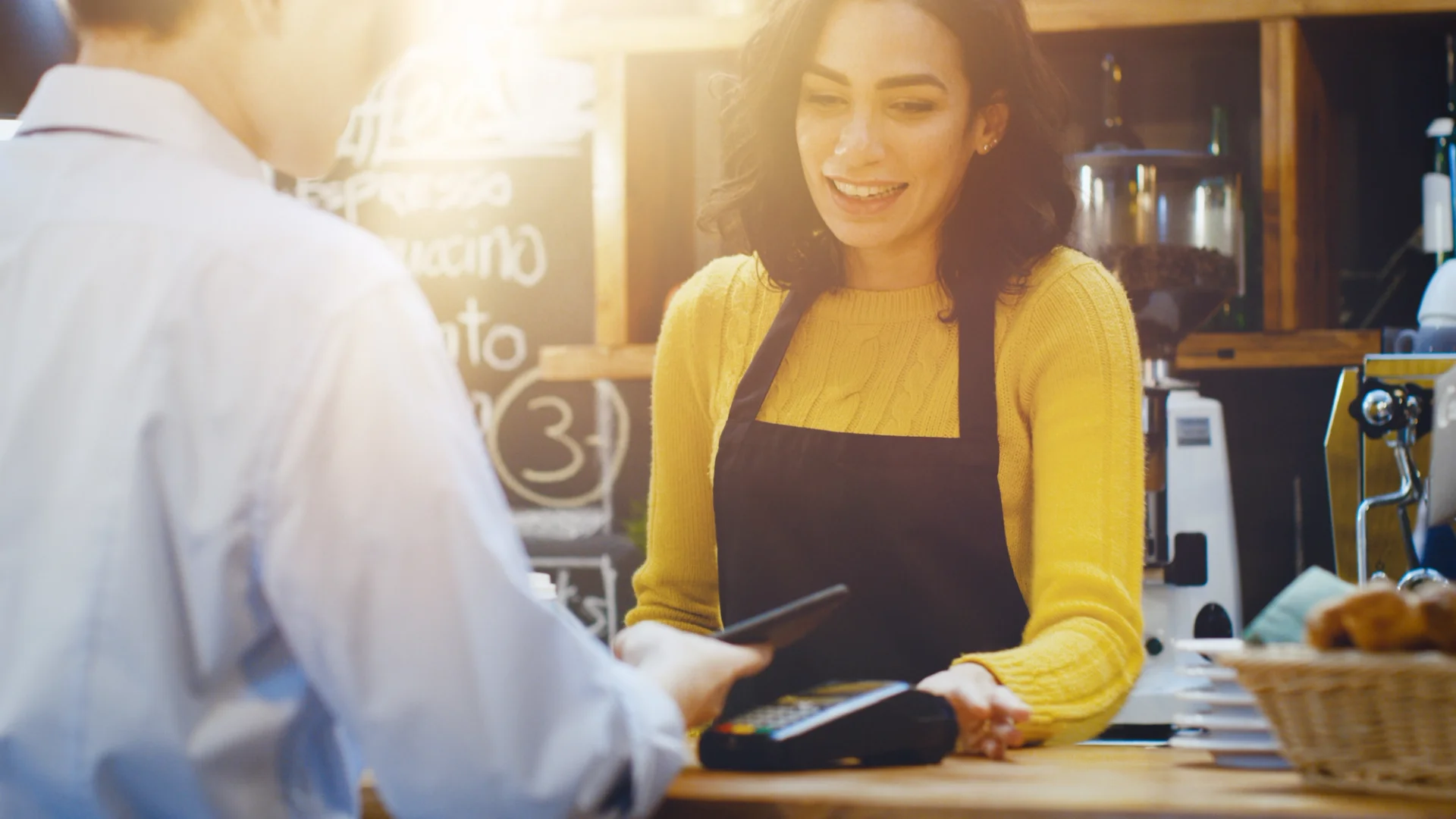
Not quite, and the difference is who holds the device. Order and pay at the table puts the whole flow on the guest's phone. Tableside payment usually means the opposite arrangement, where a server carries a handheld terminal to the table and takes the payment there.
Both keep the bill from traveling to a counter. Only one of them also takes order entry off your staff. If entering orders and turning tables is the problem, the guest's phone is the version you want. If the walk to the POS at the end of the meal is the only problem, a device the server carries does that job without changing how orders are taken. There is a middle option as well: a tablet menu, where the device belongs to you but the ordering flow is the same one guests see on their own screens.
What Changes on the Floor

- Fewer trips to the POS. Servers stop walking back to a terminal to key in an order and again to run a card. The walking that remains is the part guests notice, which is food arriving at the table.
- Orders arrive as the guest typed them. A substitution or an allergy note is written once and travels with the ticket, instead of being repeated across a busy room and heard second hand.
- Cards stay with their owners. Guests settle at the table without handing anything over, and a card number cannot be copied by someone who never touches the card.
- A sold-out dish disappears from every table at once. You hide the item, and nobody can order it a minute later at a table you have not reached yet.
Where It Does Not Work
Two situations end the flow before it finishes. Cash is the first. A guest who wants to pay cash cannot finish the flow on their own, because someone has to take the money and close the check, so the till is still in play for that table. If a meaningful share of your covers pays cash, treat the phone as an additional path rather than a replacement for the one you have.
The second is the scan itself. A dead battery, a weak signal in a basement dining room or a code that will not read all stop the order at the same point. Readability is the part you control: before you go live, sit down at four or five tables at the darkest hour you trade and scan the code from where a guest's hands actually are. A code that works on the pass under strip lighting can be unreadable on a lacquered table under a single spot.
Order and Pay Questions
- Is order and pay at the table hardware or software?
- Software. The hardware is the phone already in the guest's pocket. What you set up is a menu, an ordering channel and a payment provider, so the running cost is a subscription and the provider's transaction fee rather than terminals you charge, replace and eventually write off.
- Where do the orders actually show up?
- On an orders screen in the back office, next to pick-up and delivery tickets if you take those. Whether that screen sits on a tablet at the pass or feeds a receipt printer is your call; a printer is one of the integrations you can connect, not something you need in place to start.
- Is this the same as paying online before you arrive?
- No. Paying online happens before the meal and belongs to delivery and pick-up, where the order is paid when it is placed. Order and pay at the table happens during the meal, in your dining room, and replaces the walk to the counter. The same guest can use both in the same week.
Setting It Up in FineDine
Those last checks are about your room. The rest is configuration, and it starts with what the menu is allowed to do. The QR menu runs in one of two modes. Display mode shows the dishes and takes nothing, which is where a kitchen that is not ready for tickets from the floor can begin. Ordering mode adds the cart and the payment step, and moving from one to the other is a setting you change on the menu you already published.
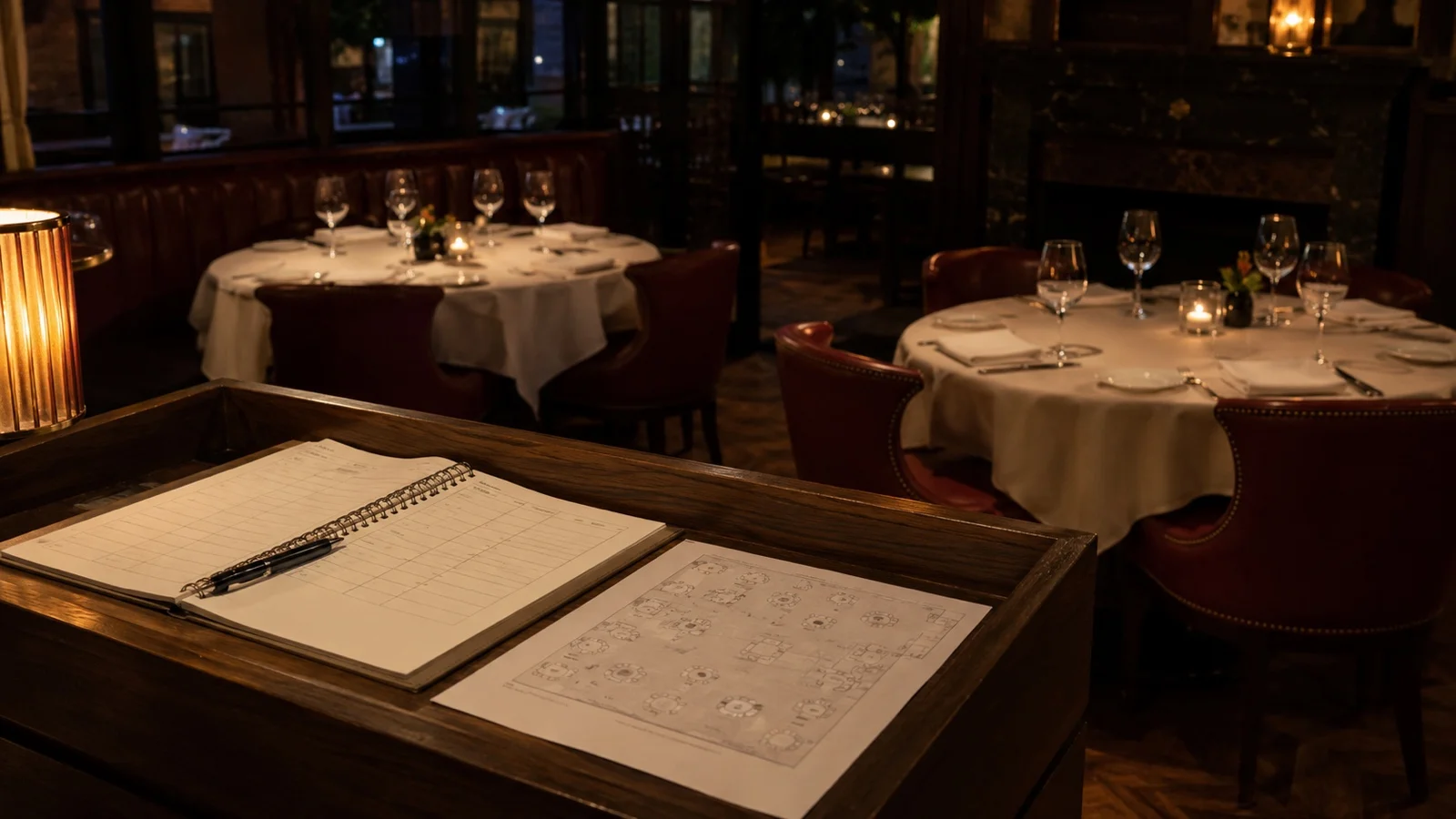
The next decision is how many codes you print. A dine-in QR menu can be generated table by table or once for the whole room. Table codes come from the floor plan, so an area you add later, a terrace or a second floor, gets its own set. A per-table code carries the table number with the order; with a single code for the room, that information has to be collected another way.
Payment providers connect once from the marketplace, and tips are collected on the same screen as the bill. This is the part people mean by a restaurant payment app: no card machine at the table and no card leaving anyone's hand. If you serve alcohol, age verification is a setting on the ordering channel, alongside minimum order value and whether a guest can cancel an order after sending it.
Guests can also send service requests from the same screen, so "bring the check" or "this is not what I ordered" reaches a server without anyone waving. If you want to see how the whole thing would run against your own floor plan, your busiest service and the payment provider you already use, book a FineDine demo.