Adding Labels to Your Products
Updated: September 22, 2026
You can highlight your items by adding distinctive labels to them, easily.
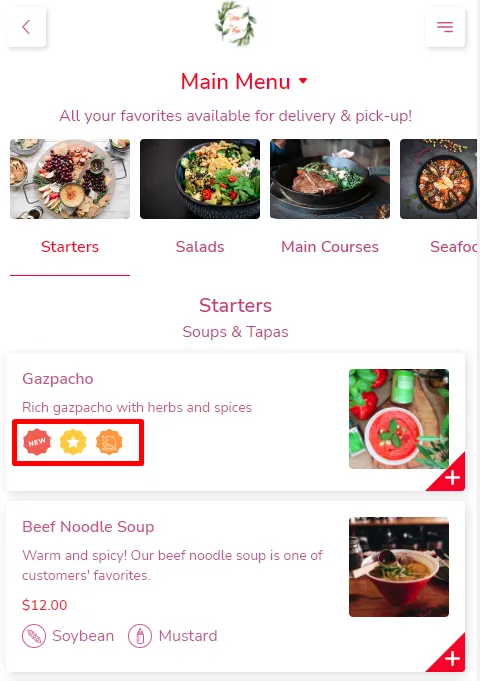
Label Your Items!
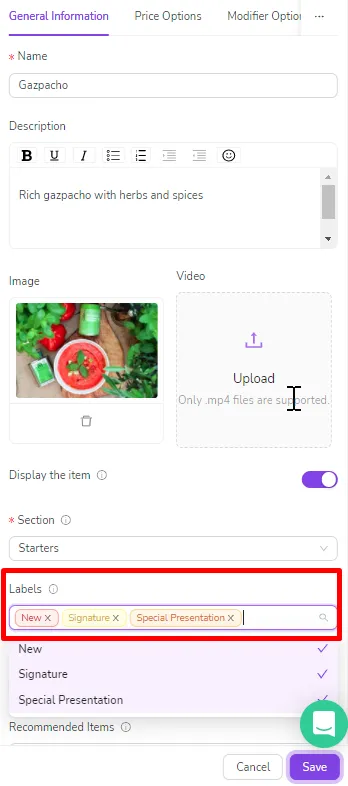
- Go to Menu Management
- Click on any item you want to mark.
- Choose the desired label from the list.
- Save from the bottom!
Was this article helpful?
Related articles
Still need help?
Our support team is here for you. Start a chat and we'll get you an answer.