How to change the Printer server's Engine?
Updated: August 22, 2022
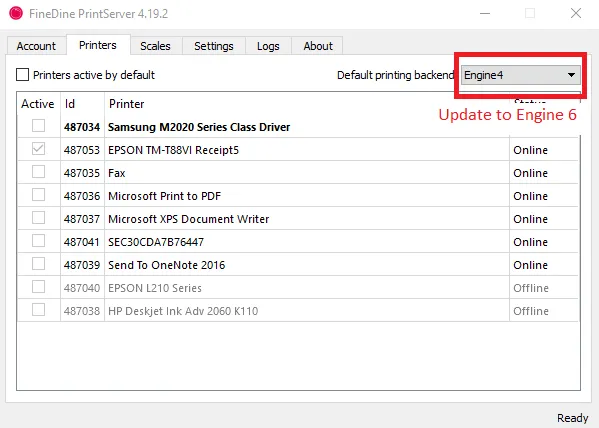
We have applied new improvements to the printer server's program to enhance the service. Those updates are applied to Engine 6 in the Printer Server's program, which requires you to update your engine from the current selection to Engine 6 to benefit from those updates.
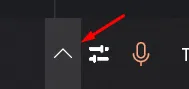
Your Printer Server program is usually working in the background, so you should see it and open it if you check your "Hidden Icons" tab in the Taskbar's arrow button
Was this article helpful?
Related articles
Still need help?
Our support team is here for you. Start a chat and we'll get you an answer.