Where's my Invoice?
Updated: September 22, 2026
Your account details are always accessible from the Dashboard. Just click on your initials at the top right corner of the page and select Account Settings.
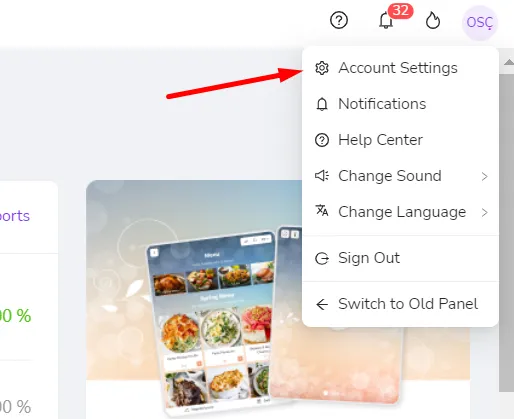
Here, you can view and change your account details, billing information, and current subscription. You can also check your invoices under the Invoices tab on this page.
*Please make sure that your Billing Information is current in order to keep using Finedine Menu without interruptions.
Was this article helpful?
Related articles
Still need help?
Our support team is here for you. Start a chat and we'll get you an answer.