Why can't I see the language selection button?
Updated: September 22, 2026
Your guests can use the language selection button to choose the language they would like to view the menu in.
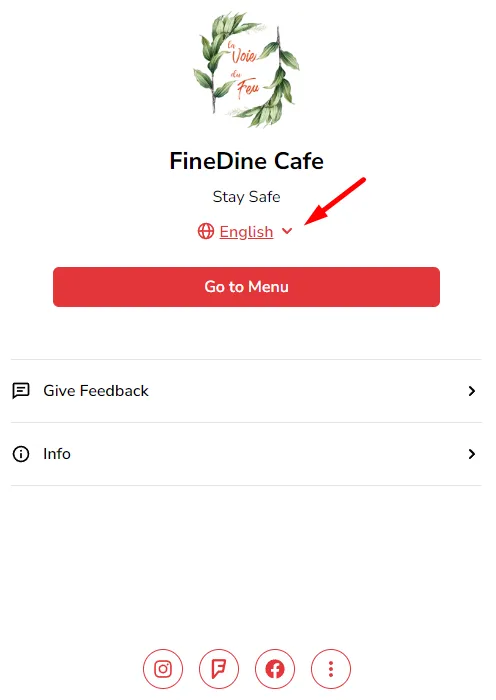
Language selection button, is displayed with the "Welcome Page" which is activated from the Settings>Welcome Page
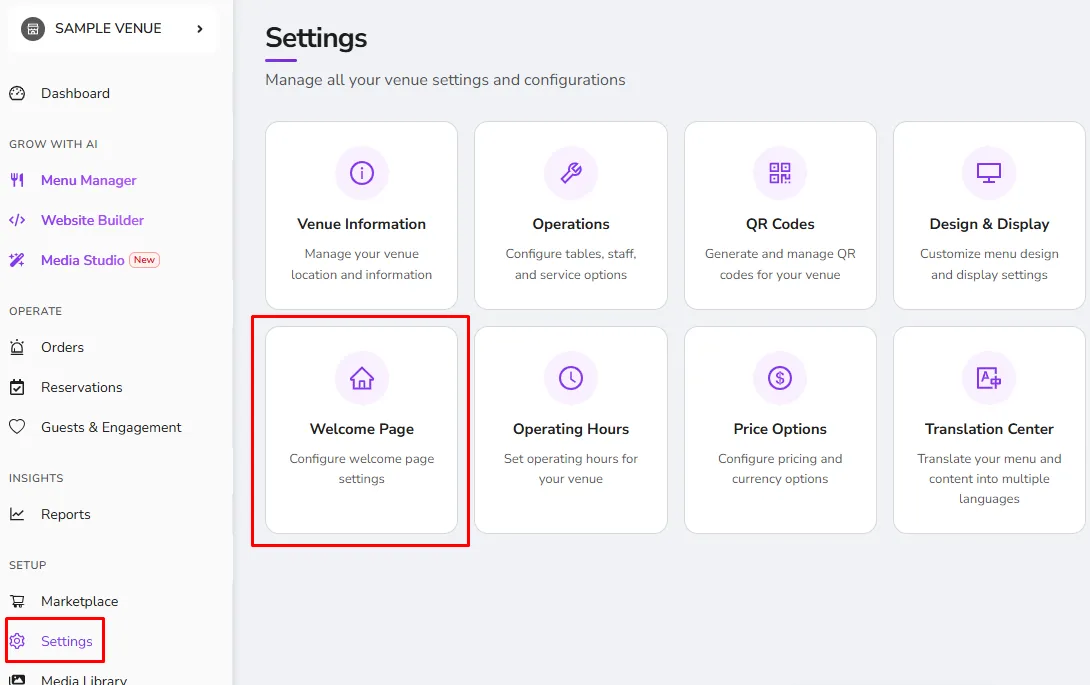
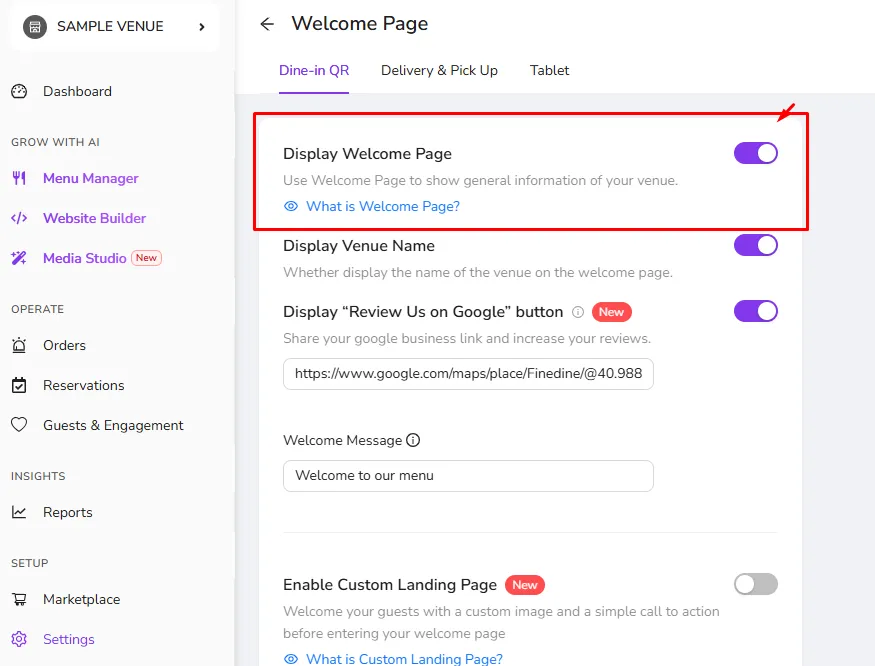
Please note that the language change button is only available on the standard welcome page and will not be visible when the "Custom Landing Page" is enabled
Was this article helpful?
Related articles
Still need help?
Our support team is here for you. Start a chat and we'll get you an answer.