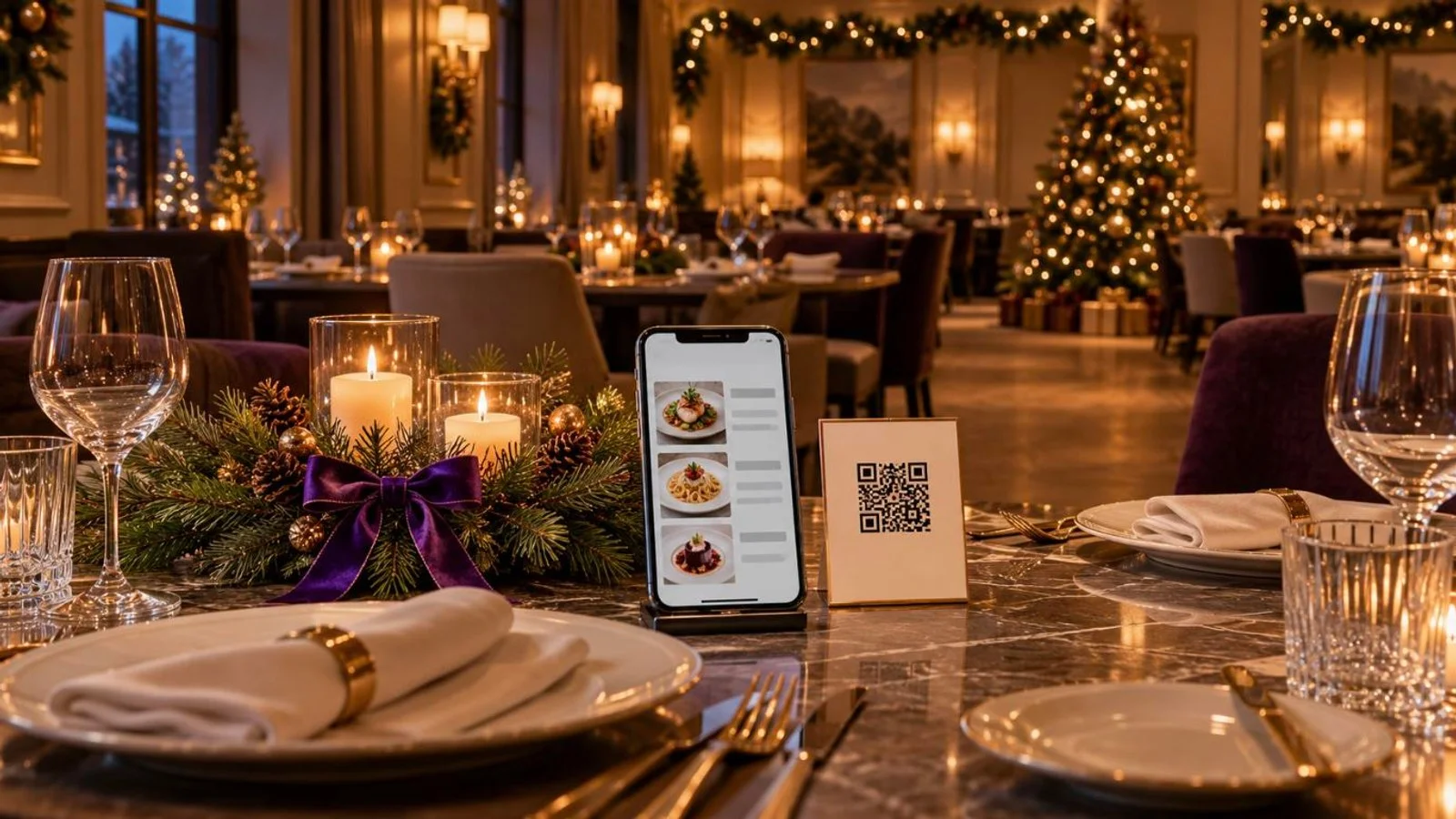

If your servers spend service walking between the tables and the till, once to key in an order and again to run a card, order and pay at the table takes both trips off them. The guest scans a QR code, orders from the menu on their own phone and pays from the same screen. It's software, not hardware. The menu opens in the phone's browser, so there's no app to install and no terminal on the table. Whether it fits your room comes down to three decisions you make before opening night: how many codes you print, when guests pay, and what you do with the table that wants to pay cash.
Pay at the table covers three different setups
Search for pay at the table and you'll find three different arrangements under the same name. What separates them is who holds the device and who puts the order in, and that decides how much of your floor work actually changes.
The first is a handheld card terminal the server brings to the table at the end of the meal. The check no longer goes to the counter, but orders are taken and keyed in exactly as they are now. The second puts everything on the guest's phone: menu, order and payment. In the third, the device is yours. A tablet sits on the table or at the counter, and the guest orders on it from the same menu they'd see on their phone.
Order and pay at the table is the second. If your only problem is the walk to the POS when the check comes, a terminal in the server's hand fixes it and leaves ordering alone. If the problem is keying in orders and turning tables, the guest's phone takes more of that off your staff. For the payment step on its own, see what QR payment is and where it fits in a restaurant.
Hardware or software: what you actually buy
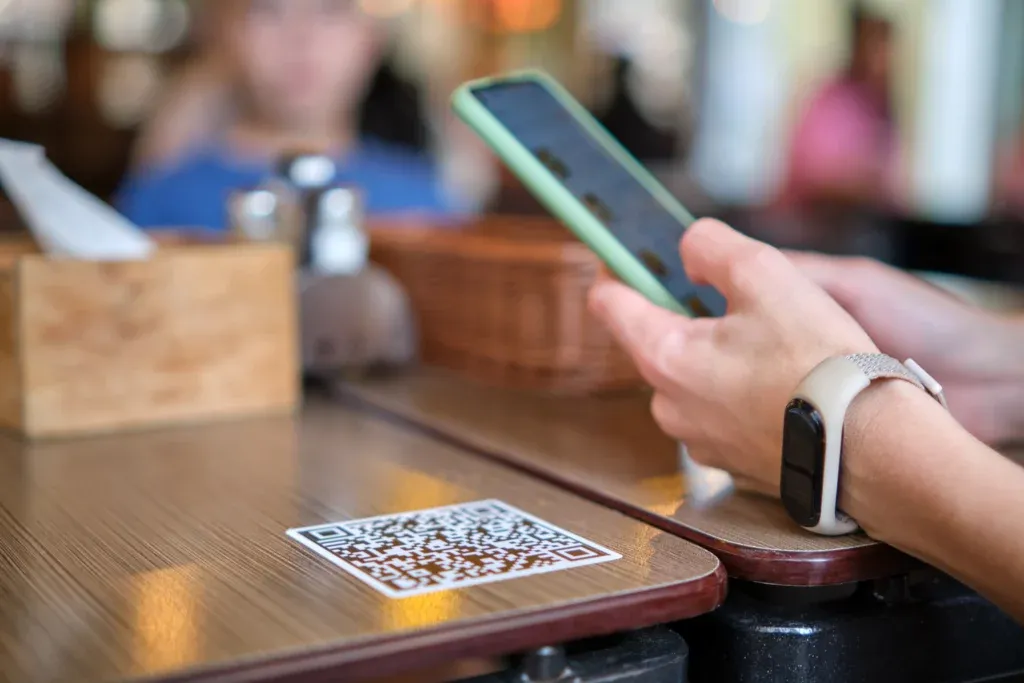
For the phone version there's nothing to buy for the room. The menu is a web page that opens when the code is scanned. Guests don't install anything and nothing gets mounted on the tables. What you put down is a printed QR code.
Hardware only comes back if you choose it. In FineDine a tablet can sit on the table, stand at the counter as a self-service kiosk or go in a server's hand, and those are three ordering modes of the same tablet setup. A receipt printer is a separate connection in the marketplace. Your POS stays where it is, and whether it connects is covered in the questions at the end. If you're weighing tablets, the tablet menu design notes cover what changes when the screen is yours.
Paying with the order, or paying at the end
There are two ways to run the check with order and pay, and on a busy floor they behave differently. Either the guest pays when they send the order, so nothing reaches the kitchen unpaid, or the table orders through the meal and settles once, from the same screen, before it leaves.
Paying with the order suits rooms where people order in short rounds and can walk out without anyone noticing: a bar, a pub garden, a terrace with its own entrance. Paying at the end suits a longer meal, where the table orders several times and expects one check.
Your own service data will tell you which room you run. Take a stretch that includes weekdays and a weekend and count two things per table: how many rounds it ordered, and how many checks it closed on. If most tables order once and leave, paying with the order is already how your room works.
What changes on the floor

Servers notice the walking first. There's no trip back to a terminal to key in an order, and no second one to run a card. The trips left are the ones guests see: plates going out, tables being cleared.
Orders reach the kitchen the way the guest put them in. The size or extra they picked on the phone travels with the item, instead of being called across a loud room and heard second hand.
When a dish runs out, the fix is in the menu, not in a briefing to every server. Check during your test order how quickly a change there shows up on a phone that already has the menu open, and do it before you count on it mid-service.
Guests can ask for the check, or flag that a dish isn't what they ordered, from the same screen. You decide which requests they can send under Service Options, and those requests reach staff without anyone waving across the room. The card never leaves the guest's hand.
Where the flow stops: cash and the scan
Cash is where the flow stops first. A guest paying cash can't finish on their own, because someone has to take the money and close the check, so the till stays in play for that table. If a real share of your covers pay cash, treat the phone as one more way to pay, not a replacement for the one you have.
The scan is the other weak point. A dead battery, no signal in a basement dining room or a code that won't read will each stop the order at the same place. Only the last one is yours to fix. Before you go live, sit at four or five tables during the darkest hour you trade and scan the code from where a guest's hands actually are. A code that reads fine under the strip lights at the pass can fail on a lacquered table under a single spot. For what goes wrong on the payment side, see where QR code payments break at the table.
Setting up order and pay in FineDine
In FineDine, most of these decisions are settings on a menu you've already built. The QR menu runs in one of two modes. Display shows the dishes and takes nothing, and Ordering adds the cart and the payment step. If the kitchen isn't ready for tickets from the floor, start in Display and switch the same published menu to Ordering when it is.
Dine-in codes come one per table or one for the whole room. Per-table codes are downloaded from the floor plan, where tables are grouped in areas, so a terrace or a second floor you add later gets its own set. Each of those codes belongs to a table. With a single code for the room, work out how the food finds the right table before you open.
Payment providers connect once, from the marketplace. Stripe, Square, SumUp, Iyzipay, MOKA and Myfatoorah are on the list, and it's worth checking which of them operate where you trade. Guests pay by card, Apple Pay or Google Pay and can add a tip in the same step. If you serve alcohol, age verification is a setting on the ordering channel, next to minimum order value and whether a guest can cancel an order after sending it.
How many tables can take orders, and how many orders a month the setup carries, depend on the plan. The current figures are on the pricing page.
Before you print anything, sit at one of your tables, place a test order and pay for it on your own phone. Then go to the kitchen and look at what arrived and when. If you'd rather see it run against your own floor plan, your busiest service and the payment provider you already use, book a FineDine demo.
| Setup | Who holds the device | Who enters the order | What you buy for the room |
|---|---|---|---|
| Server with a card terminal | Server | Server, at the POS | Card terminals |
| Order and pay on the guest's phone | Guest | Guest | Printed QR codes |
| Tablet menu (on the table, at a kiosk or in the server's hand) | Restaurant | Guest, or the server in full-service mode | Tablets |
Frequently Asked Questions
- Does it work with the POS I already use?
- The FineDine marketplace lists POS connections including Foodics, Revel, Clover, Epos Now, Simphony and TiPOS. Some are included and others carry a monthly fee, which the marketplace shows. Orders from the QR menu also appear in FineDine's own order dashboard.
- What does order and pay at the table cost?
- The phone version needs no device. It runs on the FineDine subscription, and the payment provider you connect charges its own card fees under your agreement with it. Tables and monthly orders per plan are on the pricing page.
- Can I add a cover or service charge?
- Yes. Cover and service charges are set once, under Extra Charges in the Operations settings. Run a test order to see how they show on the guest's check.
- Can guests read the menu in their own language?
- Yes. The guest picks the language on the menu, and you manage translations in the Translation Center, which has an auto-translate option. How many languages you can add depends on your plan.
- Can the same menu take takeaway and delivery orders?
- Takeaway and delivery run on their own ordering channel, with settings for delivery fee, delivery time, minimum order and pre-orders for a later date. A menu can be switched on for dine-in, pick-up, delivery and tablet separately.