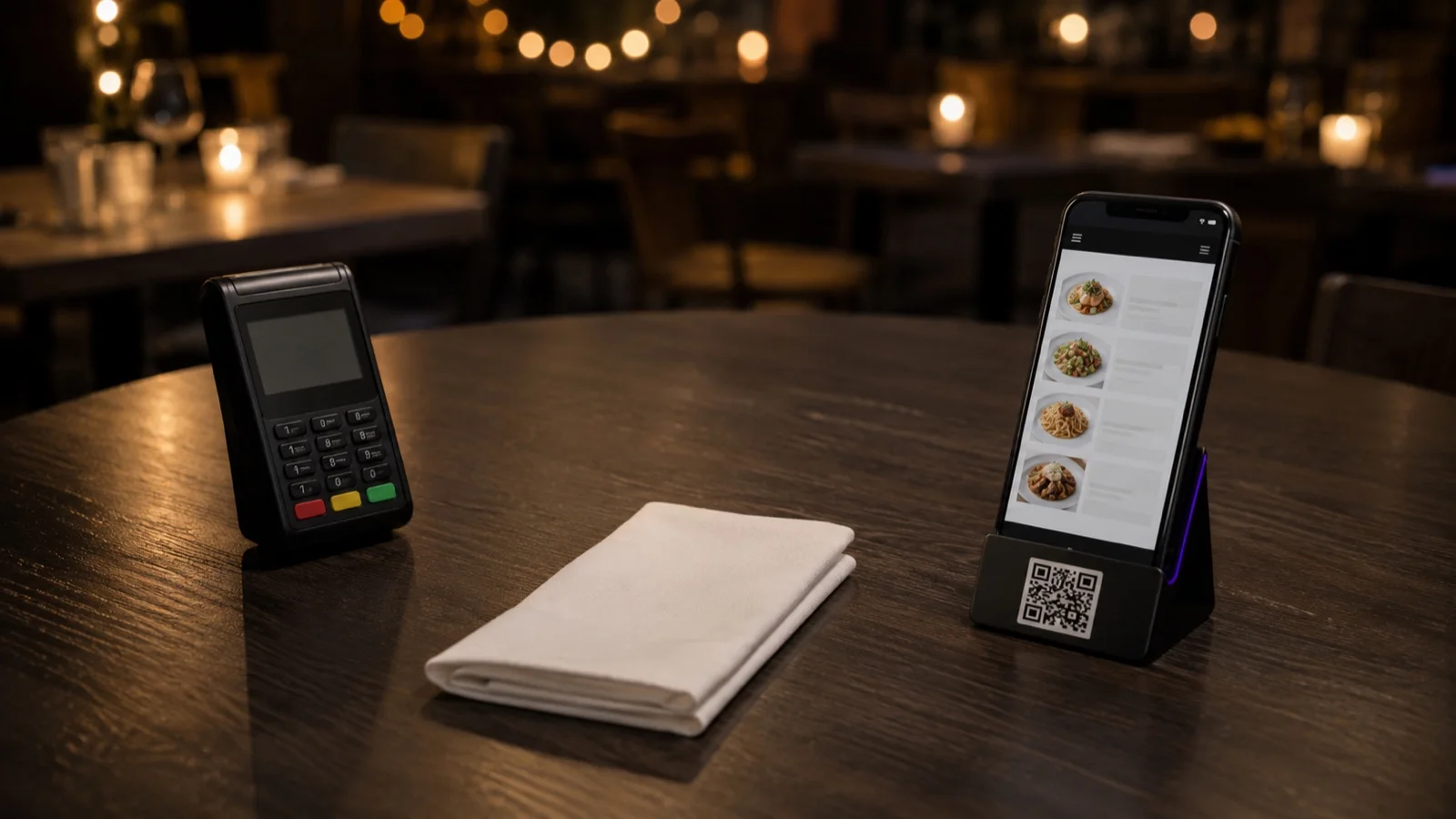

Tableside payment means the check is presented and settled where the guest is sitting, instead of at a counter or a service station. In practice it takes one of three forms: a server brings a handheld terminal to the table, a tablet stays on the table, or the guest opens the bill on their own phone and pays from there. The card stays at the table and nobody walks a check across the room and back.
What you gain is trips. Closing at a counter costs a server at least two: one to deliver the check, one to take the card or fetch the machine and come back. Closing at the table costs one, and sometimes none. On a full Friday that is the difference between turning a table again and not turning it. The gain is real, and it is narrower than it looks, because the walk was rarely the longest part of the wait.
Where the Time Goes Between the Check and an Empty Table
Take the end of a meal apart and the payment itself is one small piece of it.
- The guest decides they are finished and starts looking for someone.
- Somebody notices, and the request reaches the server who has that table.
- The check is opened, corrected if something on it is wrong, and brought over.
- The guest picks a method, and if the bill is split, the table works out who is paying what.
- The card is read and a tip is added.
- A receipt is offered.
- The table is cleared and reset for the next party.
Tableside payment compresses steps three through six into a single visit. Steps one and two are untouched, and in most rooms that is where the minutes sit. A guest who is ready to leave and can't catch anyone's eye is waiting for someone to look up. Shortening that part takes something else: a way for the table to say bill please without a raised hand, or sections small enough that a server can see all of them at once.
Who Carries the Payment
A server carries a payment terminal to the table and closes the check in front of the guest. It's the smallest change you can make to a service model, because the same person greets, takes the order and now finishes the transaction. What it asks for is hardware and a free pair of hands. A terminal charging in the back office is not at the table, and neither is one in another server's apron. Count the checks that close during your busiest hour of service and see how many of them overlap. That overlap is what decides how many handhelds you need.
A tablet that lives on the table does the same job without anyone carrying it, and it hands the timing to the guest, who can start the payment whenever they like. It suits rooms with fixed covers and quick turnover. It costs table space, a charging routine, and someone whose job it is to check every morning that the screens are on and clean.
The third way is the guest's own phone. Nothing to buy, nothing to charge, nothing to hand over, and splits can run at the same time instead of one card after another. The condition is that the bill has to already exist somewhere the guest can open it, attached to their table, before they ask. If the order was written on a pad, there is nothing there for them to open. Moving the ordering itself onto the guest's phone is a further step, and order and pay at the table is the version that does it.
The card side of this is a separate question. Tap limits, wallets and what a reader has to support apply the same way in all three setups, and if that is what you are working out, start with our guide to contactless payment in restaurants.
Splitting the Check Is Where This Gets Slow
How a table splits the bill decides whether a tableside close is quick or painful. One card for the whole table takes seconds. Six people paying separately on one handheld is six authorizations in sequence, with a server standing there for all of them, and that can easily run longer than the two walks to the counter it replaced.
Two things help. Decide before service what your staff offers, whether that is an even split by covers, a split by item, or one card with the table settling up between themselves; improvising the policy at a table of eight is the slow version. Then let phones absorb the rest. When each guest can open the same bill and pay their own part, the splits happen in parallel and nobody is left holding a machine.
The tip prompt travels with the terminal. On a handheld it appears with a server standing next to the table, and on a guest's phone it appears with nobody watching. If you move where it is asked, compare the tip total across a representative stretch of service that covers both a busy night and a quiet one before you call the change good or bad.
What It Does Not Fix
Turning a table faster is only worth something if there is somebody waiting for that table. In a room that never has a queue, the minute you save is just a minute. And when the kitchen is already the slowest point in service, a seat freed early is filled by a party that waits longer for its food.
The rest of the limits come off the floor rather than out of the software. Devices need charging and a place to live between services, and someone has to own that job. Dead spots matter more than they seem: a terminal or a phone with no signal in the corner by the window sends that payment back to the counter, and it tends to be the same few tables every service. Some guests will still want the folder, the pause and the change, and a service model with no path for them creates a small argument at the end of a good meal.
Setting This Up in FineDine
Two conditions run through all of this: the check has to be attached to a table before the guest asks for it, and the guest needs a way to ask. Both are set before service starts.
Dine-in orders can run from a tablet in three modes, and the mode is really the service model. Full Service puts the tablet in the server's hand, Table Top leaves it on the table, and Kiosk turns it into a self-service station. The same settings decide whether an order and its table are submitted by the guest or by the server.
Payments are recorded against the order however they arrive: card, cash, or an online payment by card, Apple Pay or Google Pay, with the tip in the same step. For a split table the part that matters is Fast Checkout, where a guest can settle the whole bill, a custom amount, or only the items they choose. Payment providers are connected from the integrations marketplace.
For the asking part, service requests let a guest ask for the bill from the menu on their phone, so the request reaches the floor without a raised hand. Tables can also be grouped into areas with their own codes, which matters when a terrace and an upstairs room are worked by different sections.
One boundary is worth stating plainly. A tablet takes the order and records the payment, and a physical card still has to be read by something. If you want guests tapping a card at the table, a reader has to be there. If they pay from their own phone, it does not.
What is included on your plan changes over time, so check the current coverage on the pricing page. To see how this would run with your own floor plan and the terminals you already have, ask for a demo.
Tableside Payment Questions
- Do guests still get a receipt?
- Yes, and the form depends on the device. A handheld can print one or send it by email, and when the guest pays from their own phone the receipt lands on their screen or in their inbox. What has to be issued for tax purposes is set by local regulation, so confirm that with your accountant before you stop printing.
- What happens if a payment fails at the table?
- The check stays open and can be retried, or moved to another device. Agree on the fallback before service: which terminal the check goes to, and who explains it at the table. Working that out in front of eight people is the part that turns a failed tap into a bad ending.
- Does tableside payment need a POS integration?
- It depends on where the check lives. If the orders are already in the same system that takes the payment, the check and the payment stay one record. If the orders sit in a separate POS, the two have to talk to each other or somebody keys the total twice, and that is where end of day reconciliation starts costing real time.