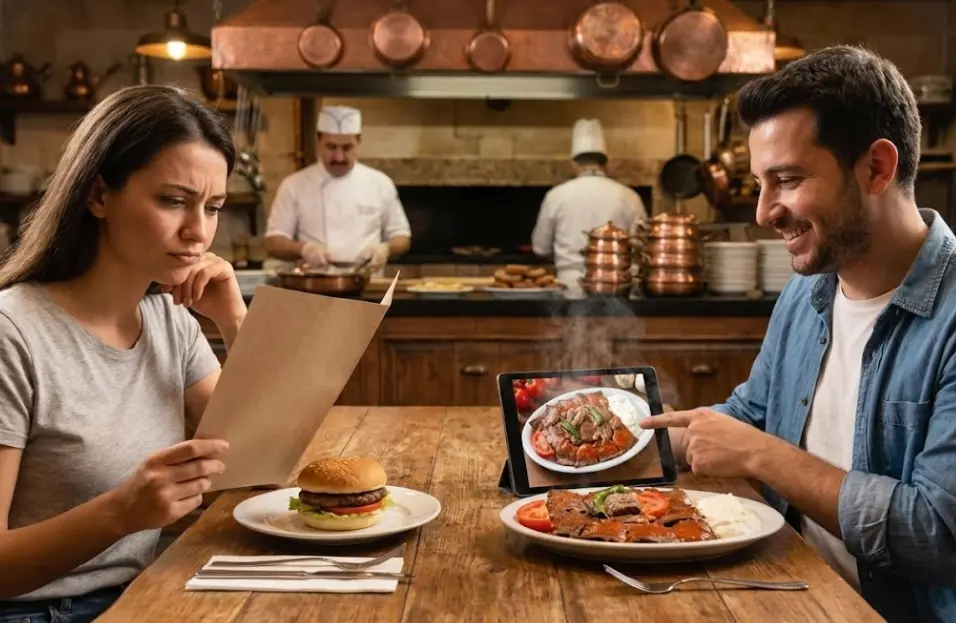
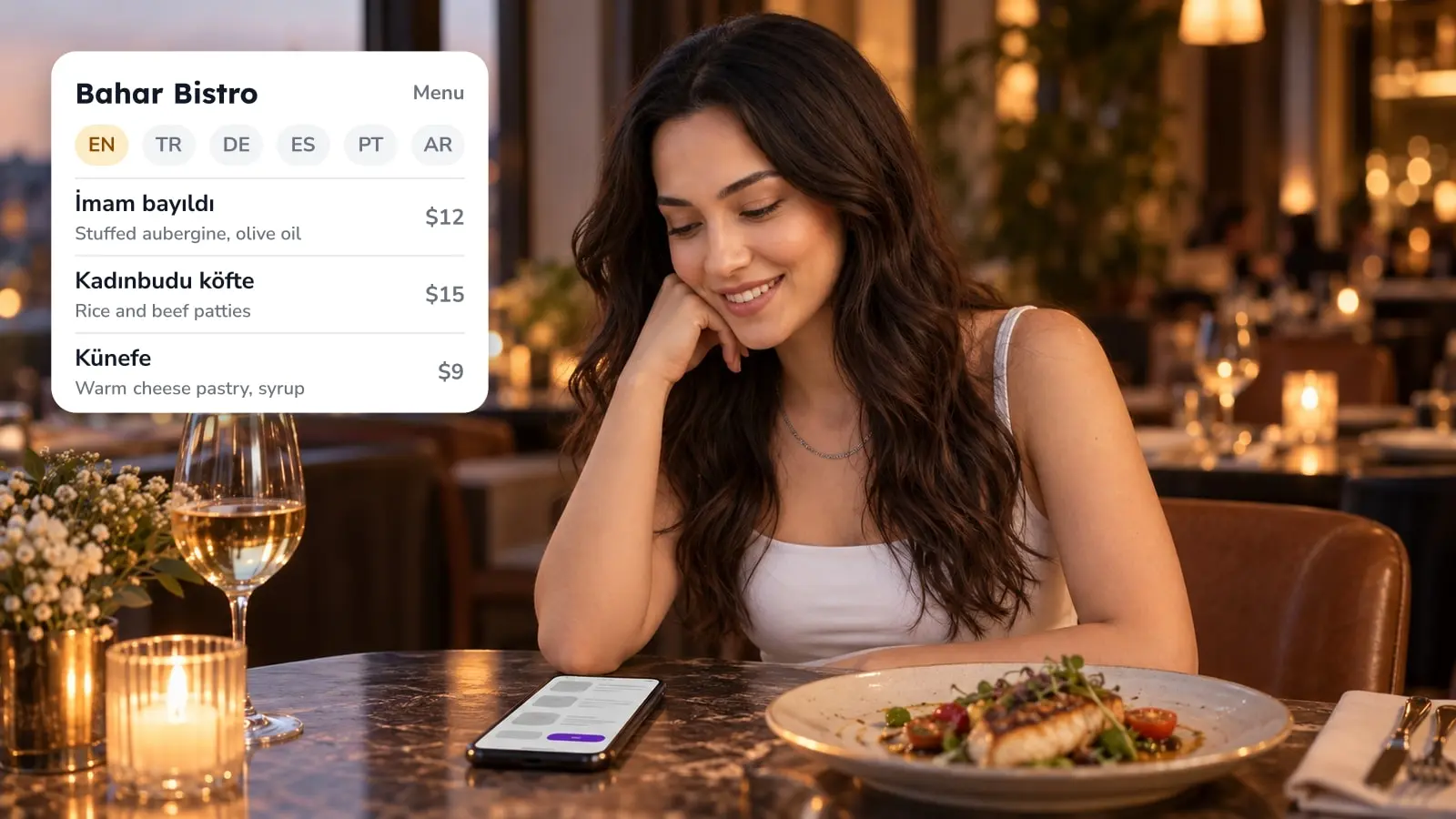
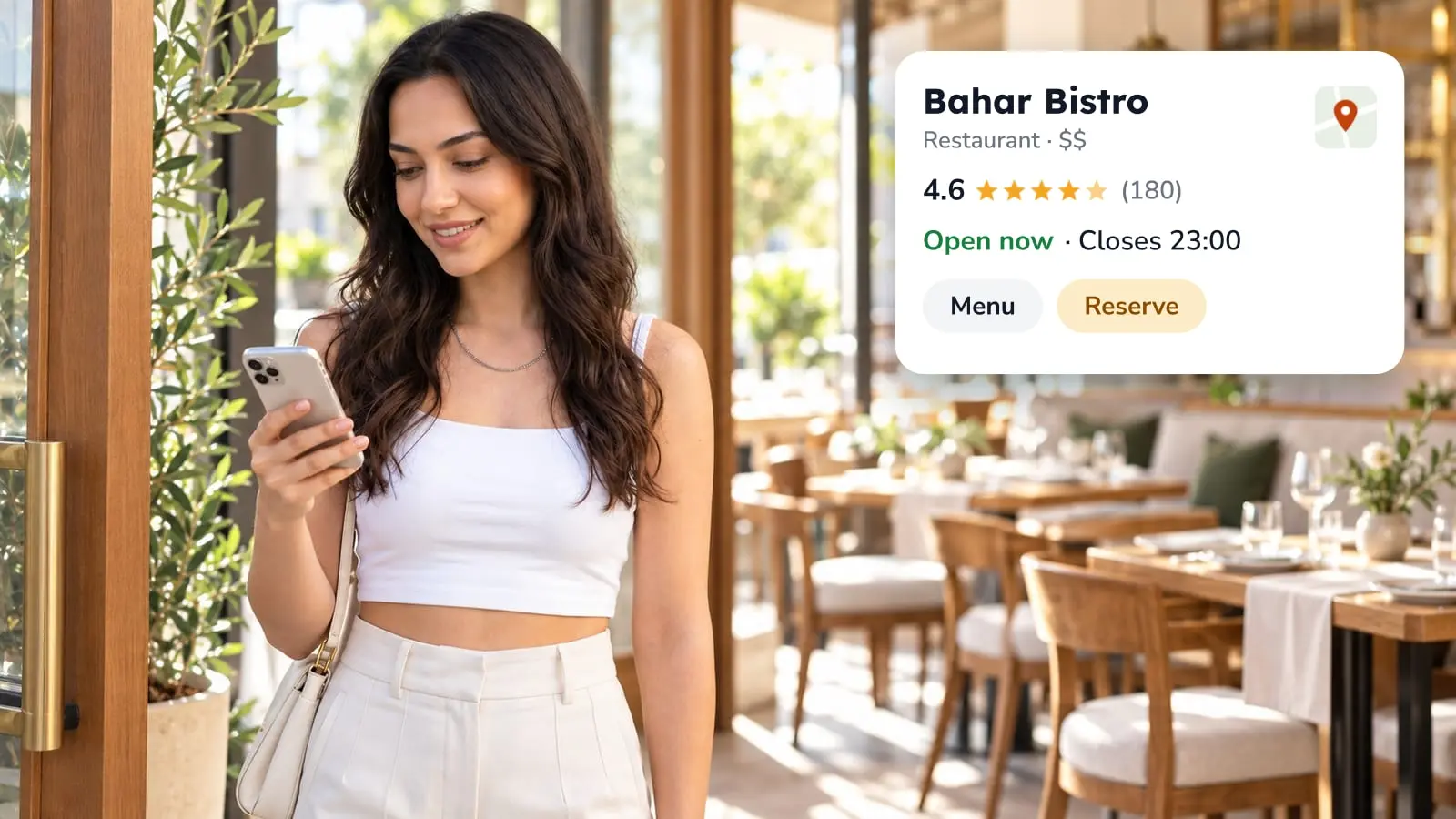
Your servers spend a good part of service walking back and forth to the till, once to key in an order and again to run a card. Order and pay at the table is meant to cut both trips. The guest scans a QR code, orders from the menu on their own phone and pays from the same screen. It's software, not hardware: the menu opens in the phone's browser, so there's no app to install and no terminal on the table. Whether it suits your room depends on which of five setups you mean, when your guests pay, and what happens at the table that wants to pay cash.
Five setups that all get called pay at the table
Search for the phrase and you'll land on five different arrangements. They differ in who holds the device, who puts the order in, and when the money moves, and that decides how much of your floor work actually changes. It's worth choosing between them before you look at any product.
If your only problem is the walk to the POS when the check is asked for, a handheld terminal fixes that and leaves ordering alone. If the time goes on keying in orders and turning tables, the guest's phone takes more off your staff. The payment step on its own is covered in what QR payment is and where it fits a restaurant.
Handheld terminal, guest phone, tablet, and the two payment timings
Handheld terminal: the server brings a card machine at the end of the meal. Orders are taken and keyed in the way they are now, so the kitchen side doesn't change. It fits a room where service is good and the check is the only bottleneck. It does little if your servers lose their time at order entry.
Guest's phone, QR: menu, order and payment all on the guest's own screen, which is what order and pay at the table usually means. It suits short ordering rounds and guests who'd rather not wait for anyone. It fits badly where many guests pay cash, where the dining room has no signal, or where guests expect a server to take the order as part of the evening.
Tablet on the table or at the counter: the device is yours and the guest orders on it. That makes sense when you don't want to depend on guests' batteries and data, or when you want a self-service point at the counter. The price is hardware, charging, and a screen someone has to keep clean and in one piece. In FineDine the tablet runs in three ordering modes: Full Service, where the tablet is mobile and each order opens a new check, Table Top, where the tablet is assigned to a table, and Kiosk, where each guest gets a check number. The tablet menu design notes cover what changes when the screen is yours.
Pay with the order: the guest pays when they send it, so nothing reaches the kitchen unpaid. A bar, a pub garden or a terrace with its own entrance is the natural home for it, since people order in short rounds and can slip away without anyone noticing. At a long dinner, paying at every round starts to feel like a toll booth.
Pay at the end: the table orders through the meal and settles once, from the same screen, before it leaves. This suits longer meals with several rounds and one expected check. The risk is exactly the one the other timing removes, a table walking out between rounds, so someone still has to watch the floor.
Picking the timing from your own service data
Your own numbers will show which room you run. Take a stretch that includes weekdays and a weekend and count two things per table: how many rounds it ordered, and how many checks it closed on. If most tables order once and leave, paying with the order is already how your room works. If tables regularly order three or four times and ask for one check, pay at the end matches how they behave.
Mixed rooms exist too. A restaurant with a terrace and a dining room may want the first rule outside and the second inside. The dine-in ordering settings in FineDine have an Enable Payment switch, so you can take orders without taking payment and go on closing checks the way you do now while you test.
What staff notice, and what they don't

Servers will feel the walking first. If the guest enters the order and pays on their own phone, there's no trip to a terminal for either. The order part only holds as far as it reaches your POS, though. If the POS isn't connected, someone still has to re-enter it there, so confirm the integration before you count on the saved trips. The trips that remain are the ones guests see, plates going out and tables being cleared.
The size or extra a guest picked on the phone travels with the item, so the kitchen isn't relying on something called across a loud room and heard second hand. Check on a real ticket that it arrives the way you expect.
When a dish runs out, you change it in the menu rather than briefing every server. How fast that shows up on a phone that already has the menu open is something to test before you lean on it mid-service.
Guests can ask for the check from the same screen as well. Under Service Options you decide which requests they can send, and those reach staff without anyone waving across the room. Whether a guest can cancel after sending an order is a setting too, as are minimum order value and, if you serve alcohol, age verification.
Cash and failed scans stop the flow first
A guest paying cash can't finish alone, because someone has to take the money and close the check. FineDine lists cash among the payment types you can allow at dine-in, but the table still needs a person and the till stays in play. If a real share of your covers pay cash, treat the phone as one more way to pay and keep the one you have.
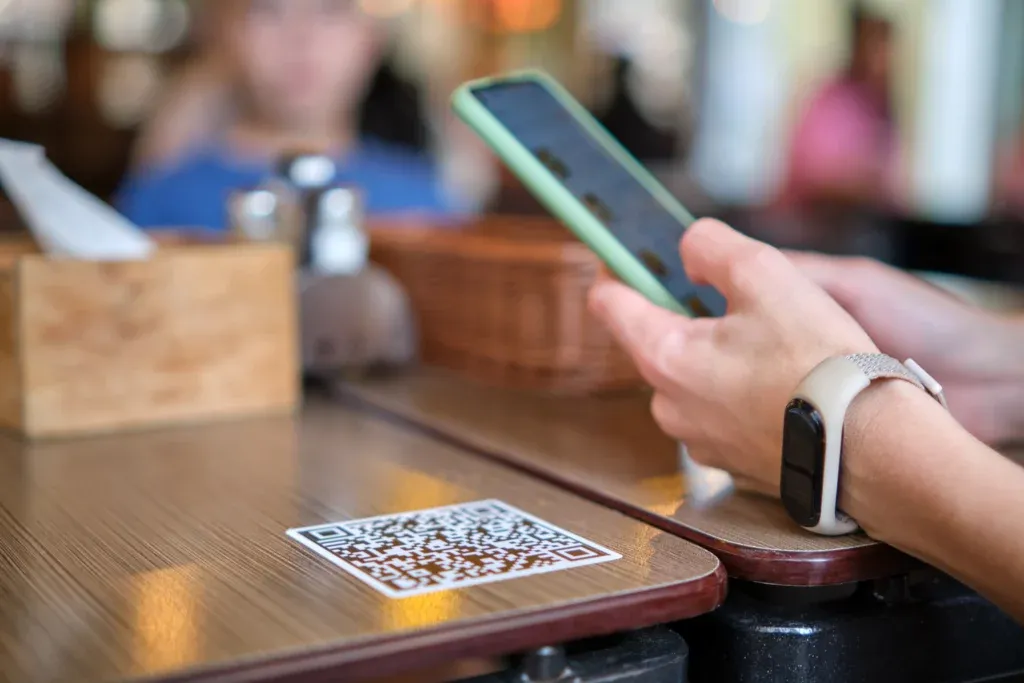
The scan is the other weak point. A dead battery, no signal in a basement dining room, or a code that won't read all stop the order at the same spot, and only the last one is yours to fix. Before you go live, sit at four or five tables during the darkest hour you trade and scan the code from where a guest's hands really are. A code that reads fine under the strip lights at the pass can fail on a lacquered table under a single spot. For what goes wrong on the payment side, see where QR code payments break at the table.
Setting it up in FineDine
Most of these decisions are settings on a menu you've already built. The QR menu can run as view only, which shows the dishes and takes nothing, or as view and ordering, which adds the cart and the payment step. If the kitchen isn't ready for tickets coming from the floor, start with view only and switch to ordering when it is.
Dine-in codes come one per table or one for the whole room. A per-table code carries the table number. You download them from Tables in Settings, where tables are grouped in areas, so a terrace or a second floor you add later gets its own set. With a single code for the room the guest types in their table number, so work out how the food finds the right table before you open.
Payment providers connect once, from the marketplace, which lists Stripe, Square, SumUp, Iyzipay, MOKA and Myfatoorah among others. Check which of them operate where you trade. The dine-in payment types in the settings include card through your POS, cash, and online payment with Apple Pay, Google Pay or card, and you can switch on tips. FineDine also lists a Fast Checkout option with split options, but try it yourself before you promise guests they can split a check. POS connections are in the marketplace as well, so look for yours there.
Test one table before you print anything
Sit at one of your tables, place a test order and pay for it on your own phone. Then go to the kitchen and look at what arrived and when. If you'd rather see it run against your own floor plan, your busiest service and the payment provider you already use, book a FineDine demo.
| Setup | Who holds the device | Fits when | Poor fit when |
|---|---|---|---|
| Handheld card terminal | Server | The only bottleneck is closing the check | Servers lose time at order entry |
| Guest's phone with QR | Guest | Short rounds, guests who don't want to wait | Mostly cash, no signal, or guests expect a server to take the order |
| Tablet on table or counter | You | You don't want to rely on guests' phones, or want a counter kiosk | You can't maintain and charge devices |
| Pay with the order | Guest or tablet | Bar, pub garden, terrace with its own entrance | Long dinners with many rounds |
| Pay at the end | Guest or tablet | Longer meals with one expected check | Tables can leave between rounds unnoticed |
Frequently Asked Questions
- Is order and pay at the table hardware or software?
- The guest-phone version is software. The menu opens in the phone's browser when the code is scanned, so guests install nothing and nothing is mounted on the table. Hardware only comes in if you choose tablets.
- Can a guest order now and pay later?
- That's what the pay at the end timing is for: the table orders through the meal and settles once from the same screen. If you'd rather not have unpaid orders sitting in the kitchen, ask guests to pay when they send each order. Try your chosen timing with a test table first.
- What happens when a guest wants to pay cash?
- They can't complete it alone, because someone has to take the money and close the check. Cash can be allowed as a payment type at dine-in, but staff still handle that table, so keep your till running.
- Do I need a new POS to use it?
- Not necessarily. The marketplace lists POS connections, so check whether yours is there. Whether your POS receives the orders the way you need is worth testing with one table before service.
- Do guests need to download an app?
- No. They scan the code with their phone camera and the menu opens in the browser.
- Can I try ordering before I switch on payment?
- Yes. The dine-in settings have an Enable Payment switch, so you can take orders first and keep closing checks the way you do today.