
A guest asks whether you take tap, or your provider says you should turn it on. Either way, the real question is what it changes on the floor.
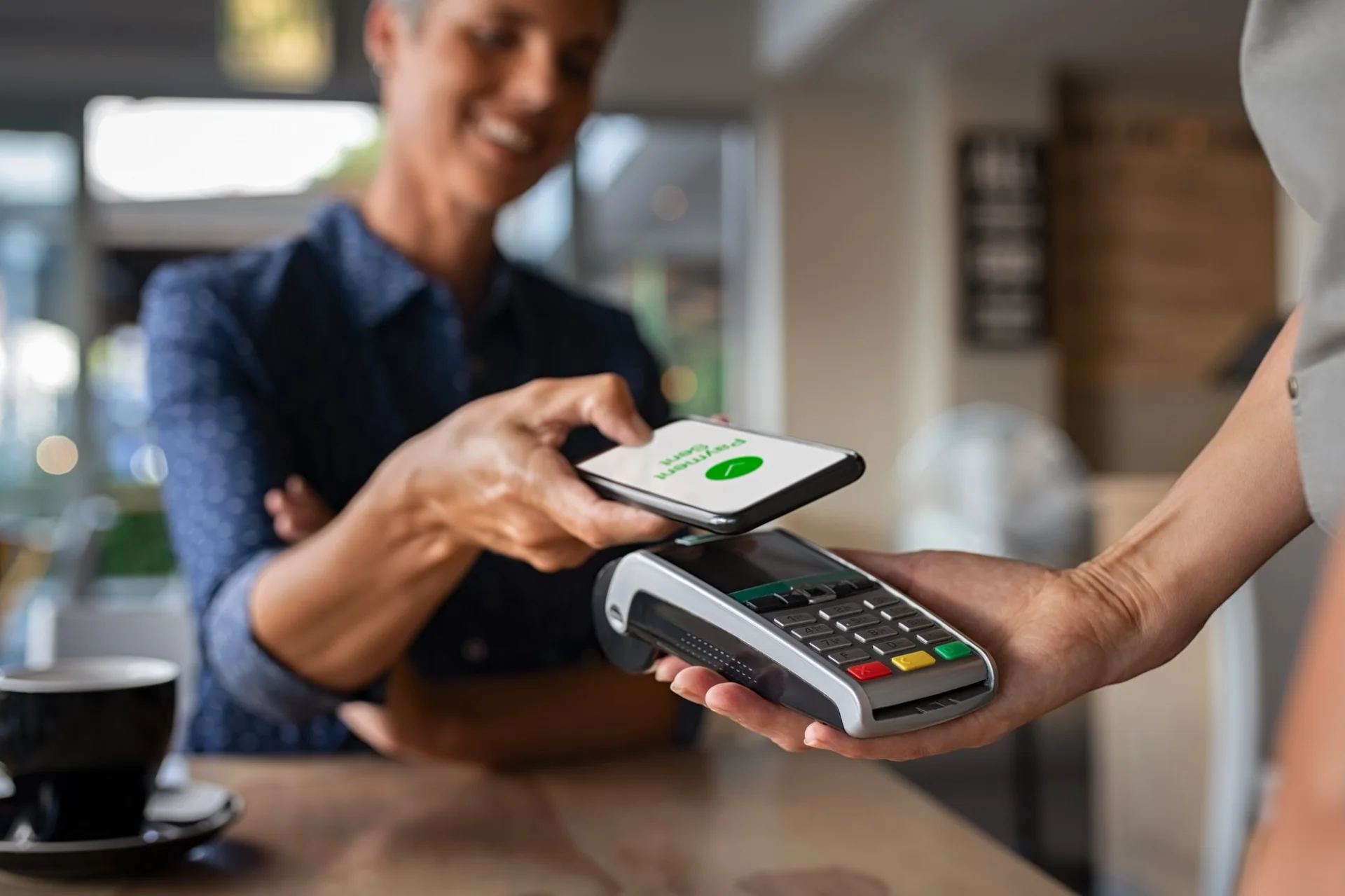
First, what it is. The guest holds a card, a phone or a watch over the reader. It beeps, and the check is paid. The card is read over a short-range radio link instead of going into the slot or through a swipe. Below a spending ceiling set in each market, there's no PIN to type and nothing to sign. A card that shows the small four-curved-line symbol can pay this way.
The honest case for a restaurant is narrower than the sales pitch. The tap takes about a second, and that second is rarely what made paying slow. The minutes sit on either side of it. The guest waits to catch someone's eye and ask for the bill. Then they wait again while a machine is carried across the room. Contactless is worth switching on. Just know which of those two waits it removes before you expect it to move your table turns.
What counts as contactless, and how a guest can tell their card has it
Three things pay by tap: a bank card with a contactless chip, a phone with a card loaded into its wallet app (Apple Pay, Google Pay or Samsung Wallet), and a watch carrying the same wallet card.
A card that can tap shows four curved lines, like a signal icon turned on its side. It's usually on the front, near the chip. No symbol means the card still works in the slot. It just can't tap.
Phones are different. The card has to be added to the wallet first, and most phones need to be unlocked or looked at before they pay. So when a phone payment fails at the table, check those two things before you blame the terminal.
Paying from a QR code or a link on the guest's own phone often gets called contactless too, even though no card goes near a reader. The guest picks a card, Apple Pay or Google Pay in the browser. It belongs here because the guest sees it the same way: their card never leaves their hand.
What happens in the second the card is over the reader
The card and the terminal talk over NFC, near field communication. It's a short-range form of the RFID radio used in building access cards. The range is a few centimeters, so the card has to come close.
The terminal's antenna powers the chip in the card. The chip answers with the card details and a code that's valid for that one payment only. A phone goes a step further. It sends a stand-in number, called a token, instead of the real card number.
To the terminal, a tapped card and a tapped phone look like the same kind of transaction. That's why Apple Pay and Google Pay don't usually need hardware of their own. A reader that takes a tapped card will generally take a phone too, once contactless is on. Confirm it with your provider for your model.
Where a tap goes wrong at the table
The first limit is the ceiling. Above a per-transaction amount set by the card schemes and your acquirer, the terminal stops taking a plain tap and asks for a PIN. The figure differs by country, and it changes. The UK raised its cap from £45 to £100 in October 2021. Some terminals also ask for a PIN after several taps in a row on the same card, whatever the amount.
A coffee won't hit that ceiling. A table of eight on one bill can. Make sure the PIN pad can reach the table, not just the reader.
The second is the wallet held against the reader. If two contactless cards sit in the same wallet, both can answer. The terminal may refuse the payment. It may also charge the card the guest didn't mean to use. Ask the guest to take one card out.
The third comes later, with refunds. A phone payment runs on the phone's token, not the plastic card behind it. Matching the refund often means the same phone has to come back to the counter. Ask your provider how a refund works once the guest has gone home. Do it before the first one lands on a Saturday night.
Tapping in a US restaurant changes where the card goes
In many American full-service restaurants the check comes in a folder. The server takes the card to a terminal in the back and brings it back with a slip for the tip and a signature. Contactless doesn't fit that routine. A tap needs the reader in front of the guest.
The signature isn't what's in the way. The major card networks dropped the signature requirement for card payments in North America in 2018. The walk to the back is what has to change. So the decision you're actually making is where the reader sits, not whether cards can tap.
Where the reader sits is the part guests notice
Contactless is about how the card reaches the reader. Where the reader sits is a separate call, and it's the one that sets how long the guest waits.
The counter terminal is the default, because that's what a fixed terminal already does.
A handheld brought to the table is a real gain. It's also a staffing question. It only shortens the wait if someone is free to carry it at 20:30 on a Friday.
Paying from the guest's own phone cuts out the trip. For that, the bill has to exist somewhere the guest can open it. In practice, that means the order was taken digitally to begin with.
The tip prompt, with and without a server standing there
Tipping is where a tap feels smooth or awkward. On a handheld, the guest answers the tip prompt with a server standing next to them. On their own phone, they answer it alone. In a US-style room, that prompt replaces the tip line on the paper slip.
Before you roll it out, settle with your provider how the tip is captured. Some setups add it to the same authorization. Others take it as a second one. The two look different on your end-of-day report, and staff who get tips paid out nightly will spot the difference before you do.
The card stays in the guest's hand
With a tap, the card stops travelling around the room. It can't be left on a table. It can't go back to the wrong guest after a split bill, or sit forgotten next to the terminal in the back. If a guest later says their card was copied, you can at least say nobody on your staff held it. The one card still travelling is the one in a folder, at a table that was never offered a reader.
Before you switch it on: five questions and one measurement
On a modern terminal, contactless is usually a setting, not a project. That's exactly why it gets switched on without anyone checking what it changes further down the line. No terminal at all? Some providers let a staff phone take a tap, sold as Tap to Pay on iPhone or on Android.
Either way, these five questions cover most of what to ask your provider:
1. Is contactless already enabled on the terminals we have, or does it need turning on, and on which models?
2. What is the tap ceiling in our market, and what does the terminal do above it?
3. Does a tap cost us the same as a chip transaction, and do wallet payments carry a different rate?
4. How is a tip captured, and does it appear as one line or two in the daily report?
5. How does a refund work on a tapped phone payment when the guest isn't in the room?
Then measure what you're trying to fix. Across at least one busy night and one quiet one, note the time from a table asking for the bill to the payment going through. Look at where that time goes. If the number doesn't drop once contactless is live, the queue was never at the terminal. The fix is then where the reader sits, or how guests ask for the bill.
Paying without a terminal: what the table needs in FineDine
Paying from the guest's phone is the option you have to set up in advance. Two things need to be true. The bill has to be tied to a table. And the guest has to be able to open it on their phone without installing anything.
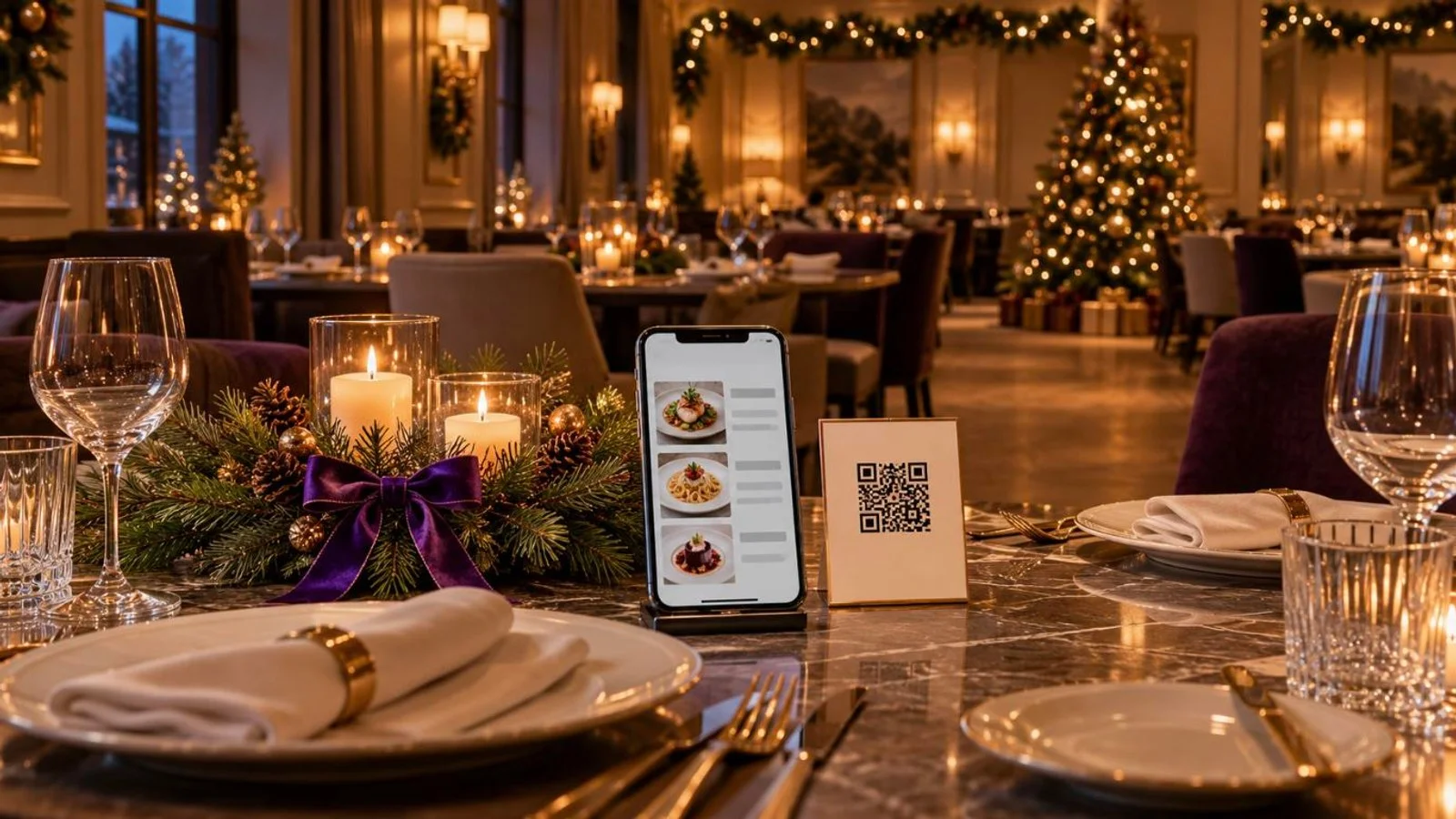
In FineDine, the first one is a setup choice. You can print a separate QR code for each table, or one code for the whole room. A per-table code carries the table into the order, so nobody types it in. A room-wide code is quicker to print and replace, but the table then has to be identified some other way.
The payment itself runs through providers you may already use. FineDine connects to Stripe, Square and SumUp, and to regional ones including Iyzipay and MOKA in Turkey and Myfatoorah and STC Pay in the Gulf. Card, Apple Pay, Google Pay, cash and tips are recorded against the order. The check and the payment stay one record instead of two.
Guests can also send a service request from the menu, such as asking for the bill. They don't have to catch someone's eye anymore, though someone on the floor still has to pick the request up. That's the wait the tap never touched.
None of this retires the terminal. A guest who wants to tap a physical card still needs a reader, and cash is still settled by hand. For how the phone side behaves at the table and where it tends to break, see how QR code payments work, and where they break at the table. If you're also weighing delivery and pick-up, online ordering for restaurants covers that channel.
| Where the guest pays | What the guest still waits for | What it asks of you |
|---|---|---|
| Counter or fixed terminal | Walking to the counter, or a server carrying the card there and back | Nothing new if the terminal already reads taps |
| Handheld brought to the table | Someone free to bring the handheld | Enough handhelds per section, and staff time at the busiest hour |
| Guest's own phone, from a QR code at the table | Only the bill opening on the phone | The order taken digitally, so the bill exists before the guest asks for it |
Frequently Asked Questions
- Can a bar take contactless only and refuse cash?
- Taking contactless alongside cash is fine anywhere. Going card-only is where some places draw the line. New York City, San Francisco, Philadelphia and the state of New Jersey passed laws between 2019 and 2020 requiring most businesses that sell in person to accept cash. Check the rule where you operate before you take out the cash drawer.
- Is a tap safer than swiping the card?
- A tap sends a code that's valid for one payment only, the same protection a chip insert gives. A swipe reads the magnetic stripe, which carries the same data every time. A phone adds a token in place of the real card number. The tap ceiling and the PIN request after several taps are there to limit what a lost card can spend.
- Does a guest need an app to pay from the QR code at the table?
- No. With FineDine, the menu and the bill open in the phone's browser. The guest pays there with a card, Apple Pay or Google Pay, through your payment provider.
- Will an Apple Watch or a phone case with a card in it work on the reader?
- A watch with a card in its wallet pays the same way a phone does. A phone case holding a plastic card can cause a clash if the phone's own wallet answers too. The guest may need to take the card out.