
Your sales are in the till, bookings in a book or an app, delivery orders on a tablet and stock in a spreadsheet. A top-ten list of restaurant management tools won't sort that out for you. The useful question is narrower: which of those jobs costs you the most, and what kind of tool actually takes it off your hands? Buy for that cost, not for the longest feature list. Check plan limits against your busiest month, because an average month hides the cap you'll hit first. And in the first demo, find out whether stock, payroll and rota planning are in the product at all, since the answer decides how many other tools you'll still need.
The 30/30/30 Rule, and What It Says About Software
The 30/30/30 rule is a rule of thumb for budgeting, not a benchmark. As operators usually quote it, about 30% of sales goes on food and drink, 30% on labor and 30% on everything else: rent, utilities, card fees, repairs, subscriptions. That leaves roughly 10% as profit, on paper. Your own split won't match it exactly. A bar and a tasting-menu kitchen land on very different food and labor figures, and a city-center lease inflates the third line before you've added anything.
Where the rule earns its keep is in choosing software. Almost every tool you'll be pitched is meant to move one of those three lines, or the sales figure they're all measured against. So before you look at the feature list, ask which line the product is supposed to move. If the salesperson can't name one, you have no yardstick, and three months in you'll be guessing whether it paid for itself.
Food cost is a percentage, which means it moves from two ends: what the plate costs you and what you charge for it. Stock and recipe-costing tools work on the first. A menu tool that lets you change a price once for every channel the menu runs on works on the second. The software's own fee, meanwhile, sits in the third line. It has to take a cost out somewhere else, or bring sales in, to earn its place.
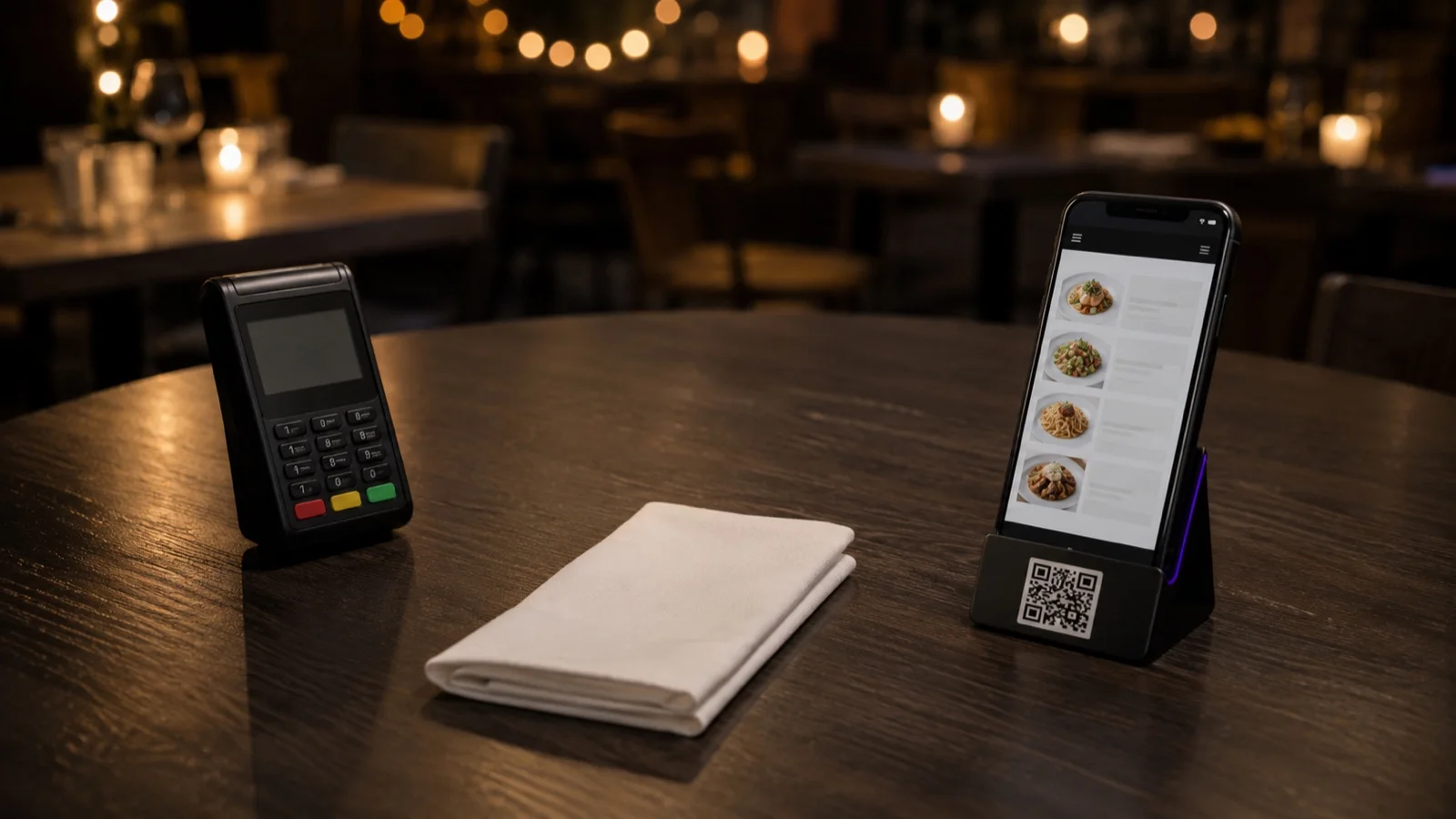
Labor is where expectations drift furthest from what happens. Ordering at the table and QR payment can take steps out of service, with fewer trips to take an order and fewer trips with the card machine. The people on shift spend their time differently as a result. The wage bill doesn't drop by itself, though. That only happens if you change the rota, and whether you should depends on how stretched the team was to begin with.
Measure Your Own Operation First
Before any demo, two checks narrow the field.
First, write down everywhere a number lives today: the till, a spreadsheet, a notebook, someone's phone. A figure that shows up in two of those places is your first candidate for automation. Each time it's typed twice, the two copies can disagree, and someone has to work out which one is right.
Second, time the task you most want gone for one week. Then add what it costs when it goes wrong: errors, missed sales, the manager's hours. Put the software's annual cost next to that total. If the task costs less than the subscription, keep doing it by hand.
What "Best CRM" Means in a Restaurant
General-purpose CRMs grew up in sales teams, where someone enters a contact, logs a call and moves a deal to the next stage. Nobody at the host stand has time for that during a full service. A restaurant's guest list has to build itself from moments when guests already hand over their details: a booking, an online or QR order they sign in for, a feedback form, a review.
That makes the first question simple. Where do the records come from? If the answer is an import, or a CSV exported from your booking tool, someone has to run that export every week. Skip a week and the list is out of date. The second question is whether you can act from the same place. Can you send a promo code that only works on delivery, or only above a minimum order? Can you see what a guest wrote in their last feedback form next to their record?
One limit holds whichever product you choose: a restaurant CRM only knows guests who identified themselves. The walk-in who pays cash at the counter and never books isn't on the list. A café that trades mostly on walk-ins is likely to end up with a thin guest list whichever CRM it buys. Before comparing products, that café needs a point in the visit where guests have a reason to leave a name, such as ordering from the table or a short form built from well-chosen restaurant survey questions.
Top 10 Lists and the POS Question
Ranked lists of the top ten restaurant management software tend to mix categories. A POS, a scheduling app, an inventory tool and a reservations platform get ranked against each other, when a single restaurant might run all four side by side. Use those lists to see which categories exist. Then build your shortlist inside the one that matches the cost line you picked.
The same goes for lists of the top five POS systems. Sales are usually recorded in the POS, so for every other tool the thing to check is whether it connects to the POS you run now, or the one you're about to sign for. Ask for that integration by name. Then ask what actually passes across it: just orders, or menu items and prices too.
Questions to Ask in the Demo
Which task, exactly, does this remove? If the answer is a category rather than a task, you haven't started evaluating yet.
Who will use it during service, and have they seen it? A floor team that had no say in the choice is more likely to work around a tool than with it.
What keeps working when the internet drops? Ask for a plain list of which operations carry on and which stop.
What do the plan limits say about the thing you'll use most? Caps tend to sit on monthly bookings, orders and how far back reports go. Check the booking or order cap against your busiest month. Check the report history against the first time you'll want to compare this quarter with the same quarter last year. Limits change, so read them on the vendor's current pricing page on the day you decide. For FineDine, that's the plans page.
If you leave, how does your data come out? Menus, orders and guest records should export without a support ticket.
One Platform or the Best Tool for Each Job
Neither answer is wrong. One system spares you the work of keeping several in step. Separate tools can go deeper where depth pays.
Two things usually decide it. The first is double entry: when the same number has to go into two systems, they tend to drift apart, and reconciling them turns into someone's recurring job. The second is how you make money. If one category carries the business, say delivery for a kitchen that trades mostly on delivery, a tool that's merely adequate there can lose you more in sales than a single login saves in admin.
Where FineDine Fits, and Where It Doesn't
FineDine is built around the menu and the order. That puts it on the sales line, and on the price side of food cost rather than the stock side. In Menu Manager, one menu can be switched on for dine-in QR, tablet, delivery and pickup at the same time. So when a supplier puts a price up, you change it in that one menu instead of re-keying it channel by channel. Orders come in through the same channels, with payment at the table for dine-in. Reservations have their own module, and the table settings hold a floor plan split by area. Under Guests & Engagement you'll find guest records, reviews, feedback forms and promo codes you can limit to one channel or a minimum order value. POS systems connect through an integration marketplace. When we checked the panel in July 2026, it listed Foodics, Revel, Clover, Epos Now and Simphony among others. Confirm yours is on the list before you plan around it.
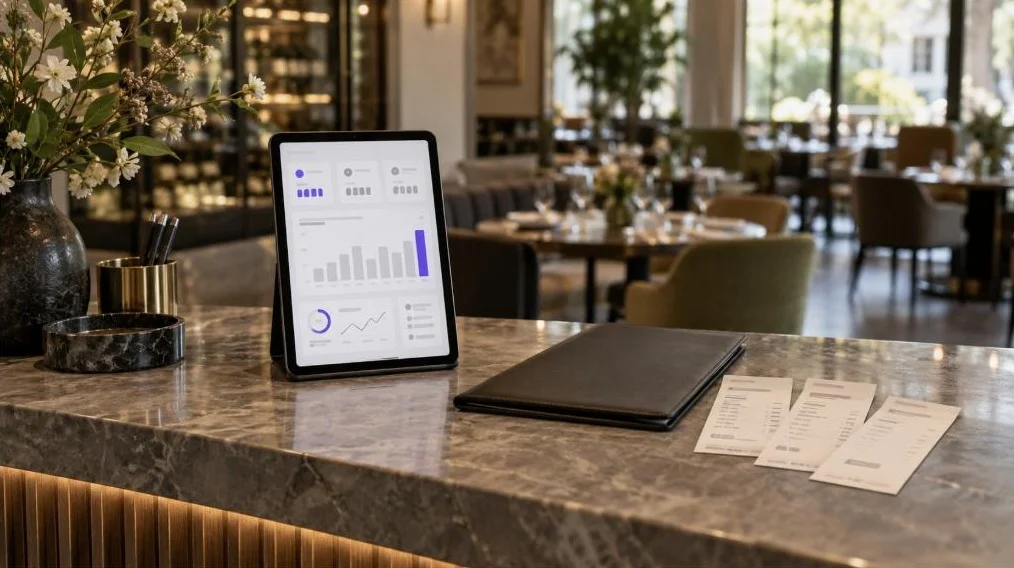
For reporting, FineDine IQ updates hourly. Every morning it checks revenue, orders, sessions, channels and ratings for anomalies, so a sudden change in one of them can surface the next day instead of in the month-end report. You pick a 7, 14, 28 or 90-day window, or a custom range, and compare it with the period before.
Now the part it doesn't cover. We found no stock counts, recipe costing, supplier ordering, rotas or payroll in the panel, so what the plate costs you and the labor line stay with other tools. If food cost is the line that hurts, start with your inventory turnover ratio and a dedicated stock tool. Then ask that tool the same integration question you'd ask a POS.
| Cost line | Tool category | What it takes off the day | Ask before buying |
|---|---|---|---|
| Food and drink cost (what the plate costs) | Stock counts, recipe costing, supplier ordering | Stock counted on paper, cost per plate estimated | Does it know your recipes, or only your invoices? |
| Food and drink cost (what you charge) | Menu management | Re-keying prices on each channel after a supplier increase | Does one price change reach dine-in, delivery and pickup? |
| Labor (hours paid) | Rota, time clock, payroll | Rotas built by hand, hours added up from timesheets | Does it export to whoever runs payroll? |
| Labor (time in service) | Ordering and payment at the table | Trips to take orders and bring the card machine | Will you change the rota, or only the workload? |
| Everything else | Every subscription you add | Nothing by itself | Does it replace a cost, or add one? |
| Sales (the base all three lines are measured against) | Online ordering, reservations, guest CRM | Orders and bookings taken by phone, guest details kept nowhere | Where does each guest record come from? |
Frequently Asked Questions
- Does a small restaurant need management software at all?
- Not always. When one person seats guests, takes orders and closes out the day, software often adds a step before it takes one away. The case for it starts when a task repeats often, eats real time, or costs money when it goes wrong.
- What tools help streamline back-of-house operations?
- Back of house is mostly stock and recipe-costing tools, supplier ordering, prep lists, and rota and time-tracking software. Front-of-house tools reach the kitchen through the order itself, so check how orders land there: on a screen, on a printer or through the POS.
- What is restaurant task management software?
- It covers opening and closing checklists, shift handovers and the recurring jobs that would otherwise live on a clipboard. Your POS or scheduling tool may already include checklists, so look there before adding another subscription.
- Is a free trial enough to judge a restaurant tool?
- Only if the trial includes the parts you'll depend on, so find out what it locks before you start. FineDine's trial, for example, caps items per menu and locks in-app promotions, a custom domain and longer analytics history. Use it to judge the menu and ordering flow, and read the rest from the plan comparison.