Start with who the menu is for, because that decides the portion sizes, the wording and the price level. Then keep the list short enough that your team and your stock can handle the busiest hour, build it around a few drinks and bakes guests come back for, and set each price from what the portion costs, what nearby cafés charge and what actually sells.
None of it needs a menu-engineering background. The only numbers required are your ingredient cost per portion and your sales counts, and both come from a cost sheet and a sales report.
Decide who the café menu is for
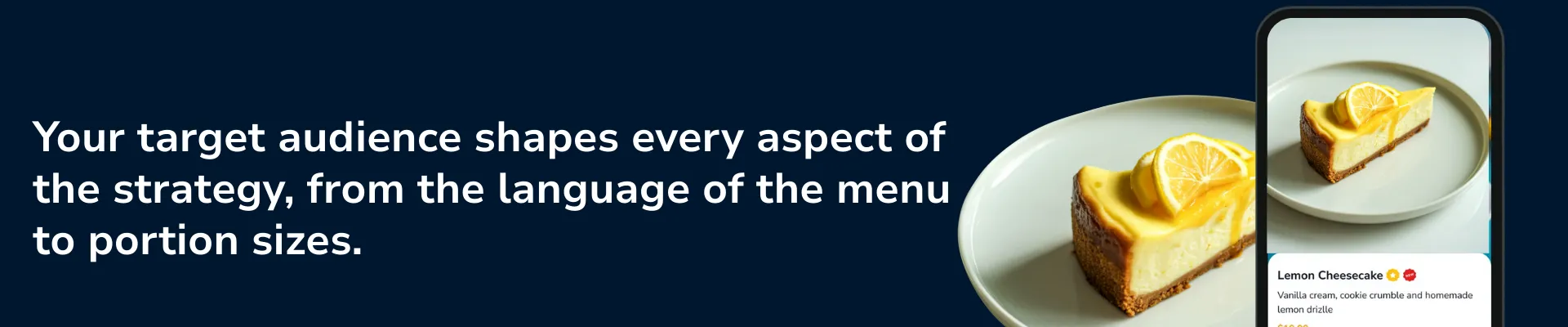
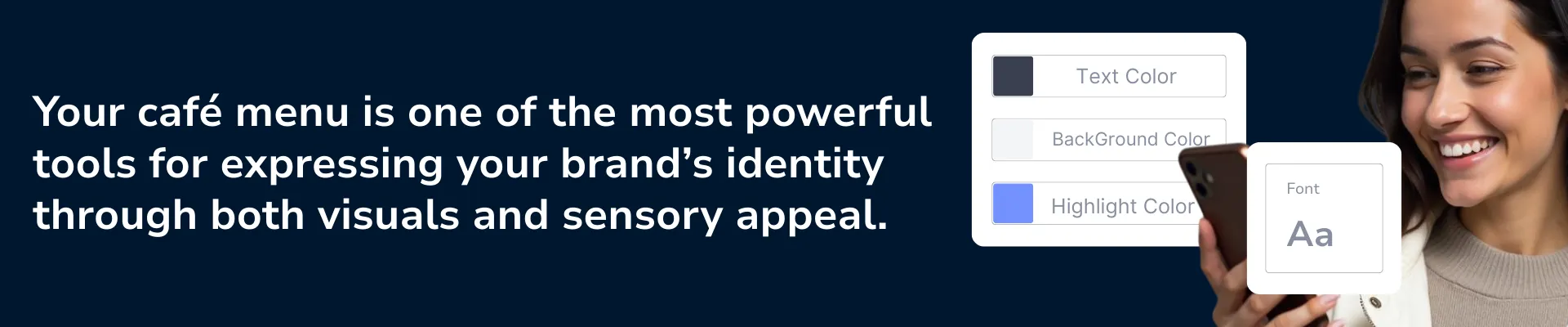
Four questions shape everything that follows, and each one changes something concrete on the page.
Who is the menu for? Students who want a fast coffee and a seat for hours need different portions and prices than office workers grabbing something between meetings, or neighbors who sit down for a slow breakfast. The answer sets the language of the menu, the portion sizes and how much a guest will pay without hesitating.
What is the café's atmosphere? A minimal modern room, a homey one and a concept café built around an aesthetic each call for different category names and a different tone in item descriptions. A sincere room with descriptions written like advertising will feel off to the guest.
What does the café stand for? Local producers, a special roast, sustainability, or fast service at low prices are all legitimate. Whichever you pick has to show in the menu itself, in which items are listed and in what their descriptions say.
Where does the café sit on price? An affordable neighborhood café, a third-wave coffee bar and a bakery-café known for desserts price, name and photograph their items differently. Settle this before you price anything, since item names, the number of photos and the room you have above the market all follow from it.
Which items to put on a café menu

Start from the brand answer. A café built around third-wave coffee puts filter and espresso drinks at the center and treats desserts and snacks as support. A café known for homemade baking does the reverse: a strong pastry case, with coffee as the companion.
Group the list the way guests order: coffee, other hot drinks, cold drinks, pastries and desserts, and food if you serve it. Every item needs a reason to be there. It sells well, it completes an order (the cookie that goes with a flat white), or it adds to the experience. An item with none of these still takes a line on the menu and space on the shelf.
For how many items, the limit is what your kitchen and stock can hold in the busiest hour of the week without slowing the line or letting ingredients spoil. If a Saturday rush forces staff to skip drinks or run out of a pastry by noon, the menu is longer than the café can run. A wider list also means more ingredients to buy, more waste and more for a small team to remember.
Signature items and shared ingredients
A signature item is a drink or dessert guests connect with your café, would photograph and come back for. A café needs only a few. On a crowded menu they get lost, so give them the top of their category and your best description instead of treating them like every other line.
Shared ingredients decide whether a short menu stays profitable. Milk coffees and cold variations built on the same espresso base draw on one set of stock. A dessert sold as a slice and as a whole cake is one recipe at two portions. Before adding an item, count how many other recipes use its ingredients. One that needs an ingredient nothing else uses adds a separate purchase and shelf space, and whatever is left when it sells slowly becomes waste.
Setting prices from cost, market and sales
Three inputs set a price, and they need to agree.
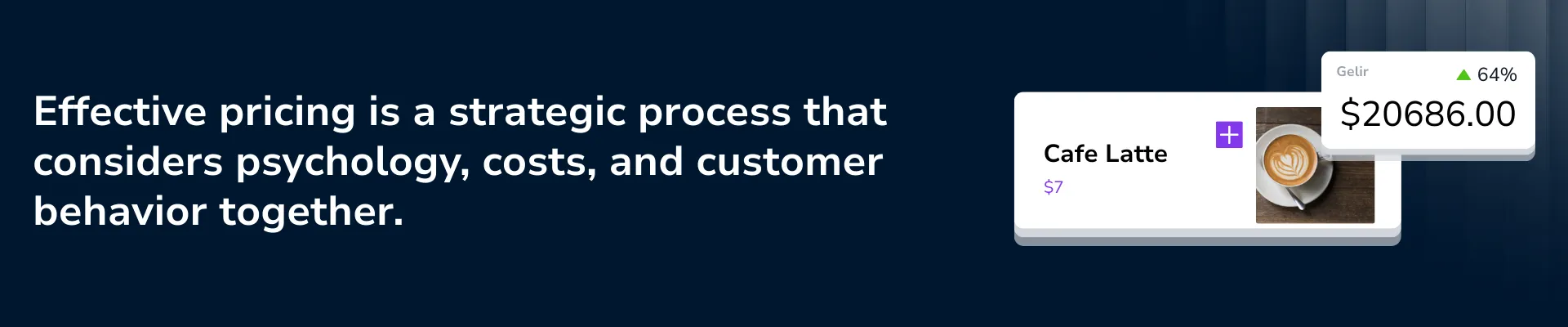
The first is cost and market: what each portion costs you in ingredients and packaging, your running costs, and what nearby cafés charge for the same size. For a latte the ingredients are beans, milk, any syrup and the cup. The sale price minus that cost is the margin per portion, and the margin divided by the price is the margin percentage. The cost figures come from your own supplier invoices, and our restaurant cost control guide covers food cost and a weekly routine for keeping them current.
The second is how guests perceive the price. The same latte reads as an experience when a roaster works behind the counter and as a routine purchase in a chain. The position you chose in the first section sets how far above the neighborhood average you can price.
The third is your own sales: which items sell and which items earn money. Those are two different lists, and the menu engineering section below reads them together.
Portion options and how prices appear on the menu
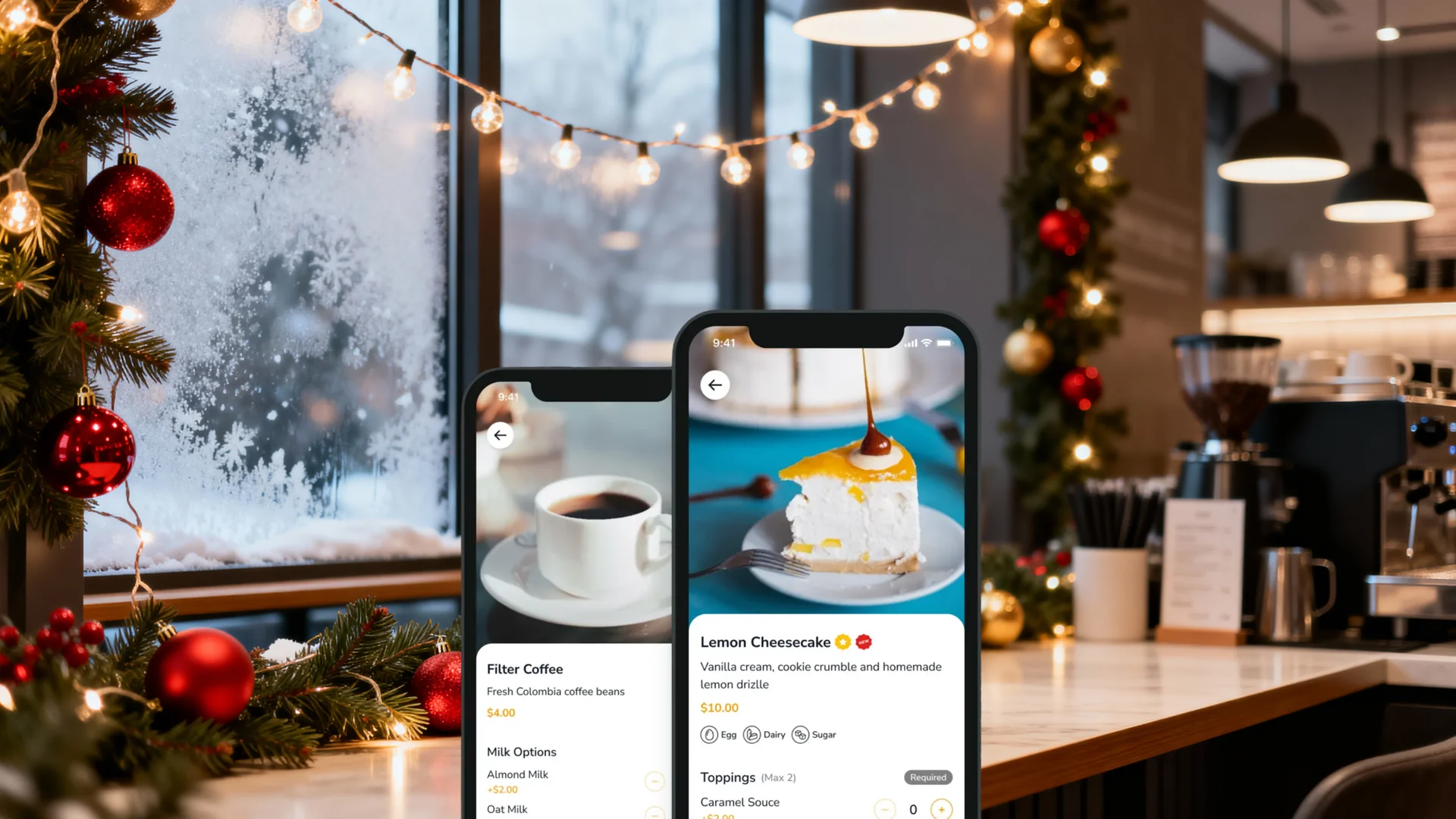
Portion options give guests a bigger order to choose without adding a recipe or an ingredient: a small and a large, a single and a double shot, a slice and a whole cake. In FineDine, an item's Price Options tab holds one entry per option. Open Edit Menu, click the item name, go to Price Options and use Add Price Option. Each option has a name, a PRICE, a CAFFEINE value in mg and a Discount. FineDine also has a Price Editor for changing many prices at once.
How the number is printed is a presentation choice, and neither $4.90 nor $5.00 is right for every café. Try one version on one item for a few weeks and compare that item's sales count before you change the whole list. Some venues leave the currency symbol off and print 4.50 instead of $4.50. FineDine has a Display currency sign control under Settings > Price Options, for the dine-in and tablet menus.
Menu engineering for a coffee shop
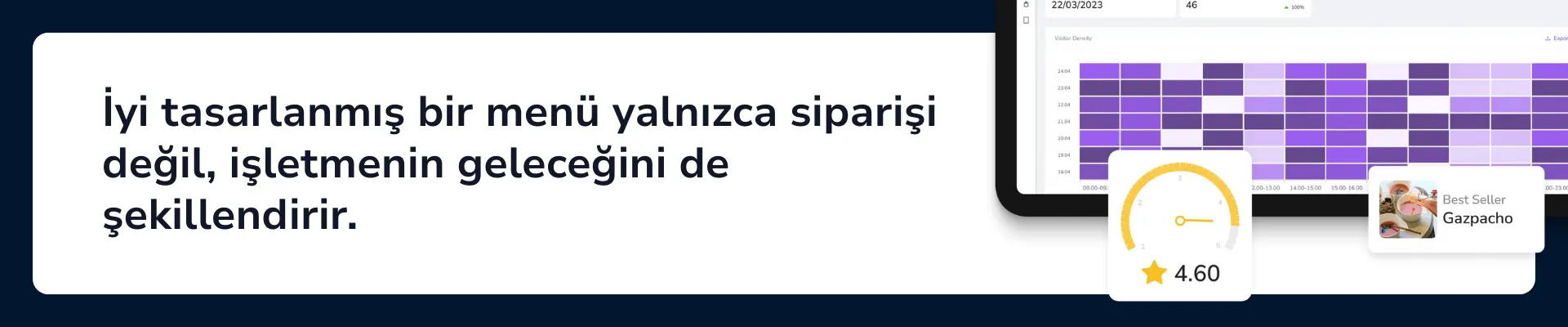
Menu engineering sorts every item by two things: how often it sells and how much each sale earns. Compare each item with your own menu, not an outside benchmark. Popular means above the average sales count across your items, and high margin means above the average margin across your items. That gives four cases. For the same method on a full restaurant menu, see our guide to menu engineering for restaurants.
High sales and high margin: these items carry the menu. Leave the recipe and portion alone and give them the clearest spot in their category.
High sales and low margin: guests already want it, so the work is on the cost side. Check the portion, the recipe, and whether the price has fallen behind your ingredient costs.
Low sales and high margin: each sale pays well, but too few happen. Move the item up in its category and rewrite its description before deciding it has failed.
Low sales and low margin: the candidate to drop. If it also uses an ingredient no other recipe needs, dropping it clears stock as well.
Sales counts alone hide a difference. FineDine's Reports section has an Item Report with columns for total views, recommended views, likes, comments, sales count and revenue. An item with many views and few sales is one guests look at and then pass over, so look at its price, photo and description. An item with few views and few sales may simply be hard to find, which is a placement problem.
Margin comes from your own cost sheet: price minus ingredient cost per portion for each item, set beside its sales count and revenue. After a price change, compare that item's sales over the same length of time before and after. AI Reports has a Menu Performance tab and date ranges of 7, 14, 28 and 90 days plus a custom range, with comparison against the prior period.
Laying out the menu so guests find things quickly
Layout has one job: a guest should find a drink within a few seconds. Group items under the category names guests actually use, keep the order the same from one category to the next, and put signature items at the top of theirs. For larger menus, see our guide to restaurant menu design.
Photos work best when they are selective. A photo on every item, or a highlight on every price, makes it harder for any one of them to stand out. Put photos on the signature items and on the items your engineering table says to push.
Type and color carry the café's character. A restrained typeface with plenty of space gives the menu a calm, premium tone, while a rounded font and bright colors give a playful one. Pick whichever matches the answers you gave in the first section.
In FineDine, Design & Display covers these choices: List View or Grid View, a section title style, theme colors, a custom font upload and a menu background image. See the menu design editor page.
An item's media accepts Images and Video, and AI Media Studio has an Enhance mode for photos you already have.
Writing item descriptions that make people order
A name and a price tell a guest what the item is. A description tells them why to pick it. Compare "Latte, $4.50" with "Latte made with the house blend, $4.50": the second says something about what the guest is paying for. Write more for signature items than for the rest, and keep each description to what is true of the item. See also our guide to writing menu descriptions.
Three kinds of detail work in a café. The first is origin: where the beans come from, whose recipe the dessert is, which local producer supplies the seasonal fruit. One sentence is enough, for example "Made with beans from the same local farm for years."
The second is sensory wording for taste, aroma and texture, such as "Dark cocoa, velvety texture, a light bitter finish." It does not have to follow that pattern, and it should stay short so the menu is still easy to scan.
The third is accuracy. Write only what you could stand behind at the counter when a guest asks about it.
Short tags and item labels
Short tags tell a guest something at a glance: Prepared daily, Homemade, Limited edition, Seasonal recipe, New, Vegan option available, Barista's special recipe. Use a tag only where it is accurate, and on a few items. When every line carries one, none of them stands out.
FineDine item labels include New, Signature, Special Presentation, Popular, Special, Limited Items, Seasonal and Handmade, and Custom Badges let you add your own. Both sit under General Information, Categorization, on each item.
Frequently Asked Questions
- What should I do first, build the menu or find a space?
- Draft a short menu first. The drinks and food you plan to sell decide how much counter, equipment and storage the space needs, so you can judge a location against a real list.
- What categories does a café menu need?
- Group by how guests order: coffee, other hot drinks, cold drinks, pastries and desserts, and food if you serve it. A separate group for signature or seasonal items helps if you have them.
- How often should a café change its menu?
- There is no fixed interval. Review it when ingredient costs move, when the season changes, or when your sales report shows an item that has stopped selling.
- How much does a digital menu for a café cost?
- It depends on the plan you choose. Current plans and prices are listed on the FineDine pricing page.